(TAD) CTS 250K Std. Spl. P/P VAT Pot


Shinto saw rasp file
Harley Benton TE-53KR BL Tribute Series


Taig Peatol Grimberg lathe

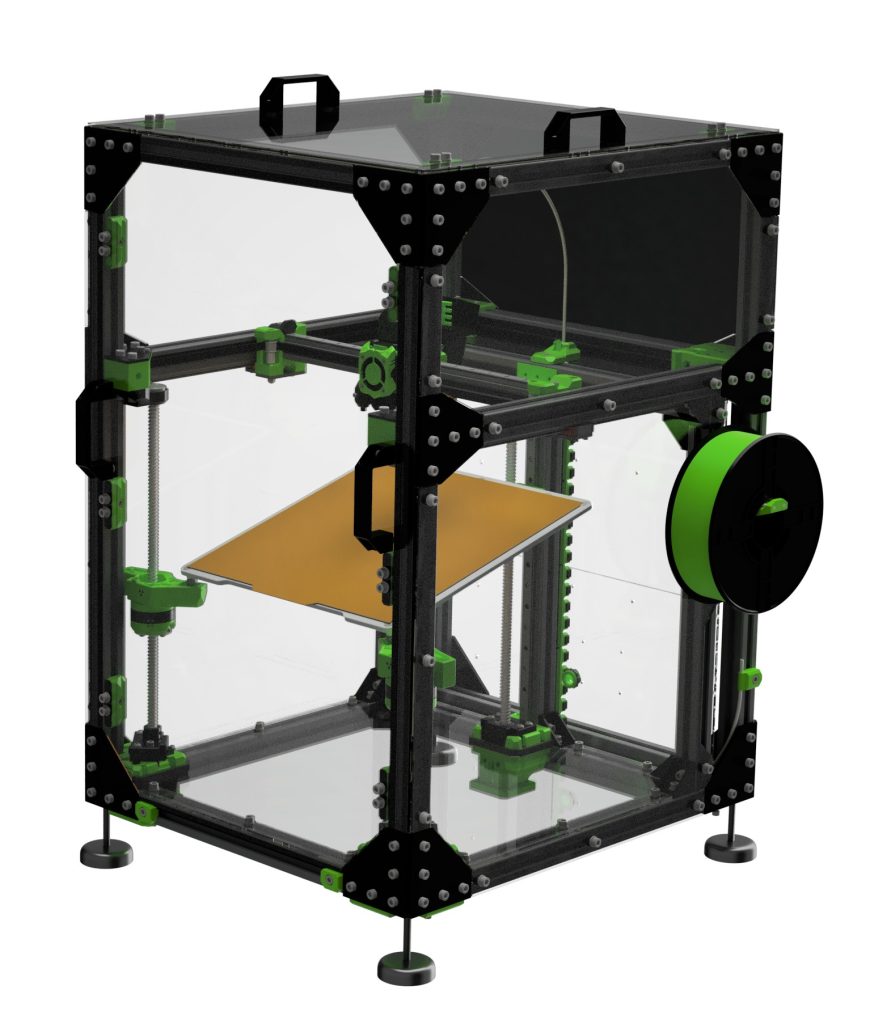
Rat Rig V-Core 3.1 ‘threefiddy’

an original 
the parts and mods 

the electronics 
gantry mod 
alu xy joiners 

toolhead


Catalogue > Workholding > Machine Vices > Hold-down Clamps
When I saw these on https://www.arceurotrade.co.uk/Catalogue/Workholding/Machine-Vices/Hold-down-Clamps I knew I had to remake m fitting for mine 🙂


my vice/vise 
adjusted to 11mm 
1 down, 1 more to go 
and then there were 2


4x 0.25mm steps with a 12mm 4 flute end mill @~3000 rpm:

Sieg X2P Paulimot mini mill belt drive conversion kit

– Low speed is now up to 1500 rpm, high speed is up to 4700 rpm (approximate values, was 1100/2500)).
– The small pulley has a 9 mm bore with 3 mm keyway. The large pulley has a 30 mm bore with a 5 mm keyway.
– Super precision aluminium pulleys.
– Special Polyurethane 60 degree V belt for small pulleys. Minimum flection resistance, minimum power loss, maximum belt life. Polyurethane 60 degree V belts (Mitsubishi) performs appropriate and best results for small size pulleys.
– More lightweight and aesthetic, higher durability.
– Wide sliding mechanism for a easy belt change.
– Practical automatic locking mechanism for the work spindle.
– Belt cover can be replaced quickly.
– Easy installation in a short time. Moreover, without making permanent changes to machine. via https://www.mbbilici.com/
Well, I chose to remove the plastic gears and axle with bearings, gear shifter etc 😉
Communication and shipping were excellent, needed a little wiggling to get the pulleys on the same height on my X2P, overall super satisfied, highly recommended.
Read more
Sieg X2P Mini Mill Drill
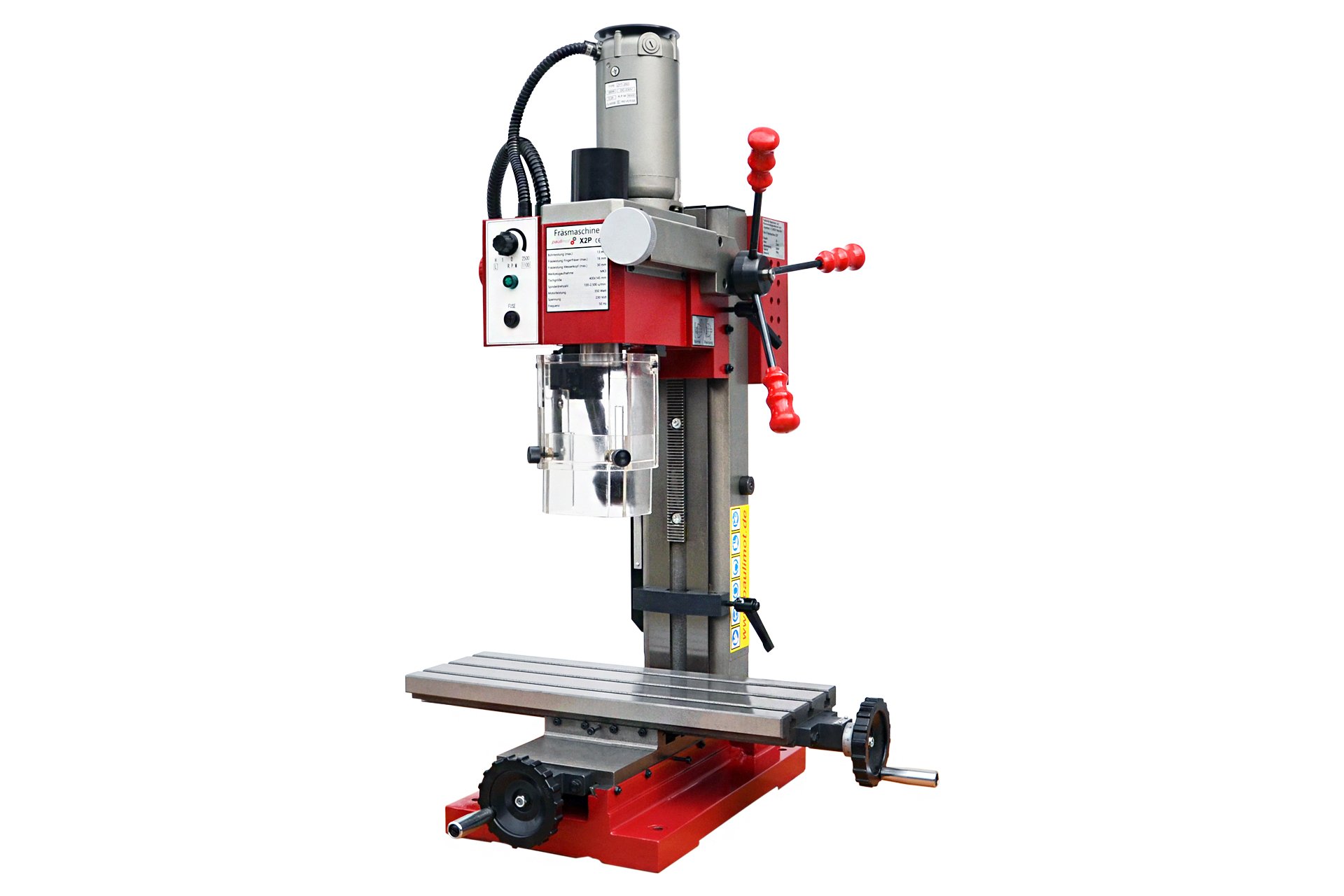
• X2 mill with fixed column and large table
• Cast iron for vibration free running
• 500W variable speed motor
• Coarse down feed for drilling operations
• Fine down feed control for accurate tool height setting
The SIEG X2P is a 230-volt drilling/milling machine with a speed range of 100 to 2,500 rpm. It is powered by a 350 watt brush motor. The power is transmitted via a 2-stage gearbox. A shift lever is used to choose between the high and low speed ranges. The speed can be continuously regulated within the two speed ranges. Thanks to the reduction in the gearbox, the X2P has sufficient torque even in the low speed range. There is no quill installed in the X2P. The feed in the Z direction is carried out by moving the milling head using a quick adjustment with a star handle or using the fine feed that can be activated. Milling and drilling work can be carried out with repeatable accuracy using the adjustable depth stop on the Z-pillar. In relation to its size, the X2P has large travel distances in the X and Y axes. All guides can be adjusted without play using pressure strips. The speed controller, the operating light and the holder for the fine fuse are located on the front of the control unit. The emergency stop button and the fault light are located on the left side of the control unit.
Read more
Another view (401)
West Coast Grooves
Whole album playslist – Guthrie Govan
The secret
Passive Desktop Monitor Controller
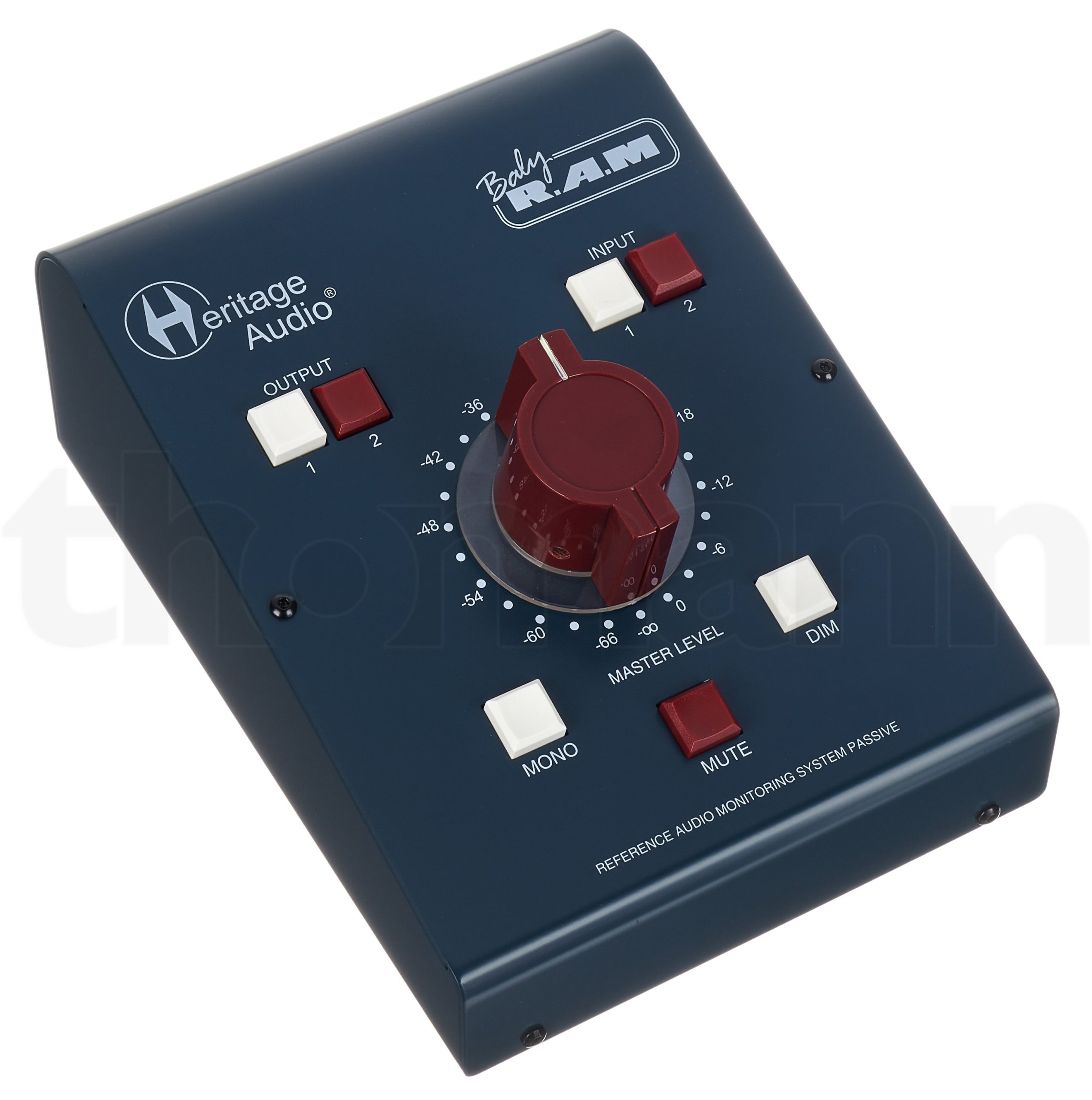
Heritage Audio’s Baby RAM is the ultimate passive-monitoring system, delivering the most transparent signal with the best stereo imaging of any other passive designs available!
The Baby RAM is a boutique, passive-circuit monitor controller inspired by classic European console designs. A Baby RAM is the ultimate controller for total transparency — a zero-compromise signal path, paired with a simplified control set ensures your monitors receive the cleanest, purest signal possible without unnecessary complications.
The Baby RAM proudly features a 4 gang, 24 step rotary switch for volume as opposed to cheaper stereo potentiometers, which means the precision of your stereo signal is perfect on every position as well as offering a subtenth of a dB precision on every single attenuation position! Baby RAM also has no insertion loss, meaning that there’s no extra coloration, signal loss or degradation at any settings.
Even though the Baby RAM packs a zero-compromise circuit design, it couldn’t be any easier to use with 2 pairs of stereo inputs and outputs — both balanced and ground free (unbalanced compatible) on gold plated TRS jacks. Mute, Dim, Mono, and Volume monitoring controls make the Baby RAM a breeze to work with. And with it’s passive design, it also means you have no concerns with bad power supplies, as no electrical current is needed!
The Baby RAM is built with the most cutting edge methods in manufacturing and design, without ever compromising audio quality or cutting corners.
Read more
Taig Peatol Grimberg mini lathe
After not liking some elements of the first lathe I got, the Emco Unimat 4 I went looking for another one, that did have those features or differently than this Emco, while still being quite small in size, but not capability.
An Emco Compact 5 was an option, cause it could also do threading, but most for sale were too expensive for their age/usage and not a lot were offered anyways. The 2 major other ones were Sherline and Taig (also known als Peatol or Grimberg) and even if Sherline also makes a lot of stuff in metric, you just don’t see them sold in EU much, Taig however, even if not metric, was. And then I found one.
Read more
This is the way it is done
Read more
a photo collage 🙂
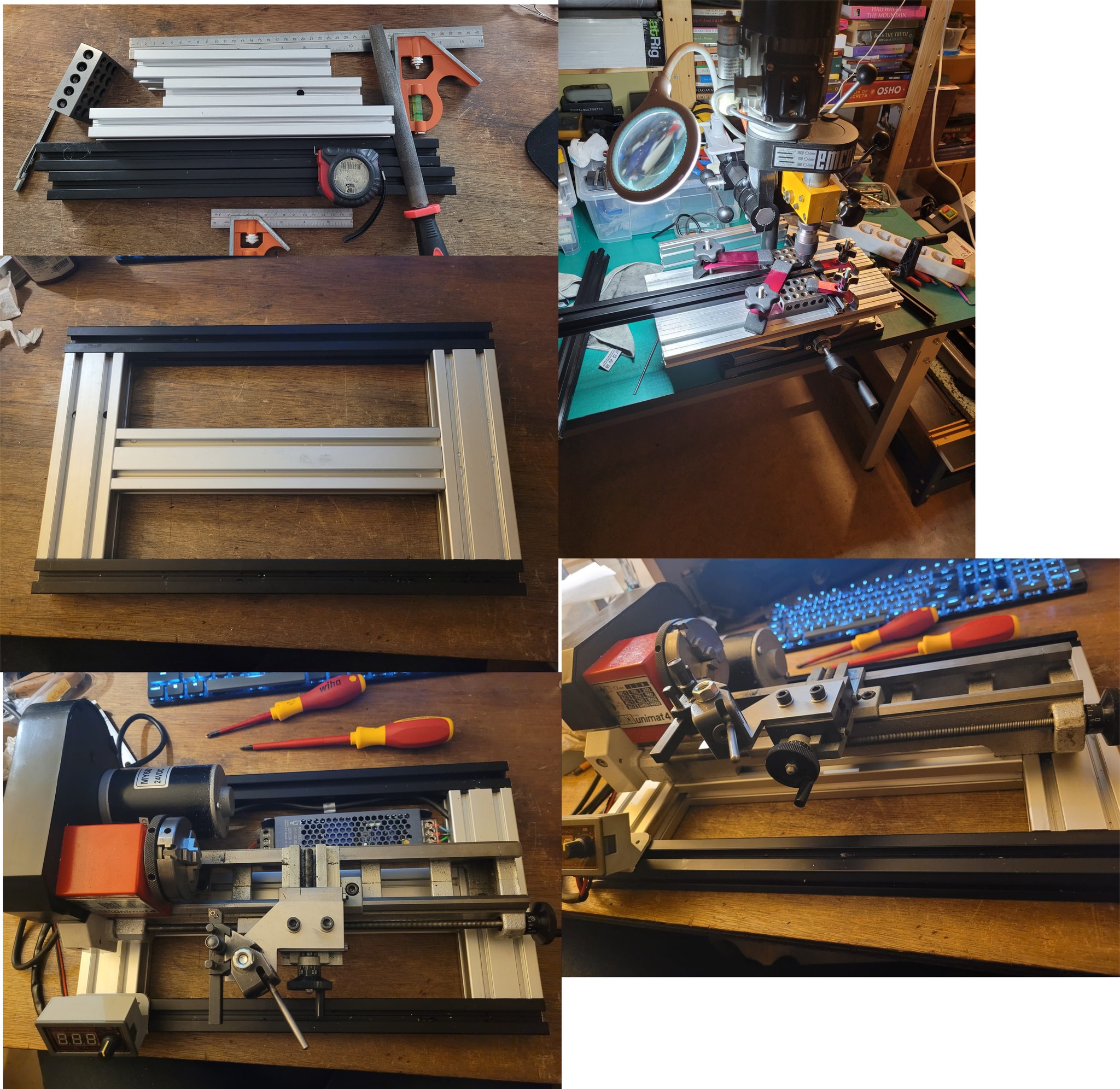
made a 3060-3030 extrusion frame with my Wabeco/Compact 5 drill/mill-press for the Unimat 4 mini-lathe with hidden joints.
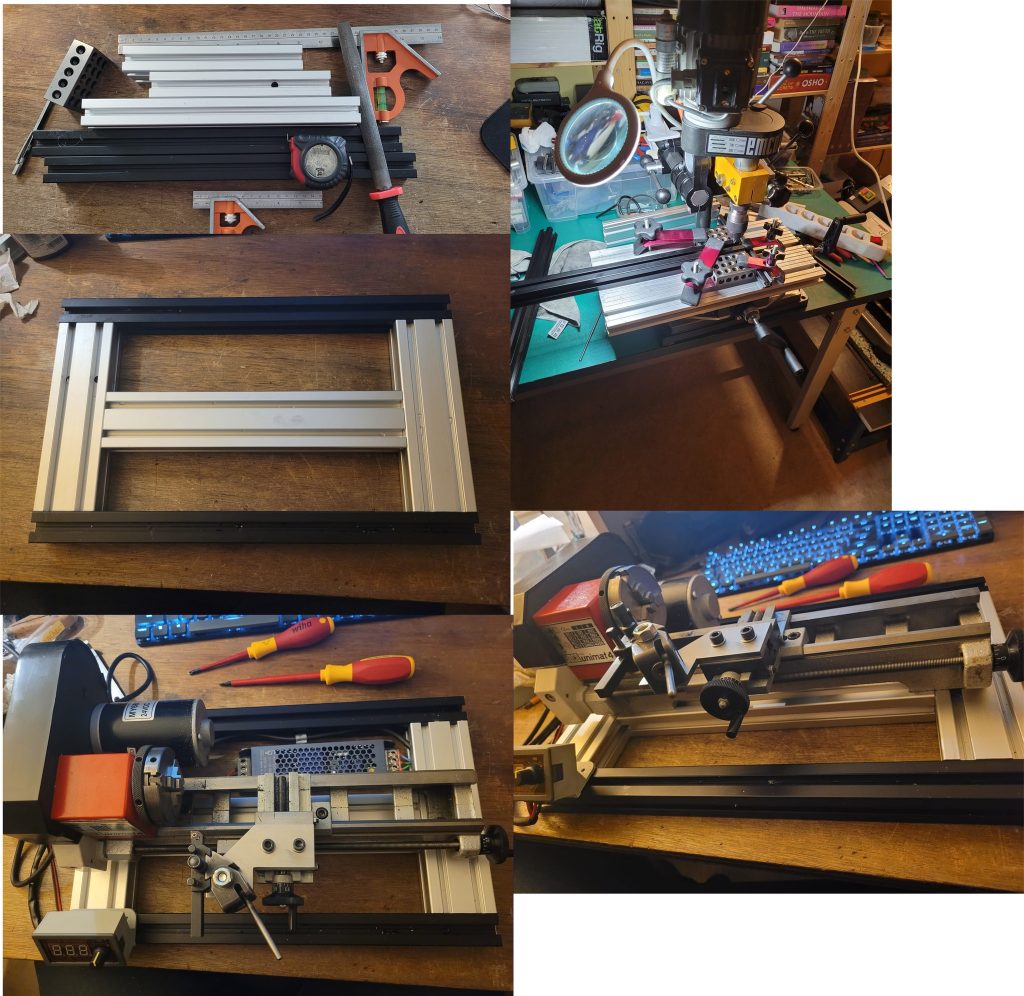
Needs a top plank (or maybe transparent plate) 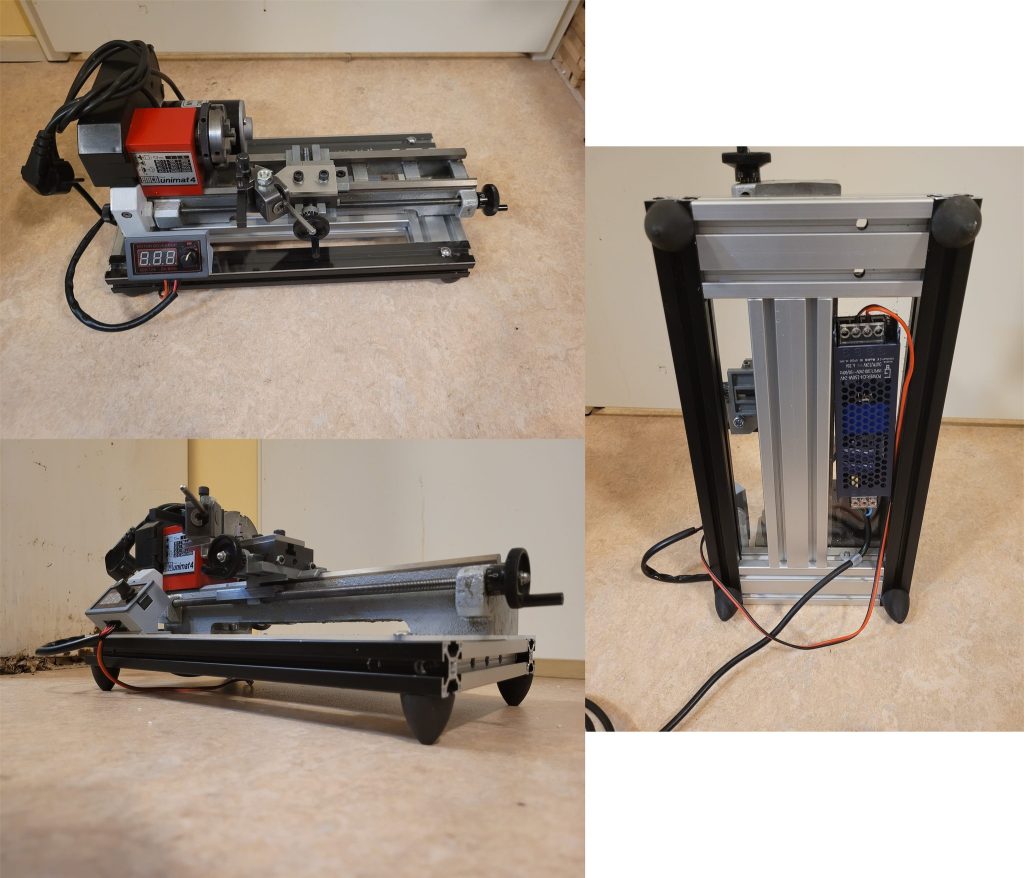
Final steps/details
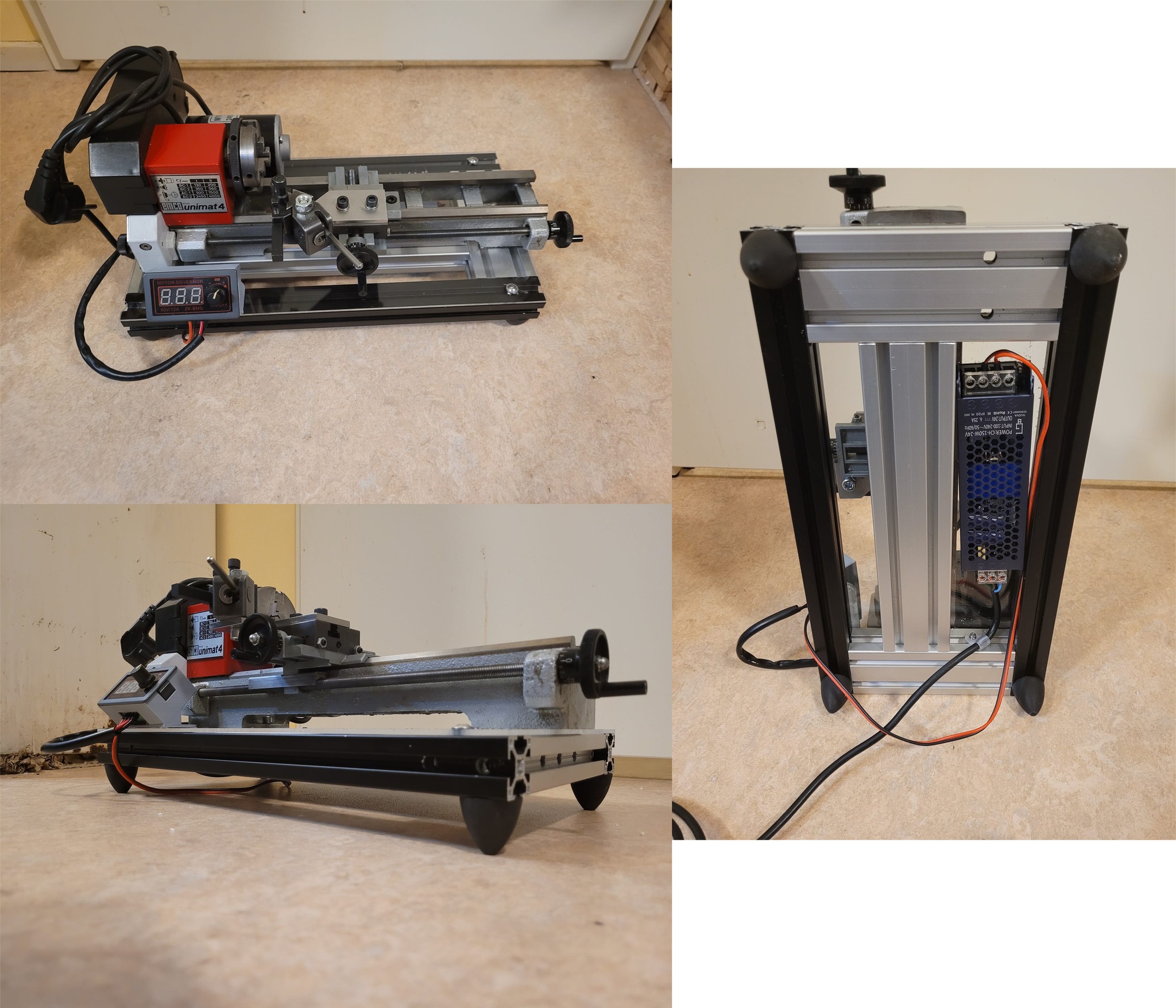
Emco Compact 5 milling head
Unimat 4 swarf fence
idea 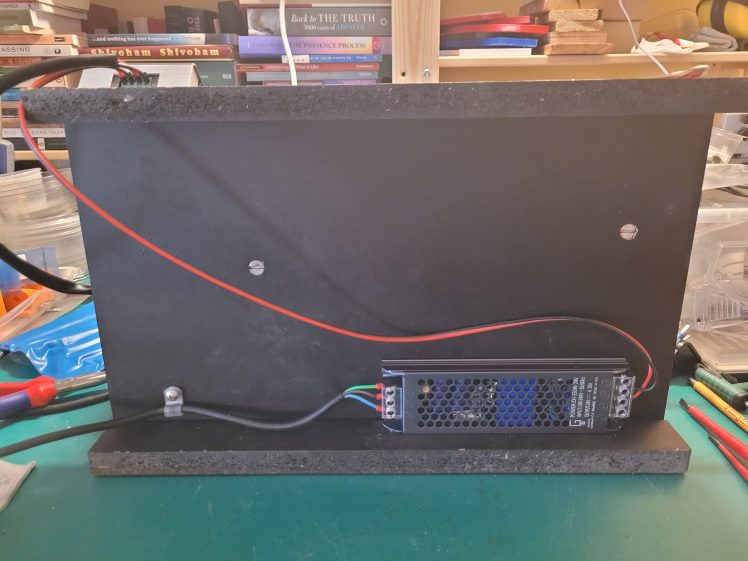
meanwhile 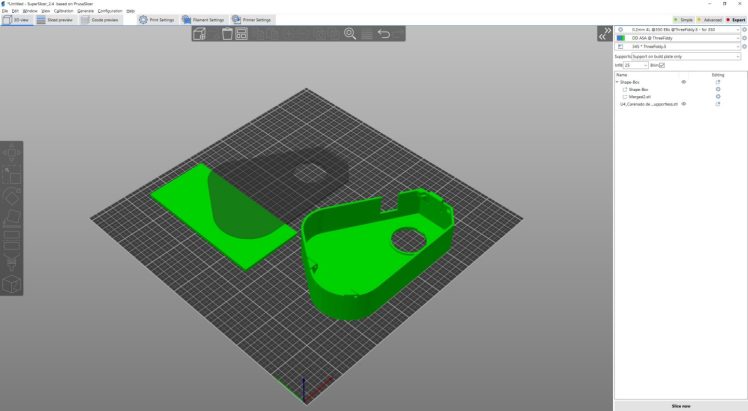
re-use 3d cad info 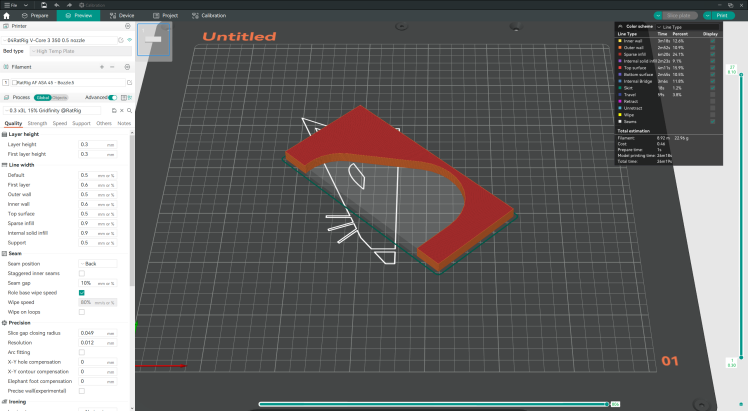
3d print router template 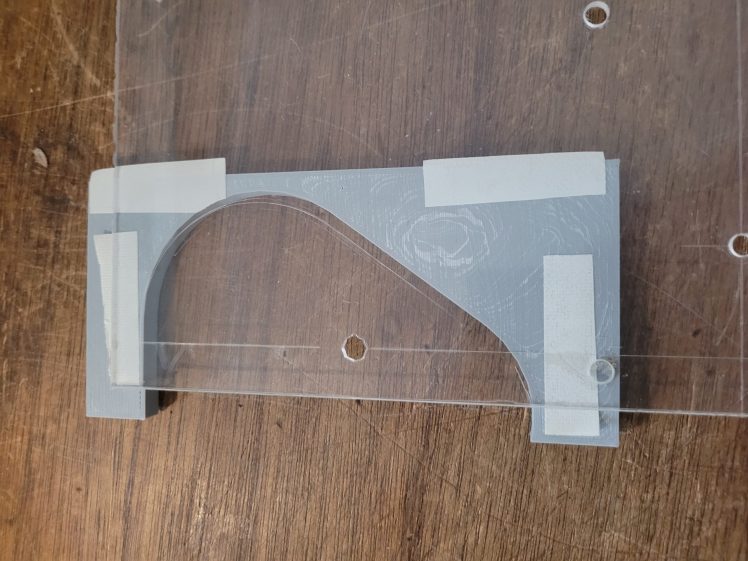
stick it 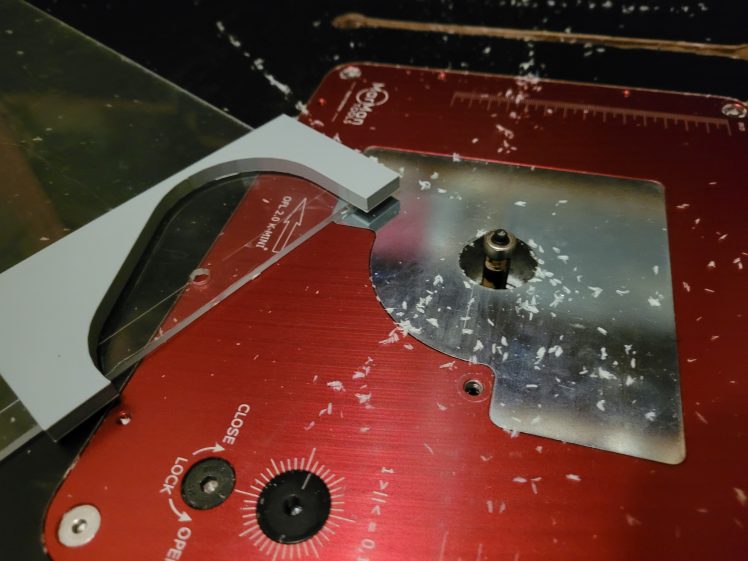
adjust routerbit height 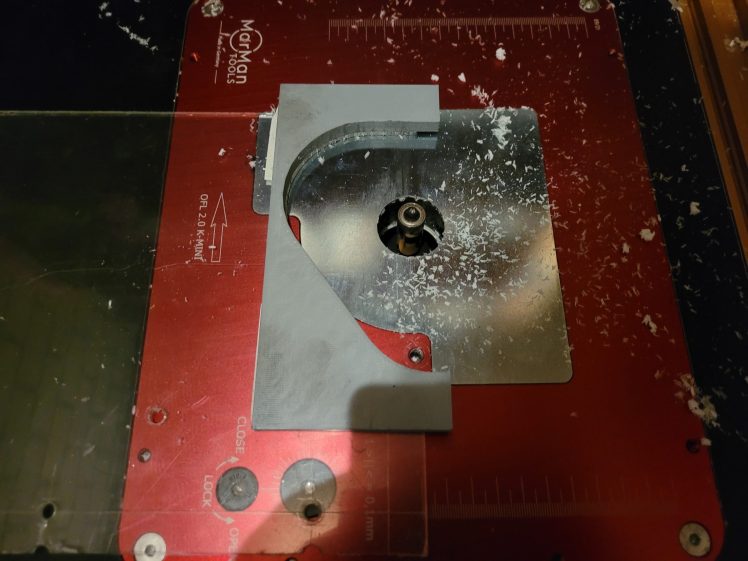
off 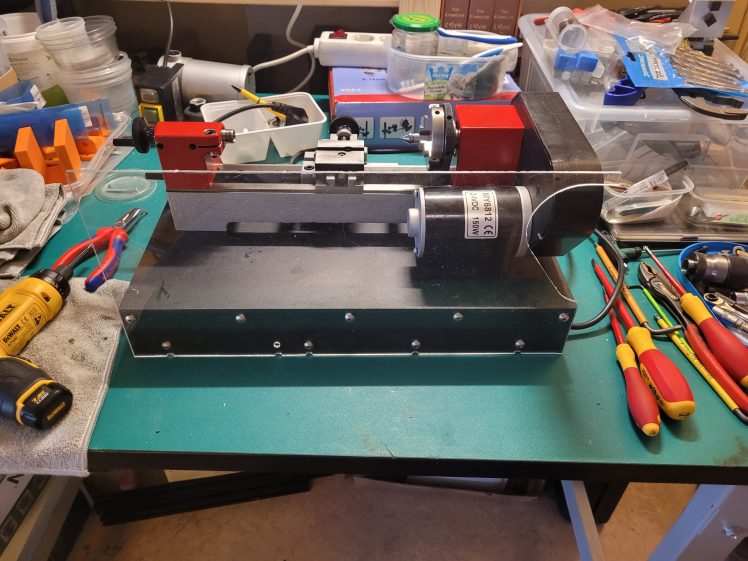
mounted 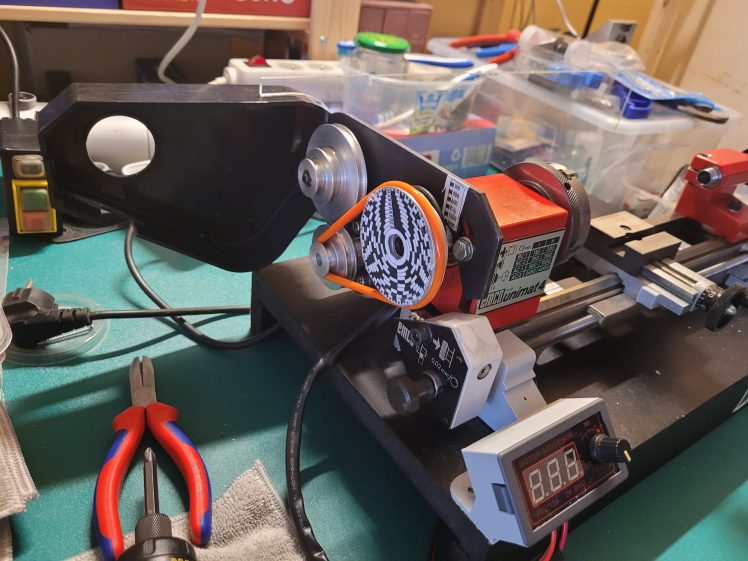
functional
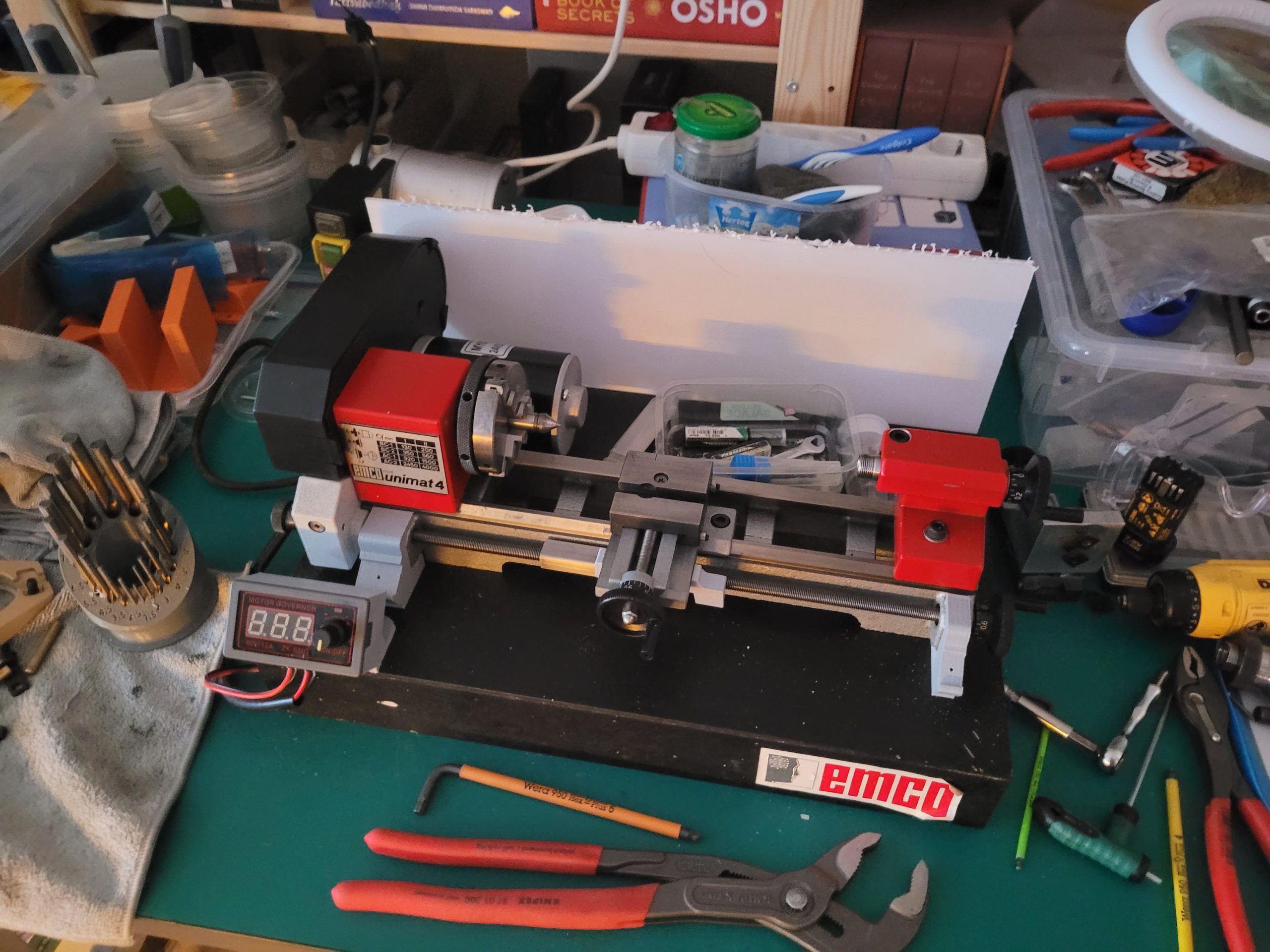
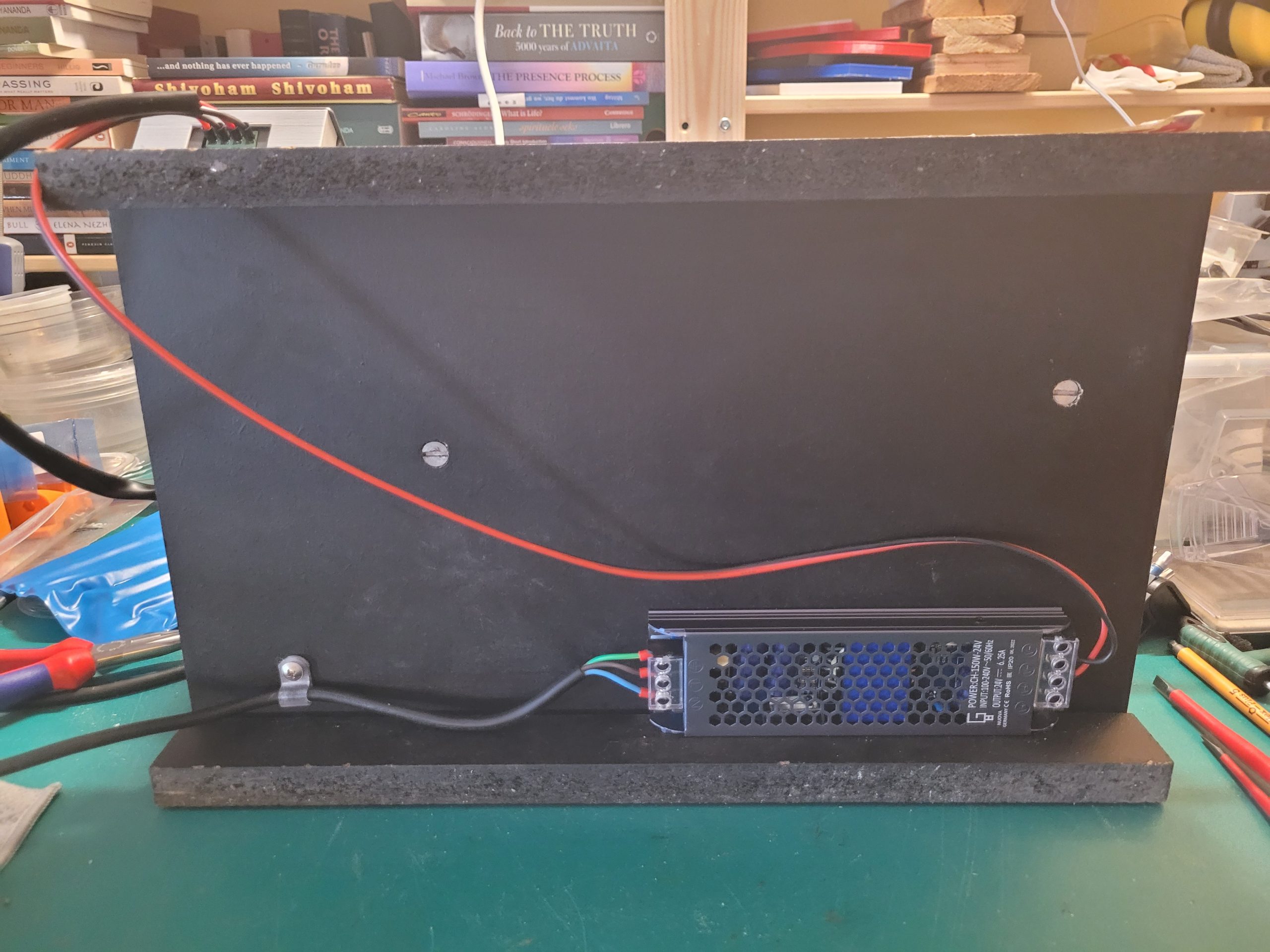
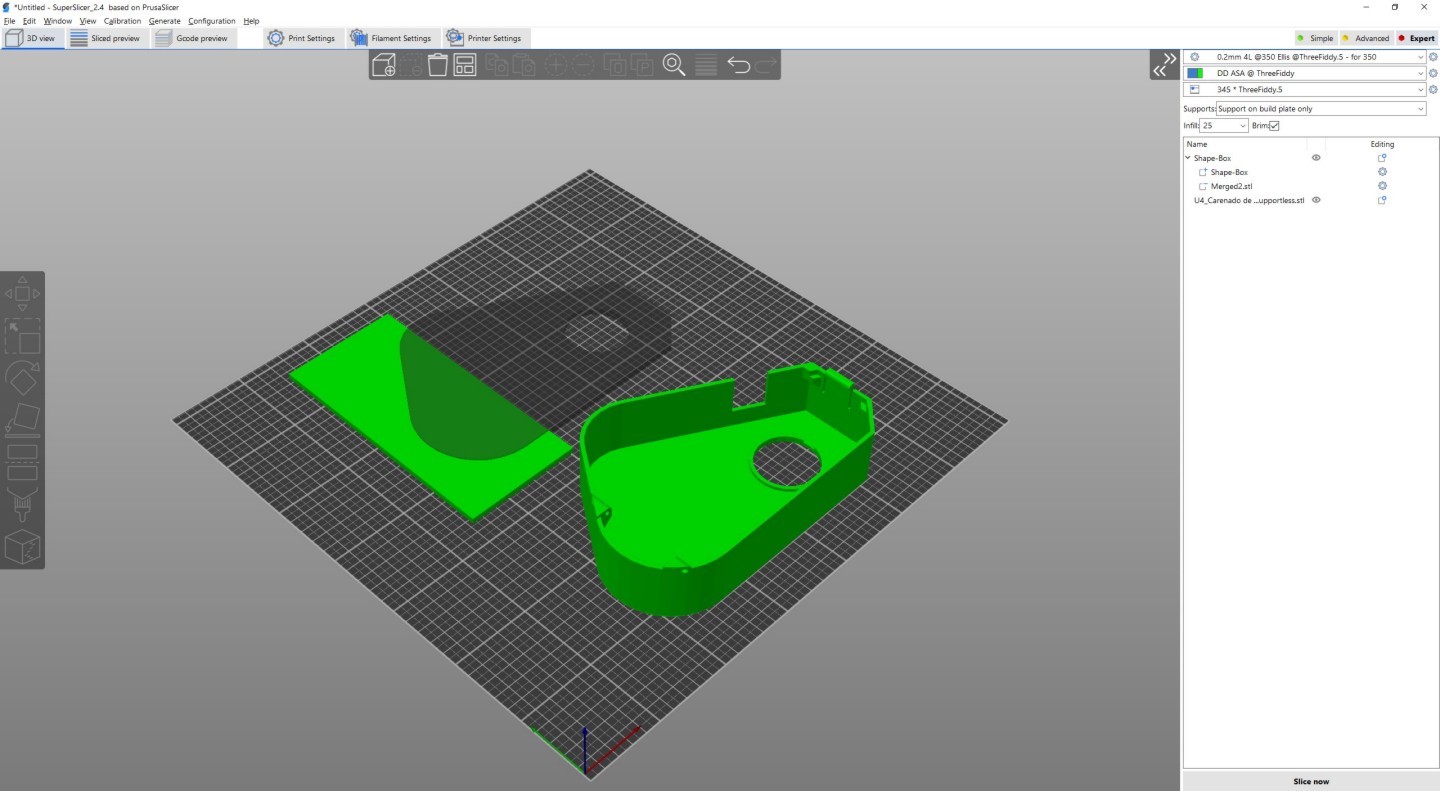
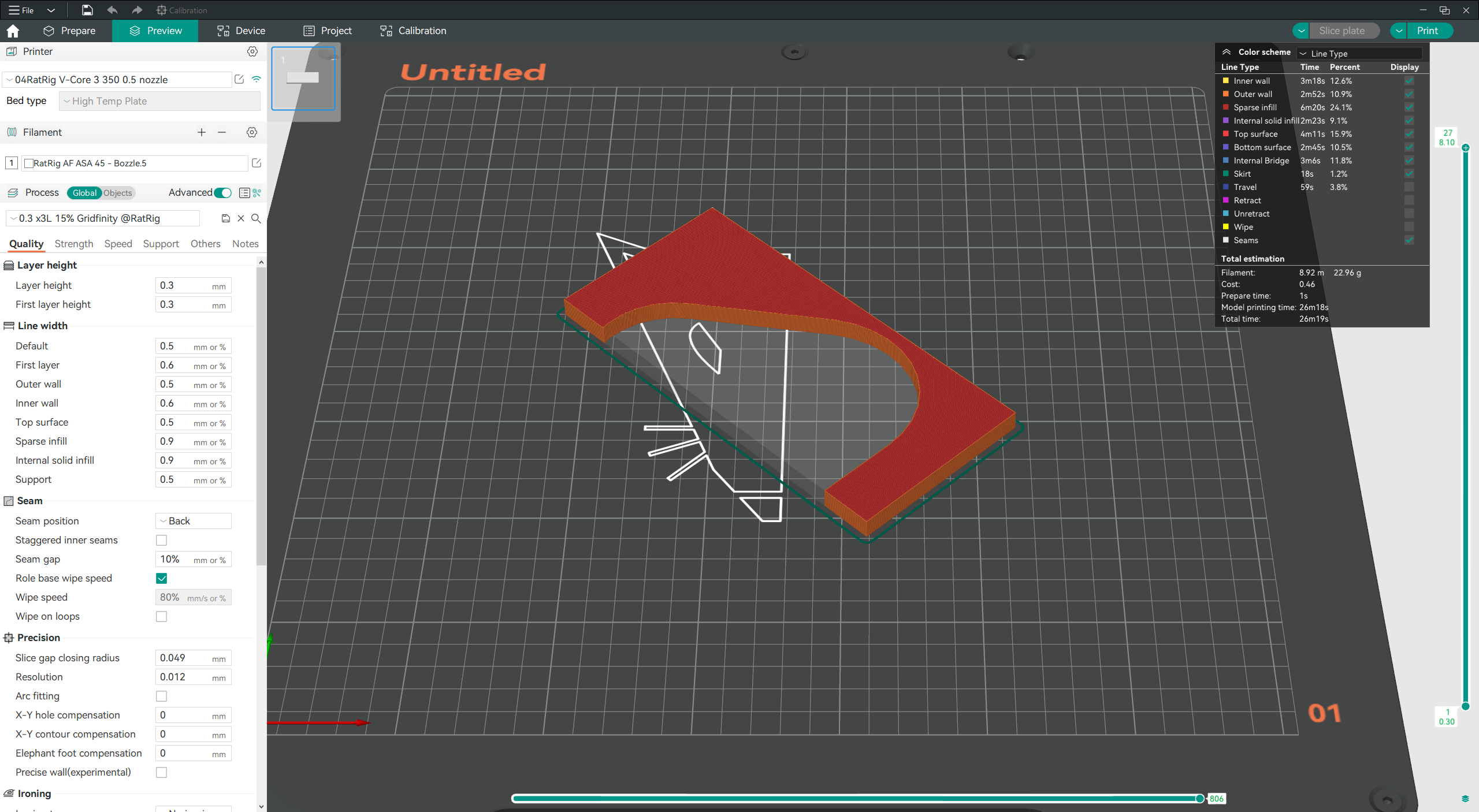
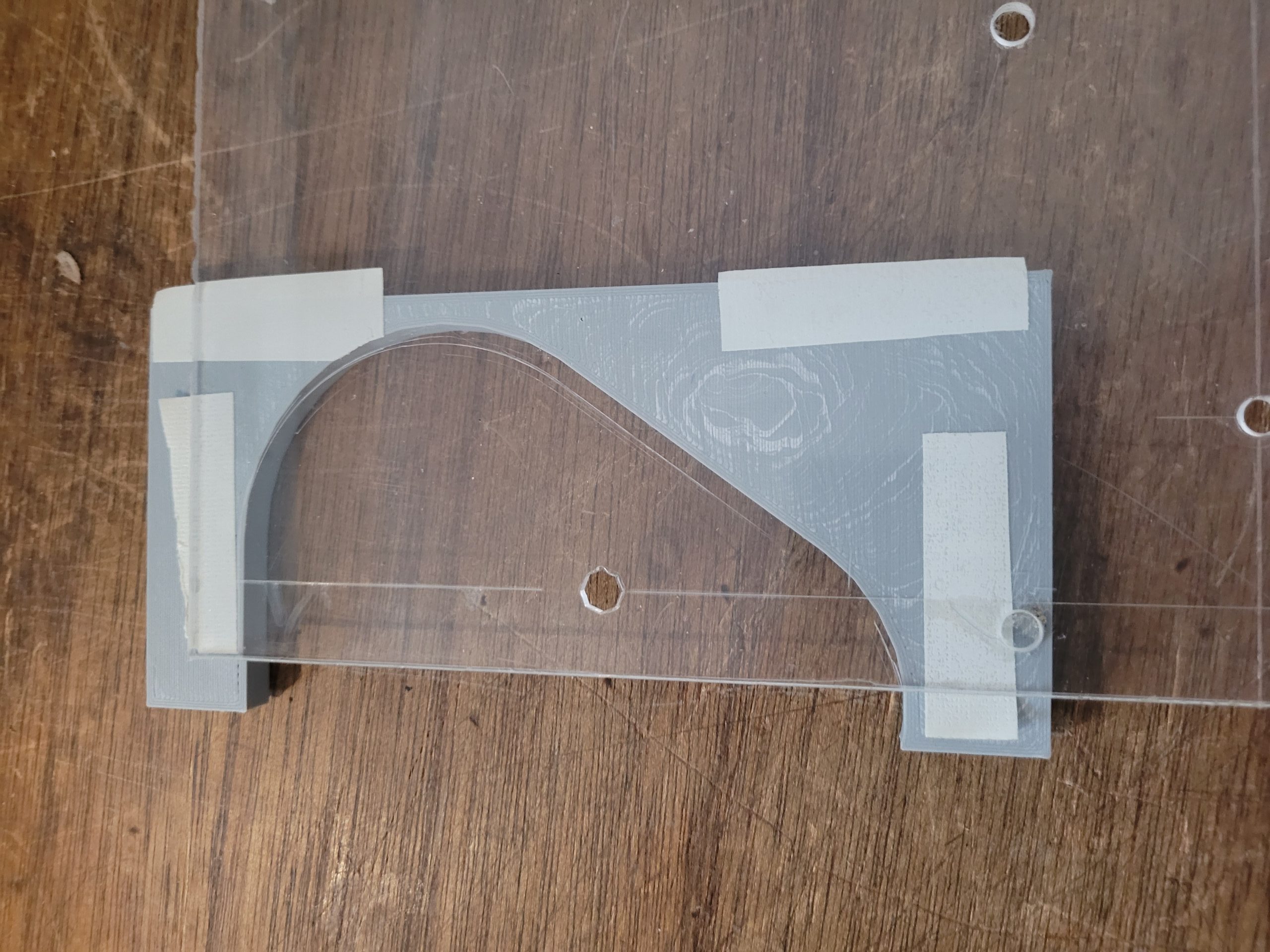
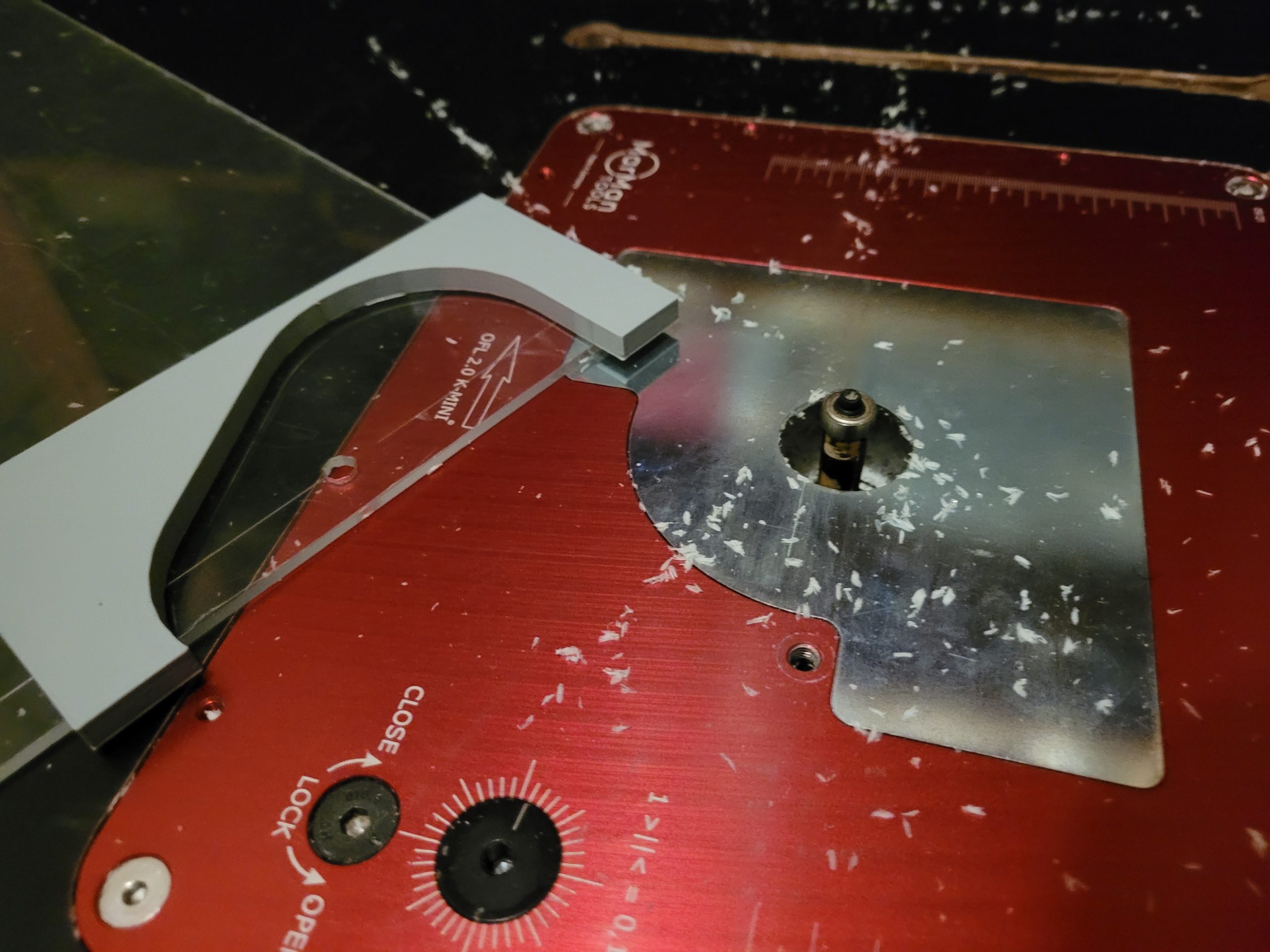
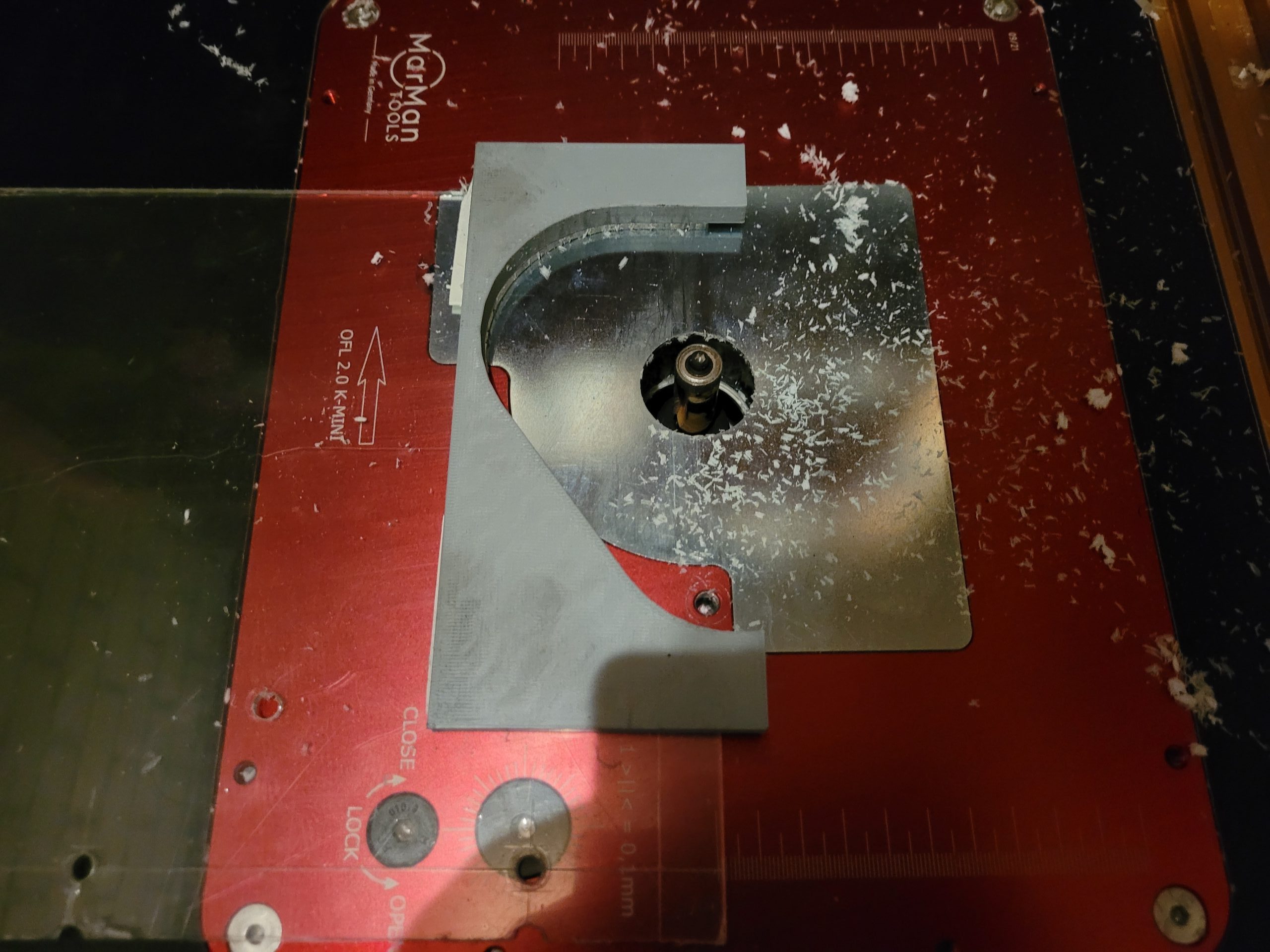
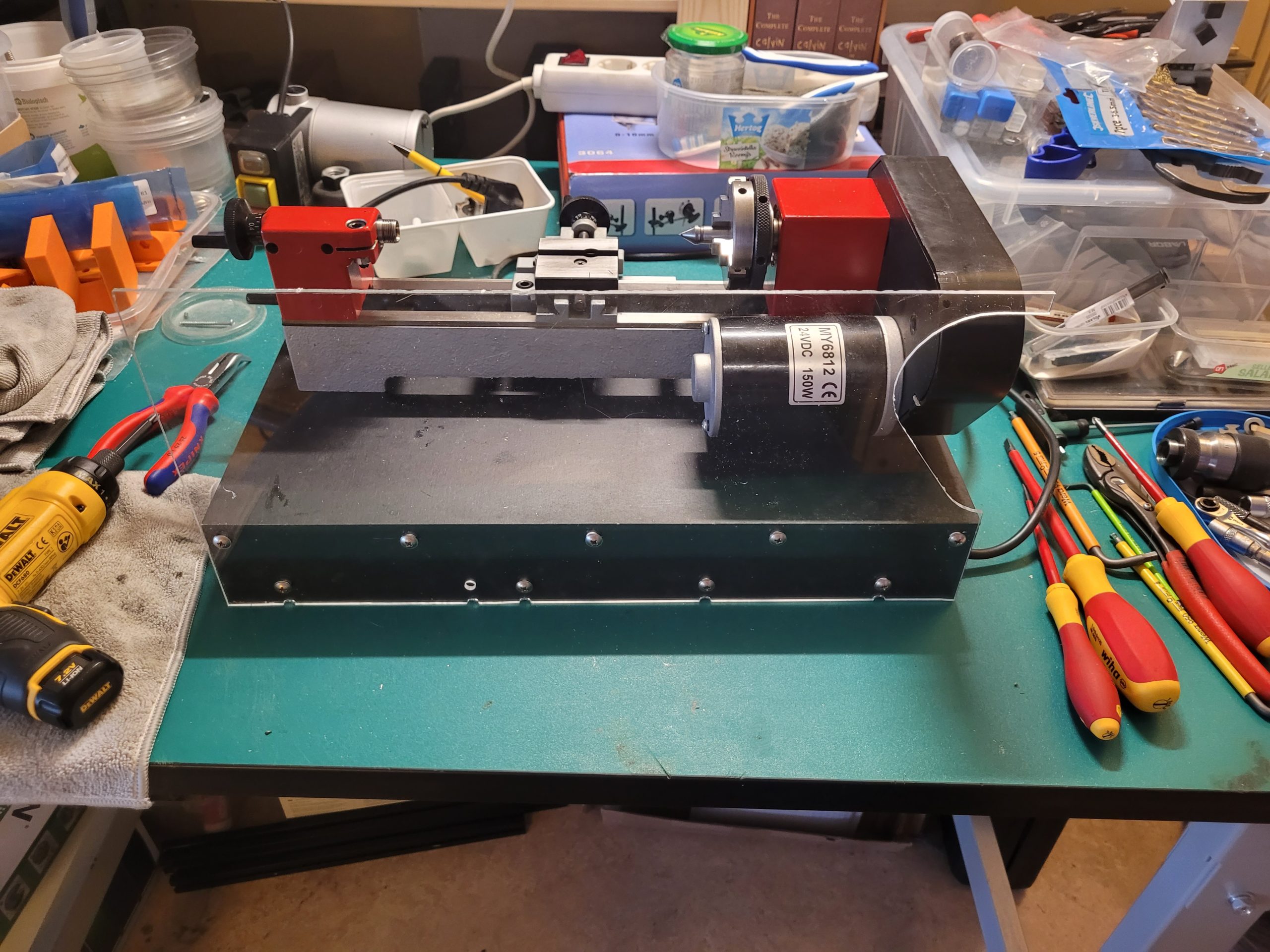
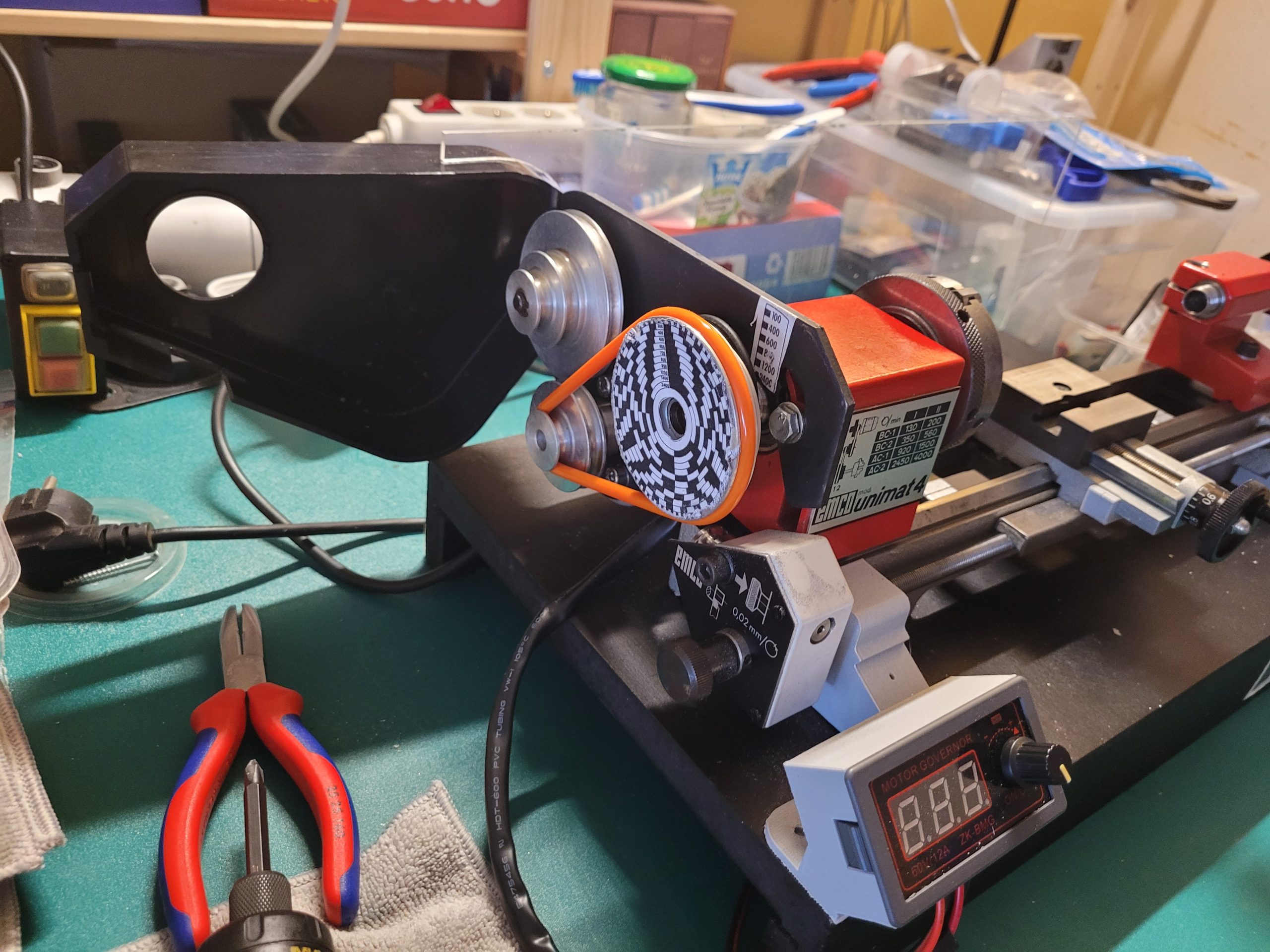
24V DC motor on Unimat 4
Read more
Série 0 Tripan 11
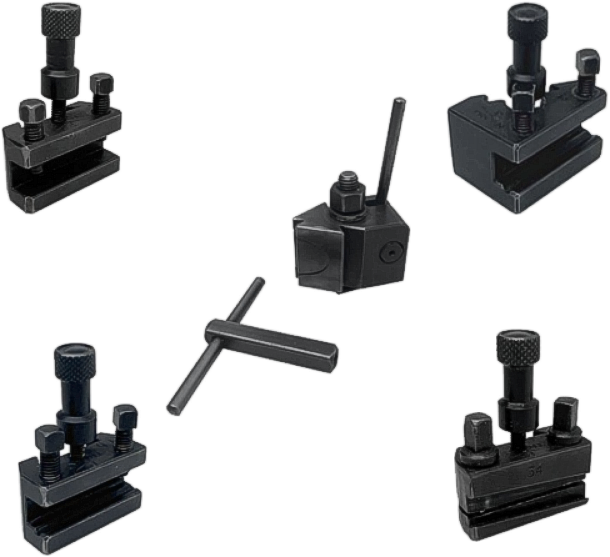
Quick-clamping toolholder with double-dovetail triangular body for taking accessories.
supplied with 1 fixing bolt and one 5-mm (13/64″) internal-square key (without toolholder) Weight: .240 kg (.529 lb)
Specification
Rational shape permitting logical positioning of the tool and ensuring unimpeded visibility and optimum clearance when using the centre. Great ease of handling and quick tool changing without retracting the carriage. Constantly accurate positioning of the interchangeable accessories ensured by seat on three faces of the dovetail of the tool-body dovetail. Absolute tool stability achieved by locking with a cam piston and by restricting the overhang to a minimum. Provision for parallel turning with two different tool positions (90° and 30°) without moving the clamping block. The 30° position of the tool is particularly favourable for roughing work, the tool being supported along its axis. The tool holders for drilling and reaming automatically re-establish the parallel position. Adjustment of the cutting height of the tool with the aid of a self-locking screw on each tool holder, avoiding the trouble of using packing pieces. Grinding of the tools without any need to remove them from the tool holders. Possibility of pre-setting several replacement tools for machining large batches. Unlimited number of successive operations possible when machining complex parts, the number depending only on the quantity of tool holders available. Provision for using tools of standard lengths, the projecting portion at the rear of the toolholder causing no obstruction.
Accessories
2-screw toolholder, length 35 mm (1 3/8″), 7.7 x 8.2-mm (19/64 x 21/64″) opening. Weight: .060 kg (.132 lb)
2-screw bar holder, length 35mm (1 3/8″), 7.7 x 8.2-mm (19/64 x 21/64″) opening with vee groove for ø8 mm. Weight: .060 kg (.132 lb)
2-screw bar holder, length 35mm (1 3/8″), 8 x 9.5-mm (5/16 x 3/8″) opening with vee groove for ø8 mm, at 30° angle. Weight: .080 kg (.176 lb)
Cutting-off toolholder, length 35 mm (1 3/8″), for 8 x 2 mm (5/16 x 5/64″) tool with double-cut profile. Weight: .60 kg (.132 lb)
Read more
Lathe Die Holder
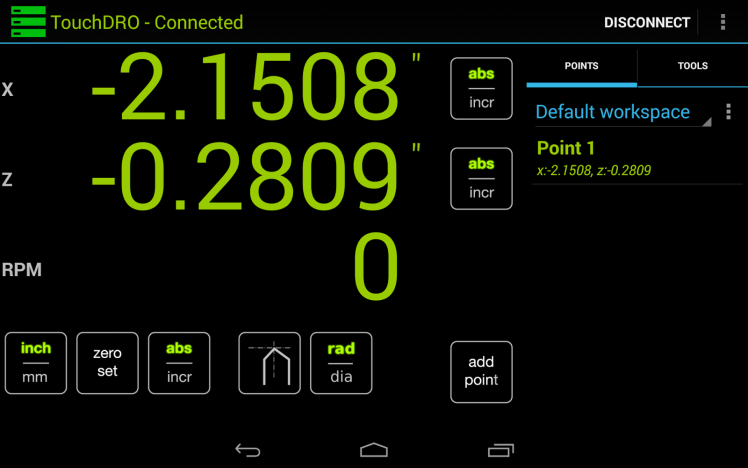
TouchDRO
Emco Unimat 3 & 4 undertray
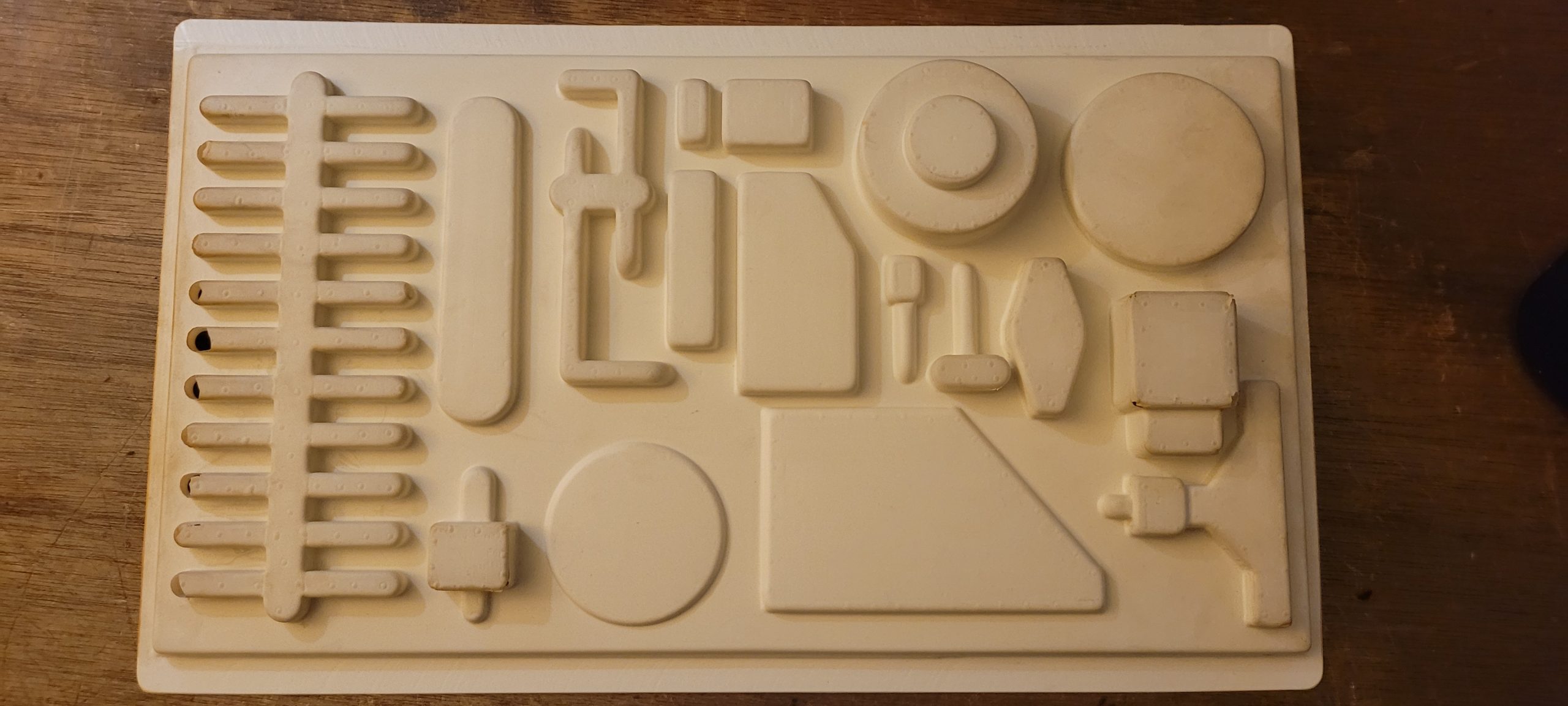
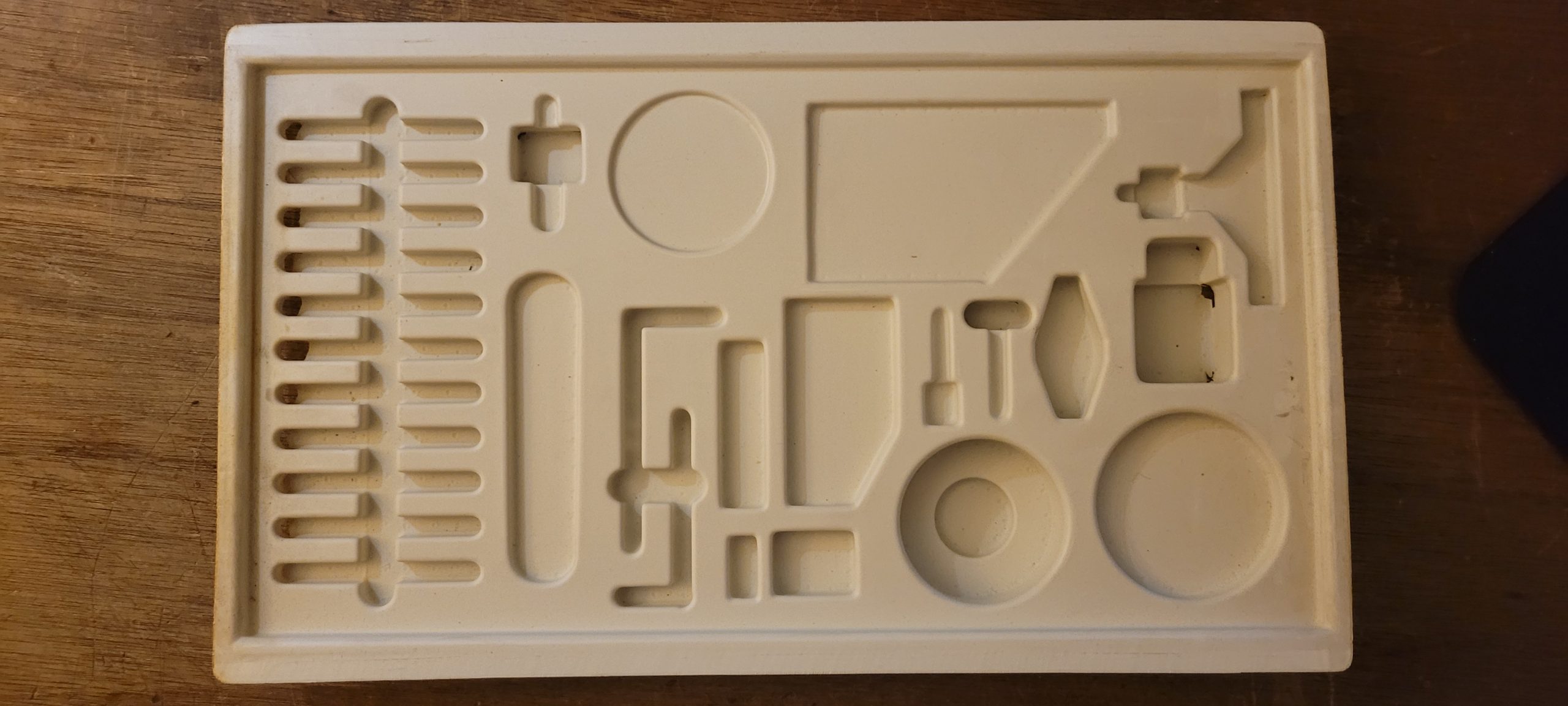
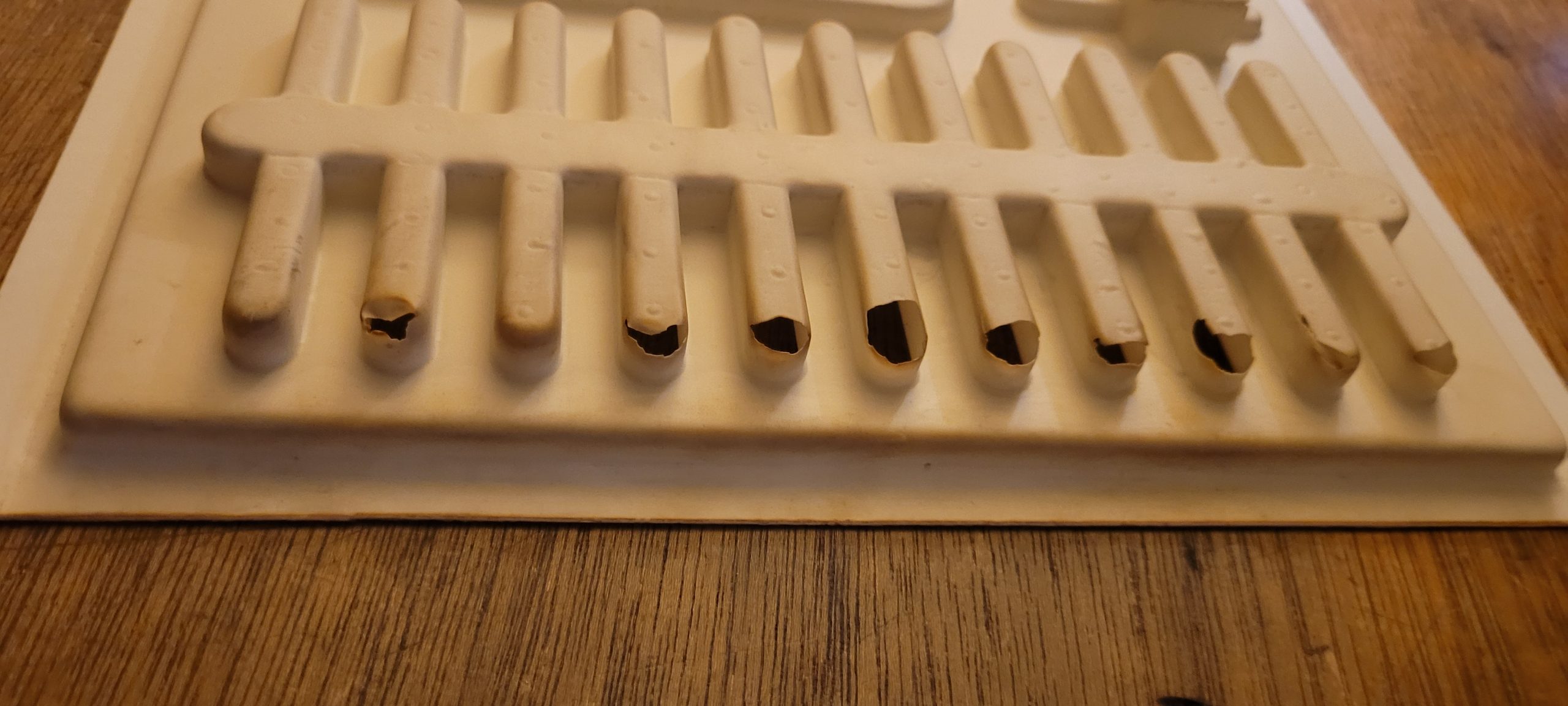
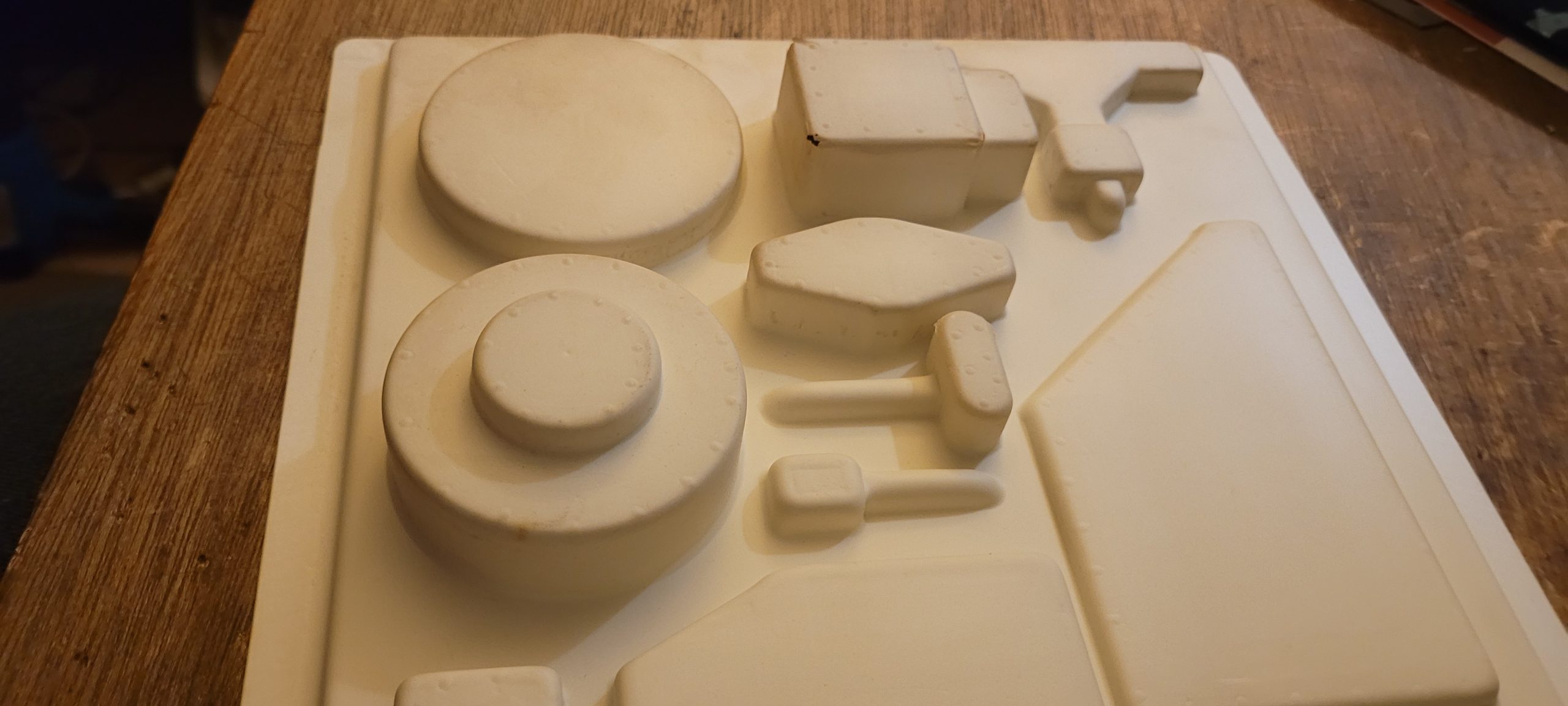
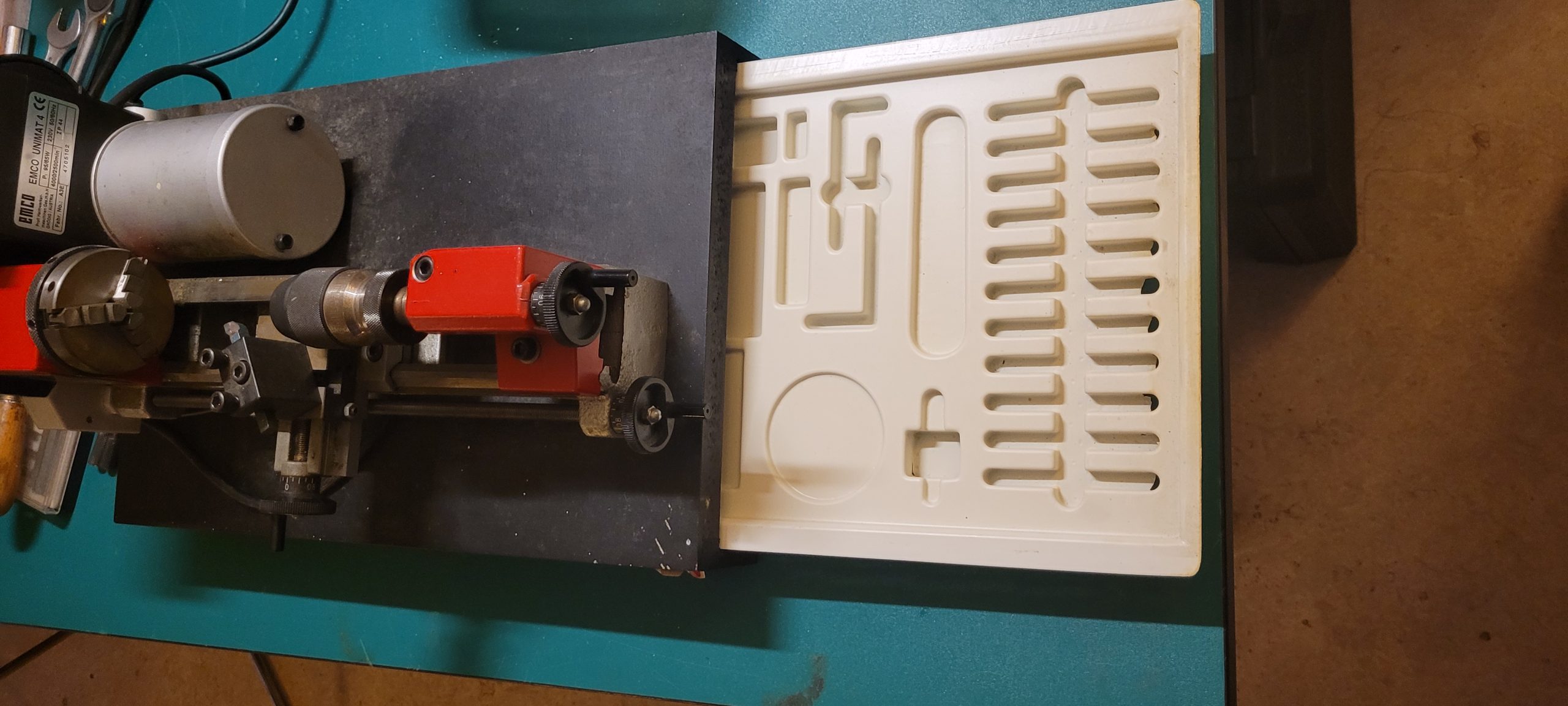
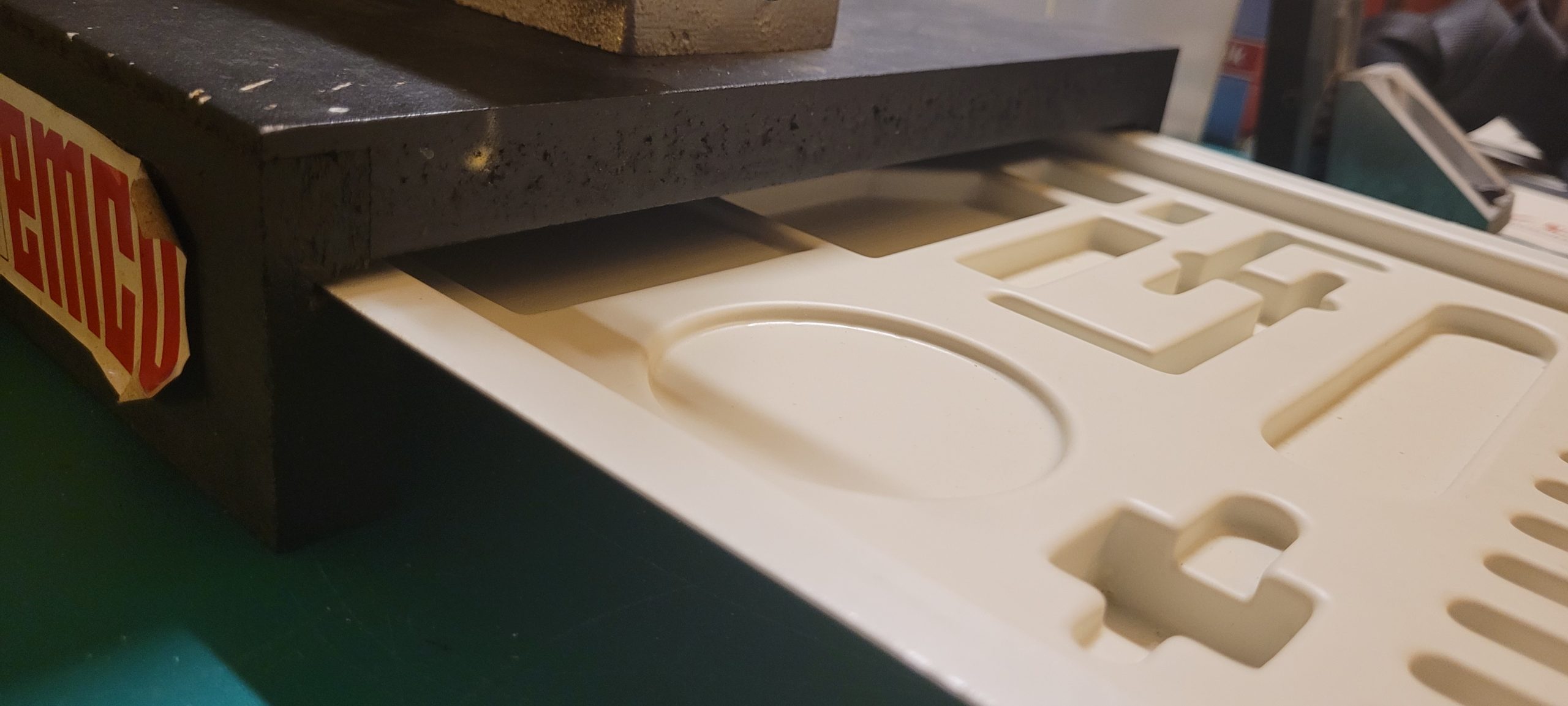
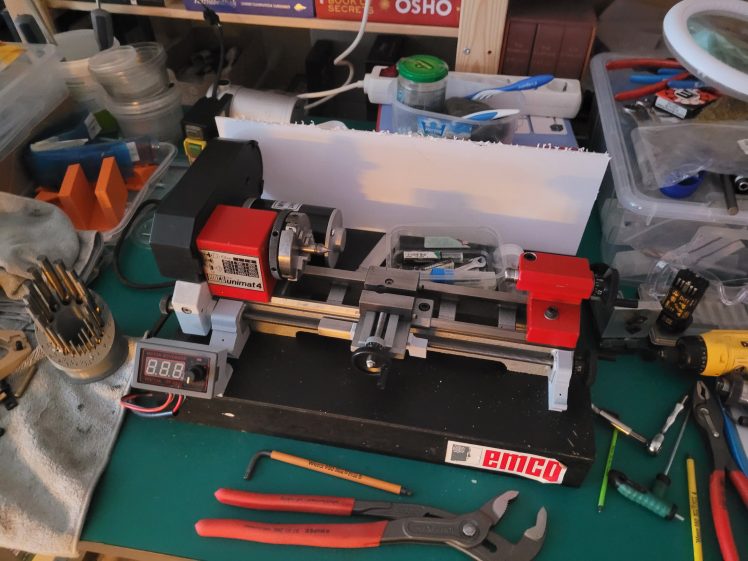
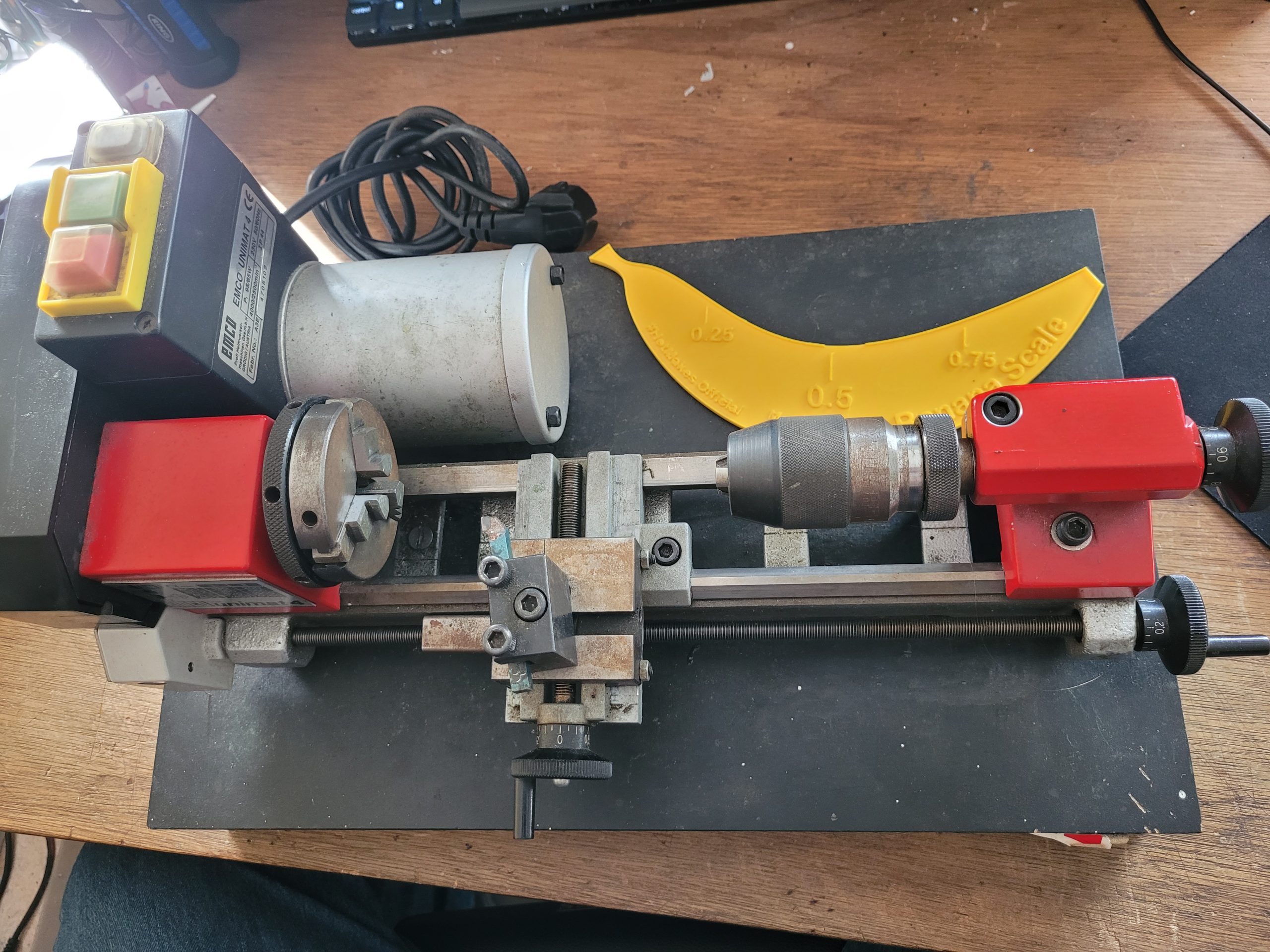
Emco Unimat 4
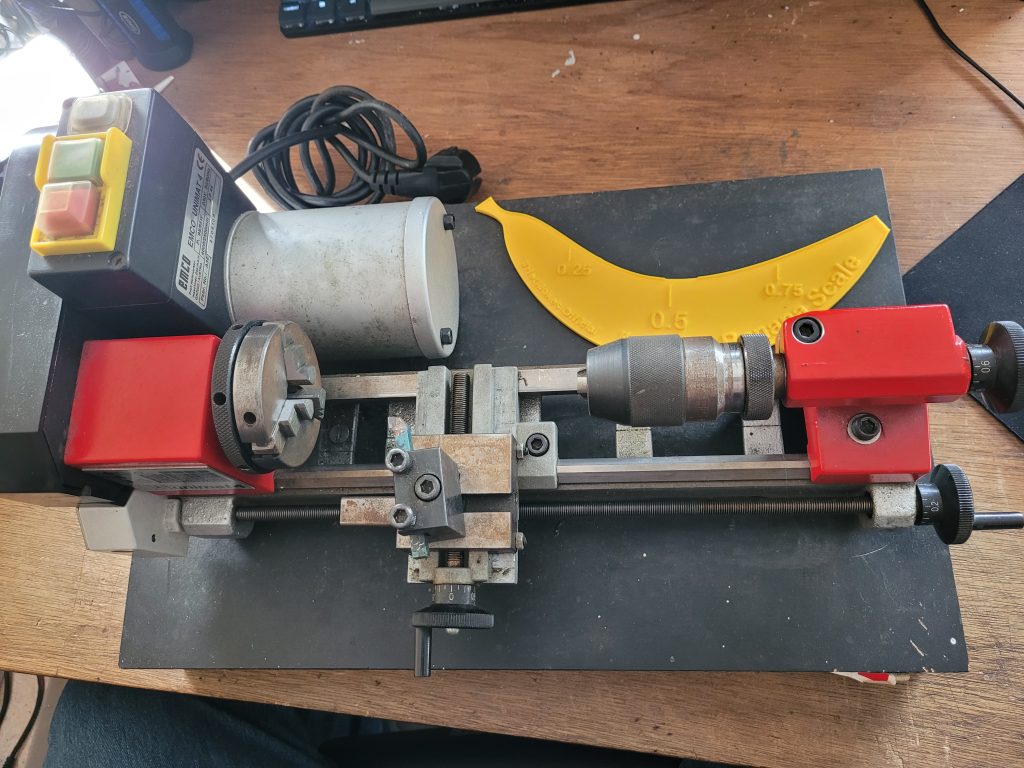
from first owner 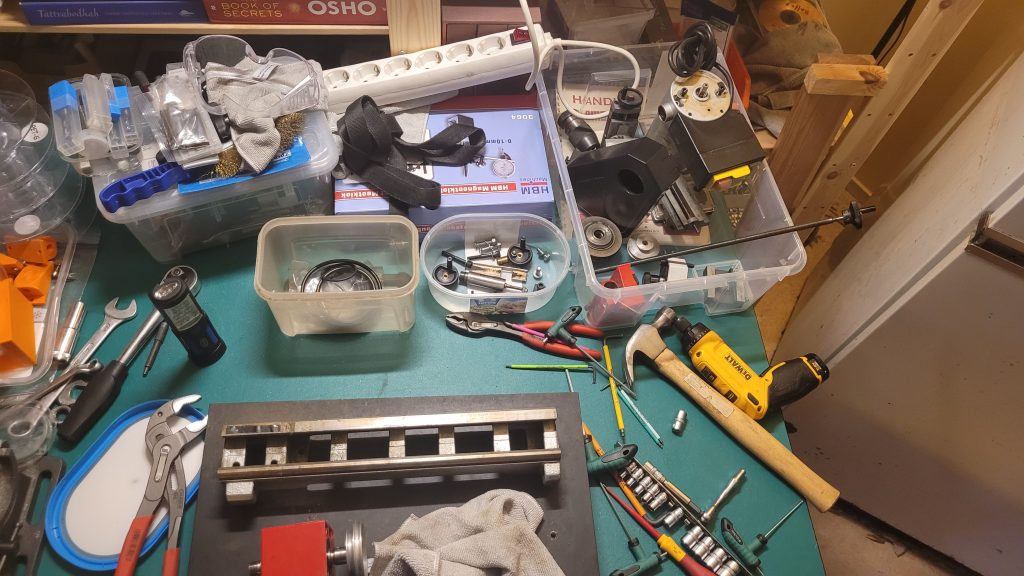
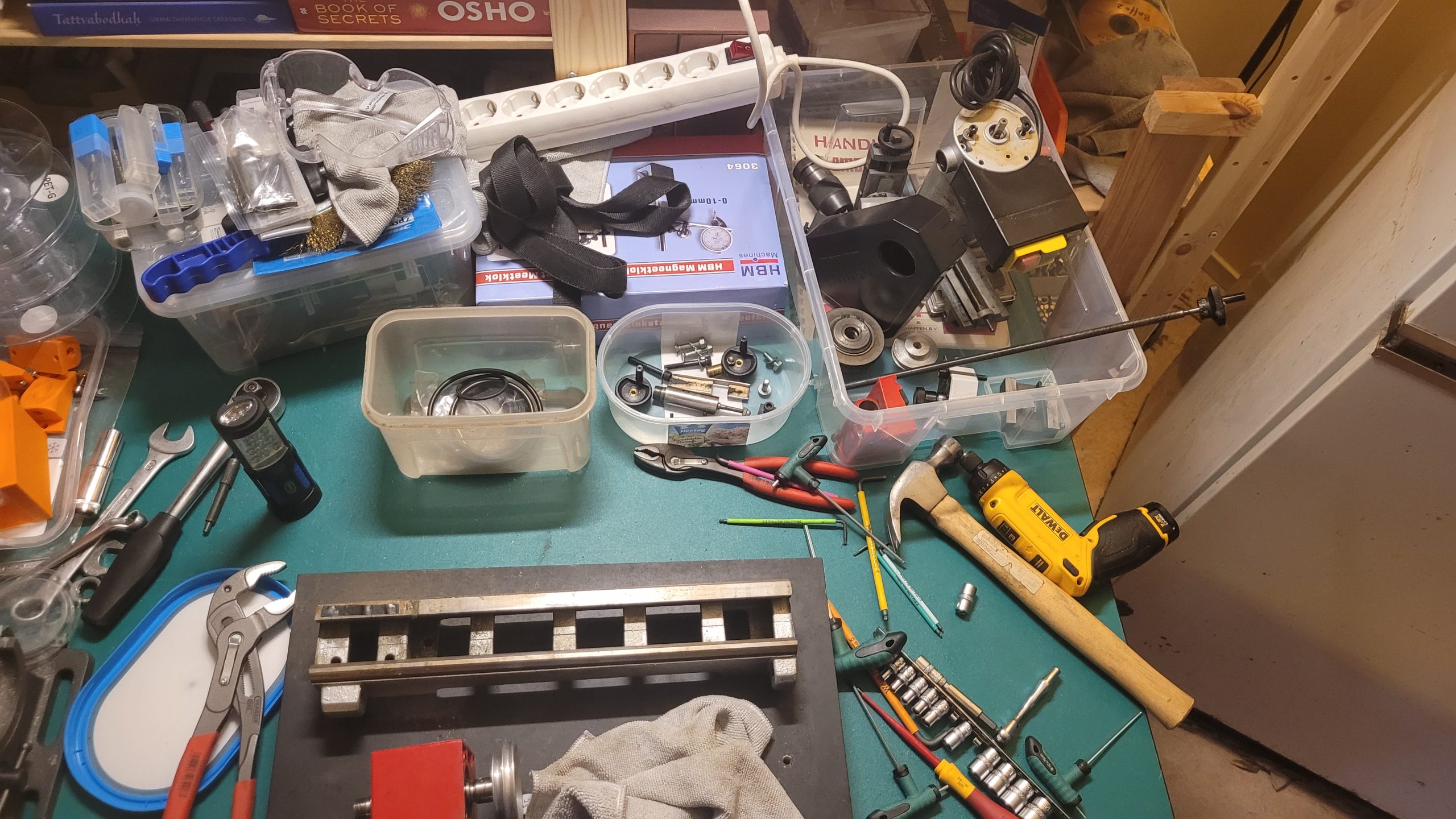
Taken apart, for cleaning and re-oiling
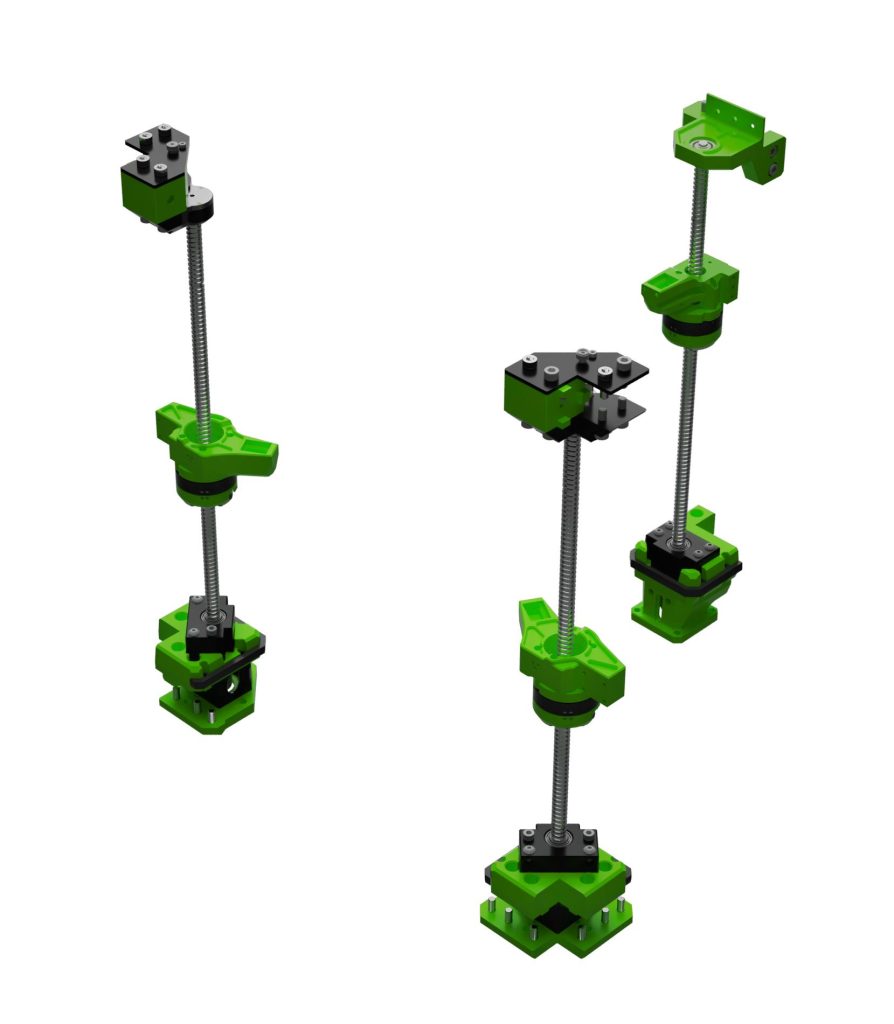
Z-Upgrade 2.0 (Vcore 3.x)
More info: https://hackaday.com/2018/11/13/mechanisms-lead-screws-and-ball-screws/
Open, honest and real
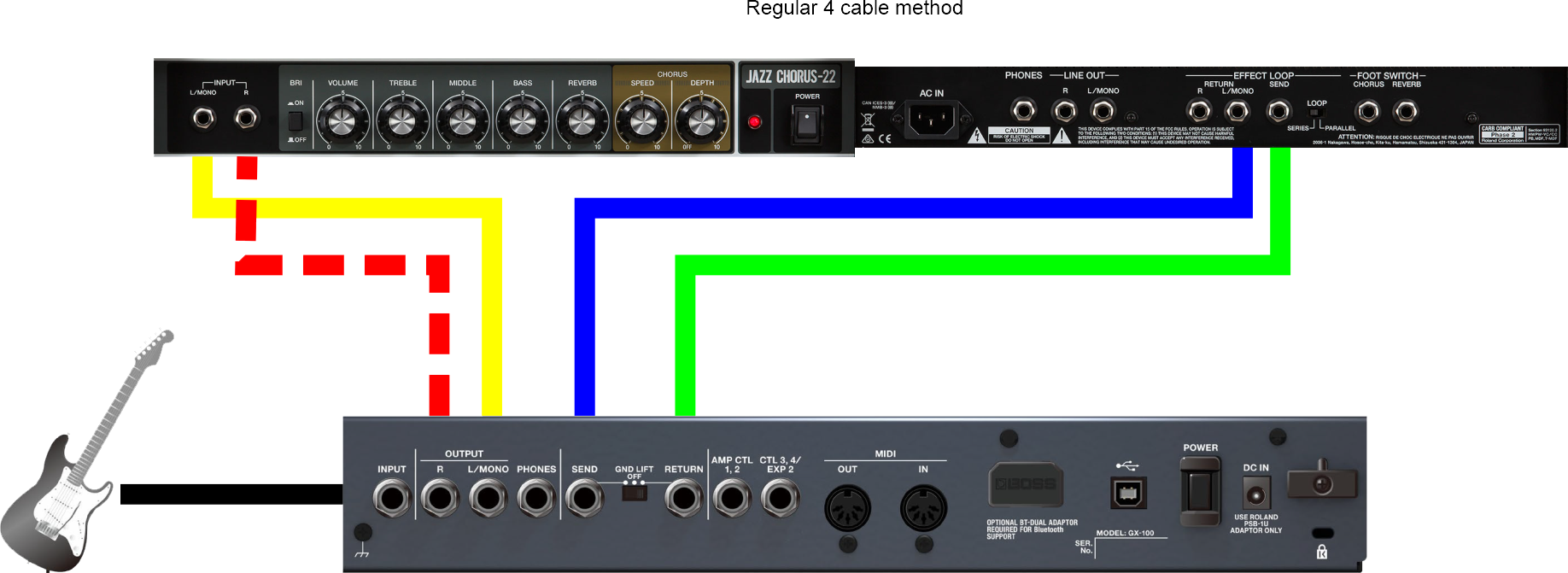
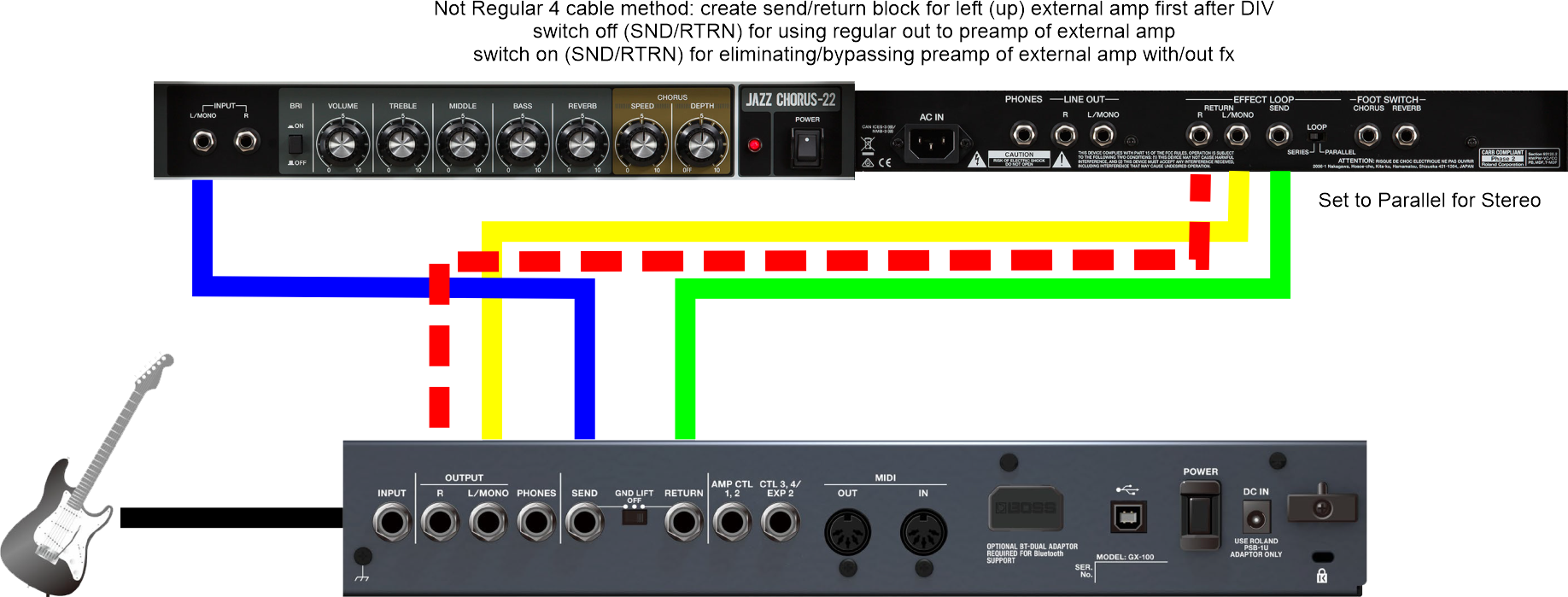
Two 4 cable method(s)
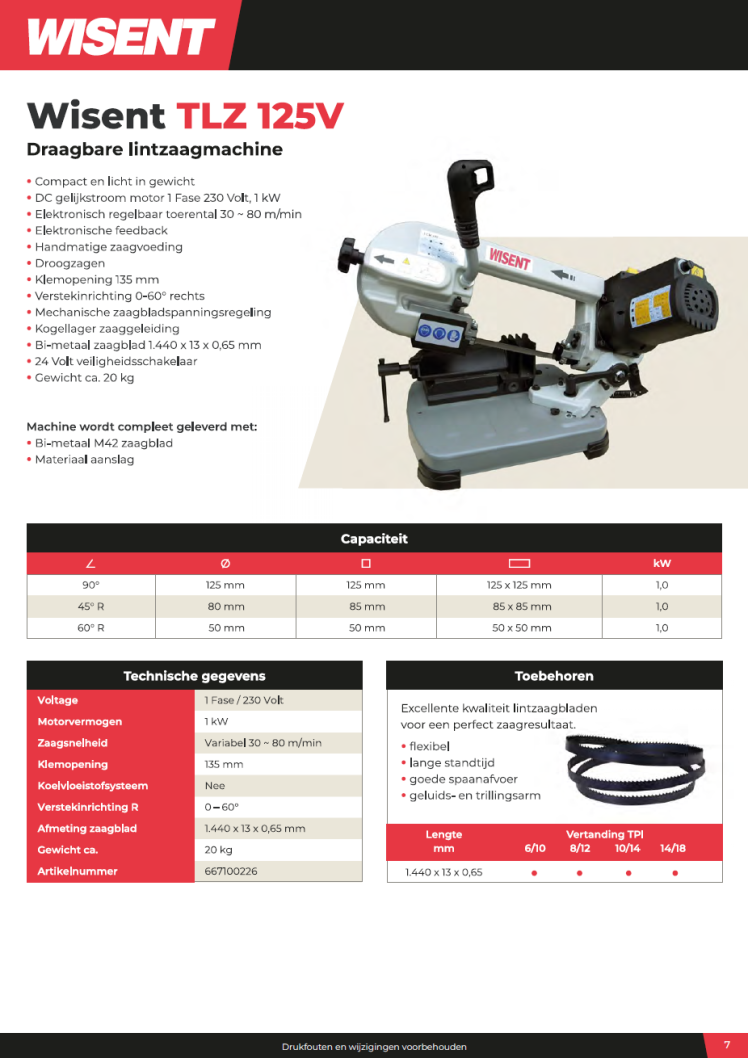
Wisent TLZ125V
Roland JC-22 Jazz Chorus stereo combo amp
Touch less. Play more.
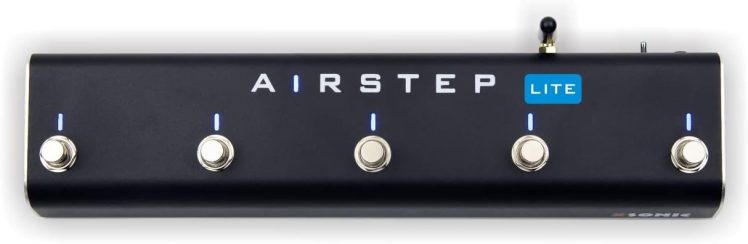
AIRSTEP Lite is the simplified version of AIRSTEP, it has removed all hardware control interfaces and only kept the Bluetooth to send MIDI and HID messages. This means that Lite can only connect to mobile phones, tablets, and computers to control software, but cannot control hardware devices. In addition to this, the other functions of Lite are the same as AIRSTEP. And, can be re-programmed (Lite Advanced firmware) to function as an Airstep Play: Foot control the playback, loop, speed and pitch of video & audio on iOS, Android, Mac and PC.
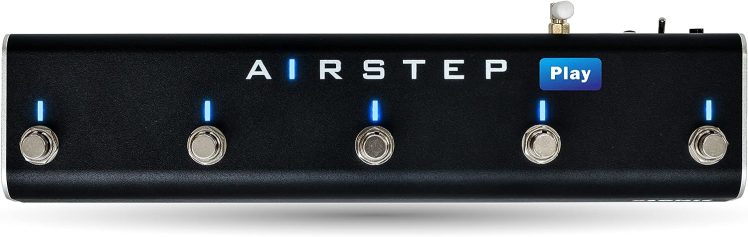
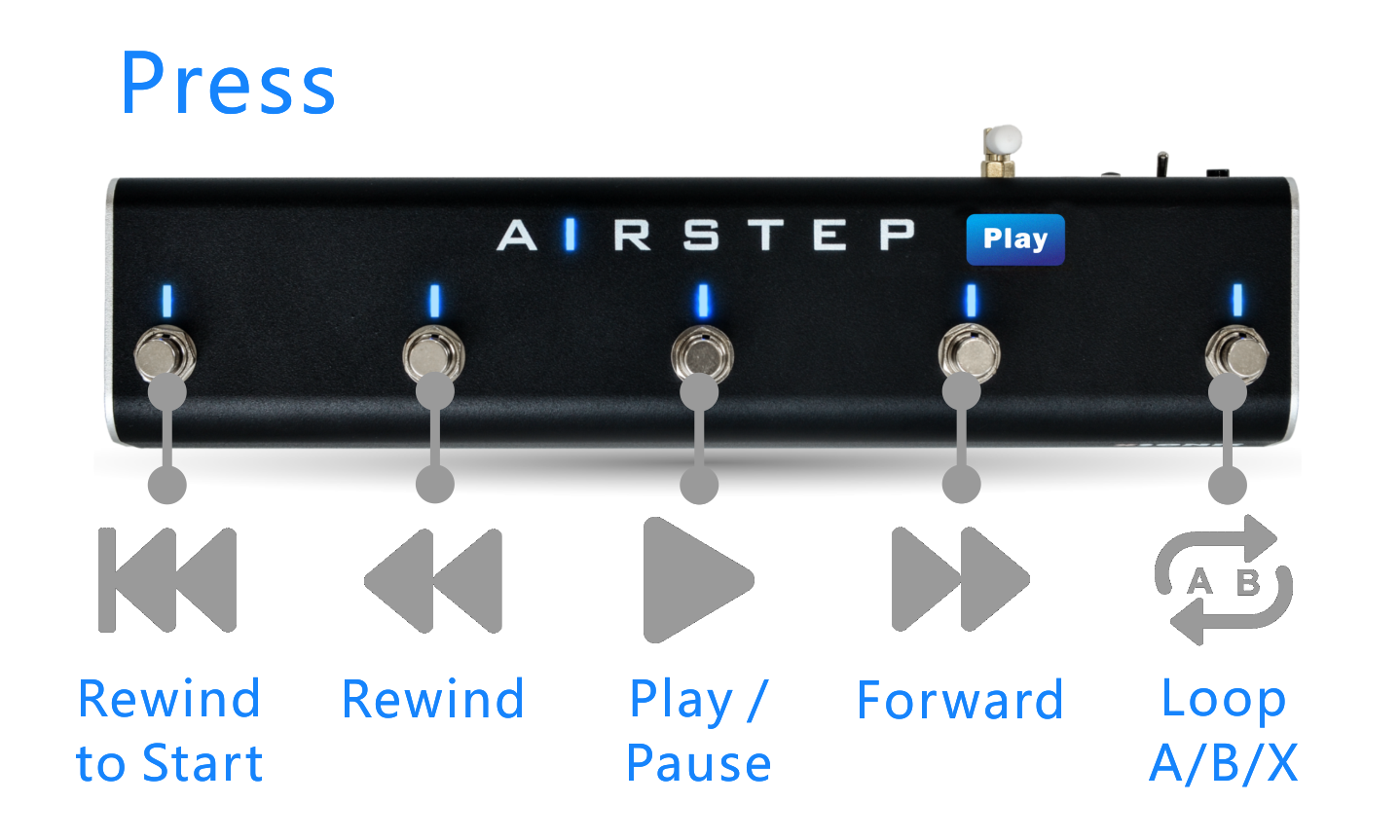
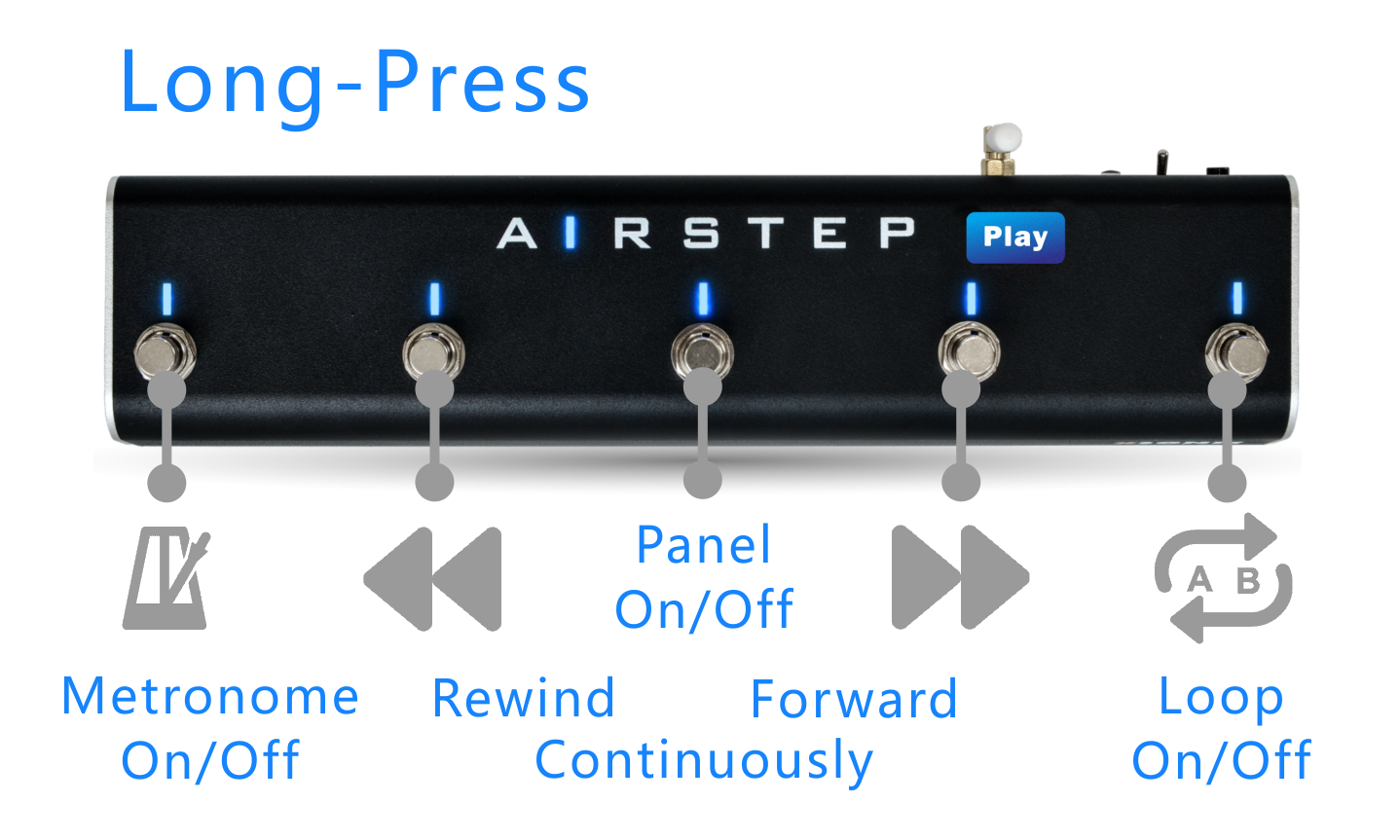
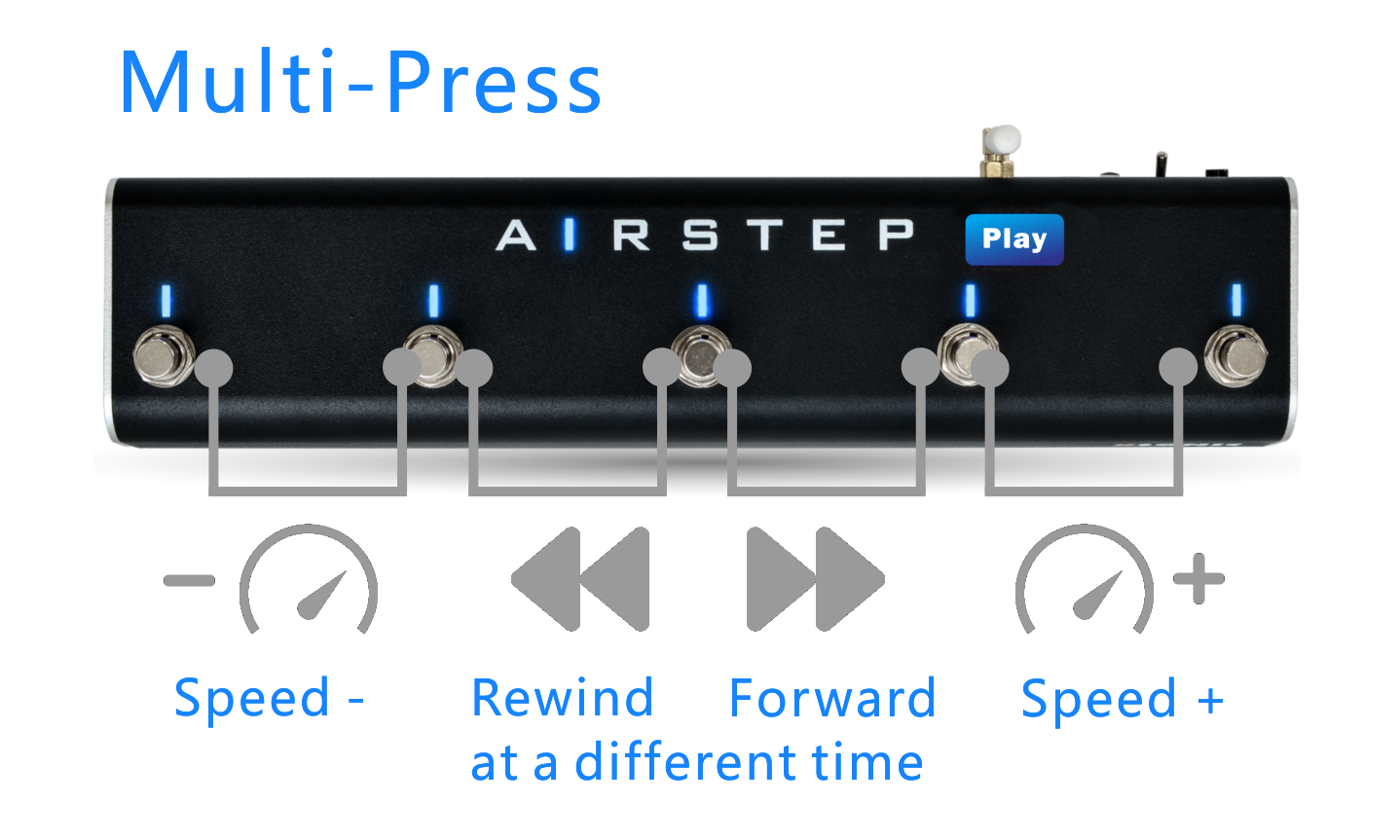
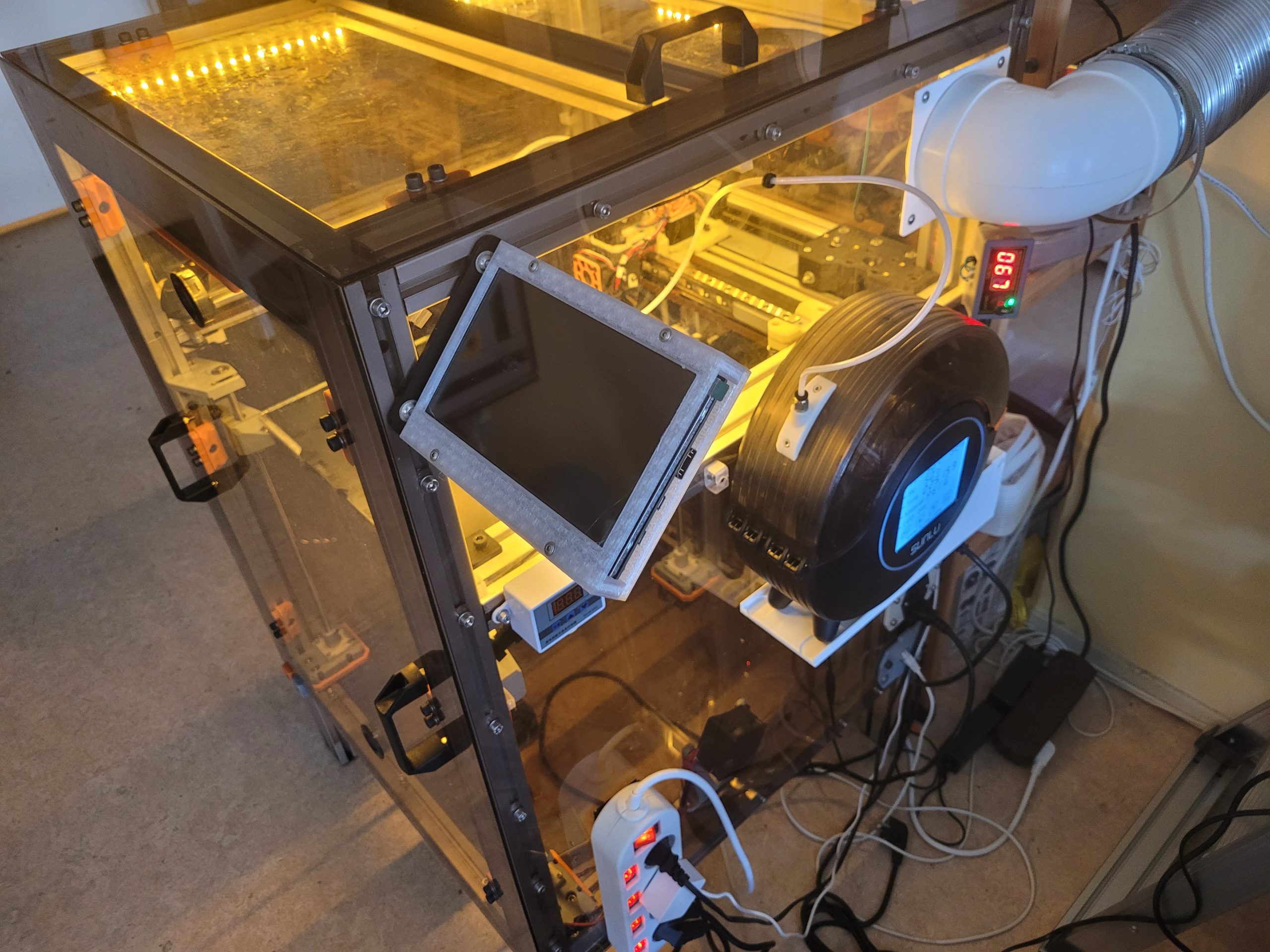
a TouchScreen is in order
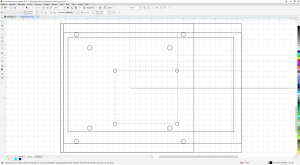
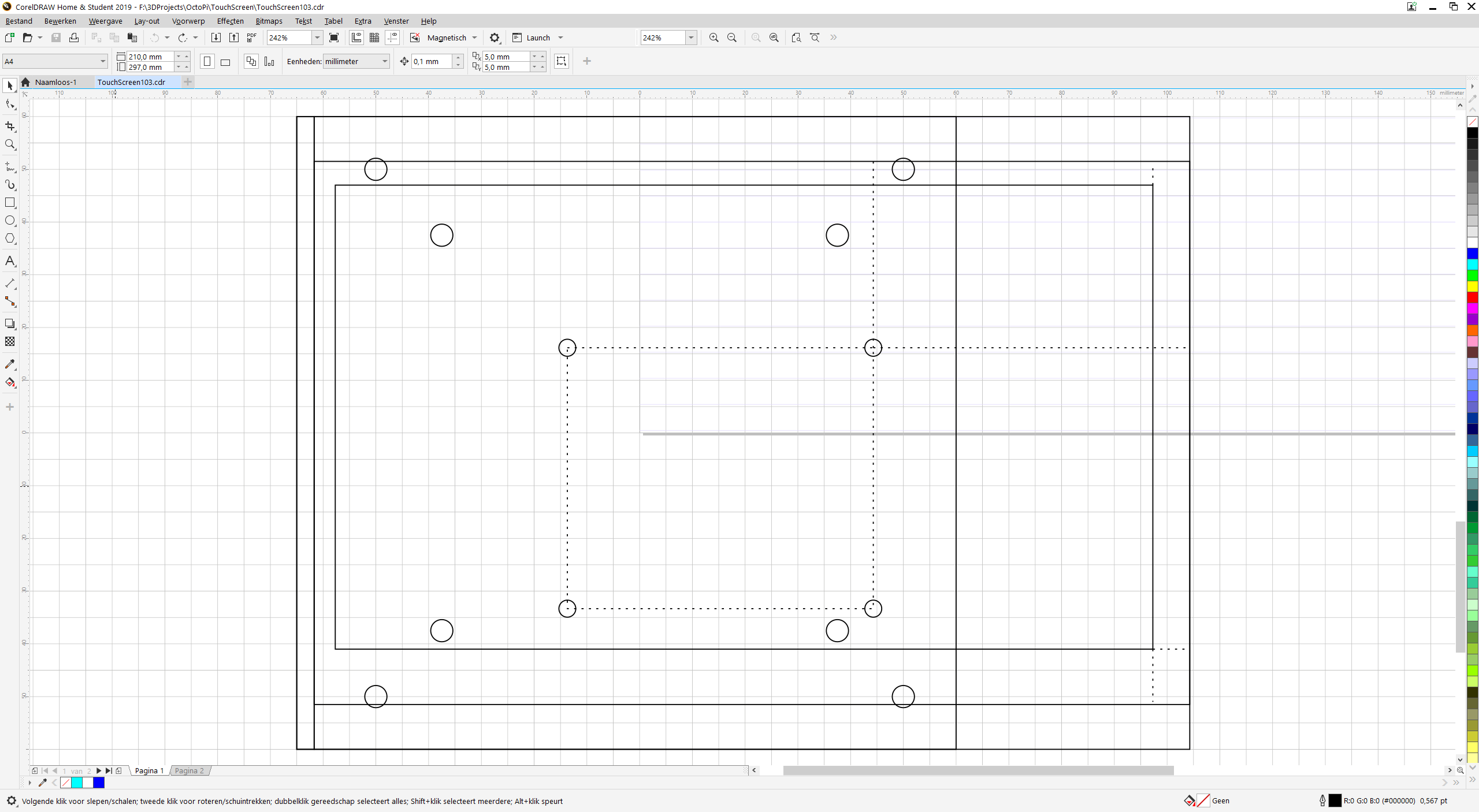
2D front and back in CorelDRAW 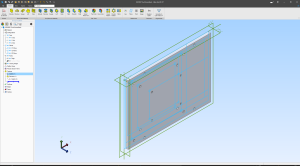
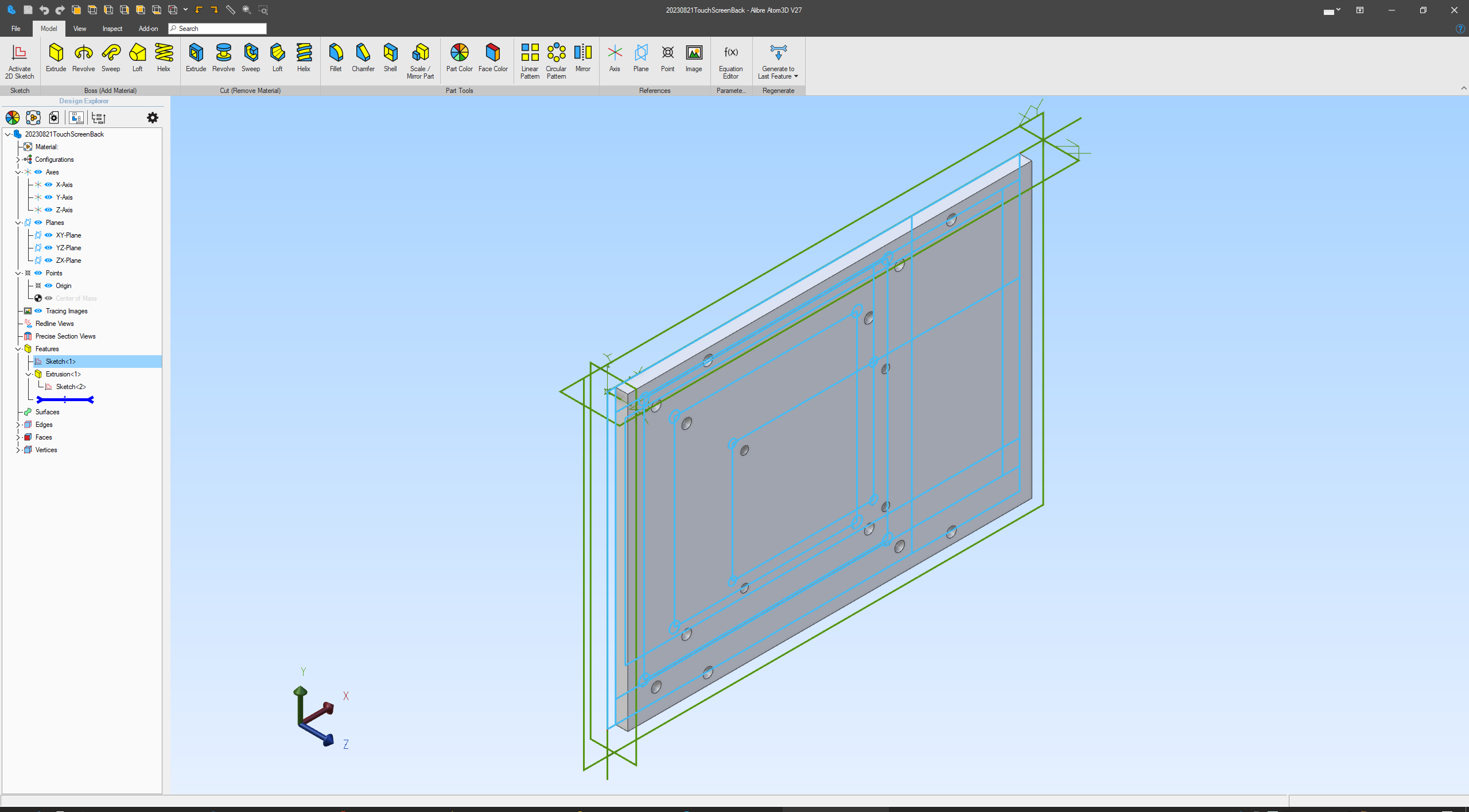
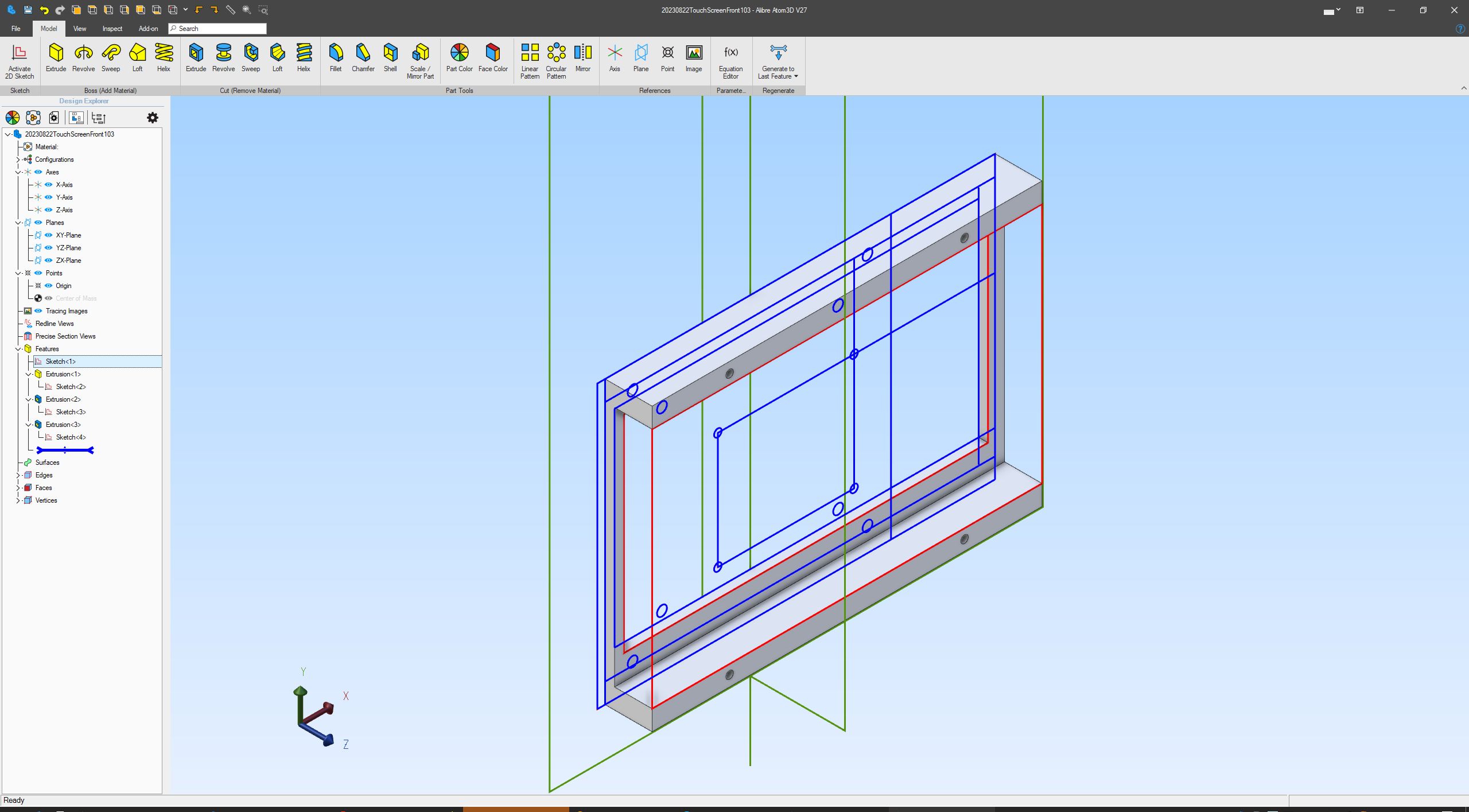
import as SVG in Alibre Atom3D 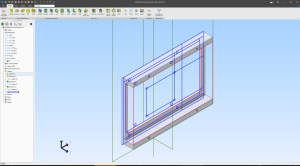
and use as reference 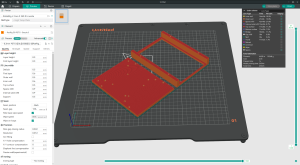
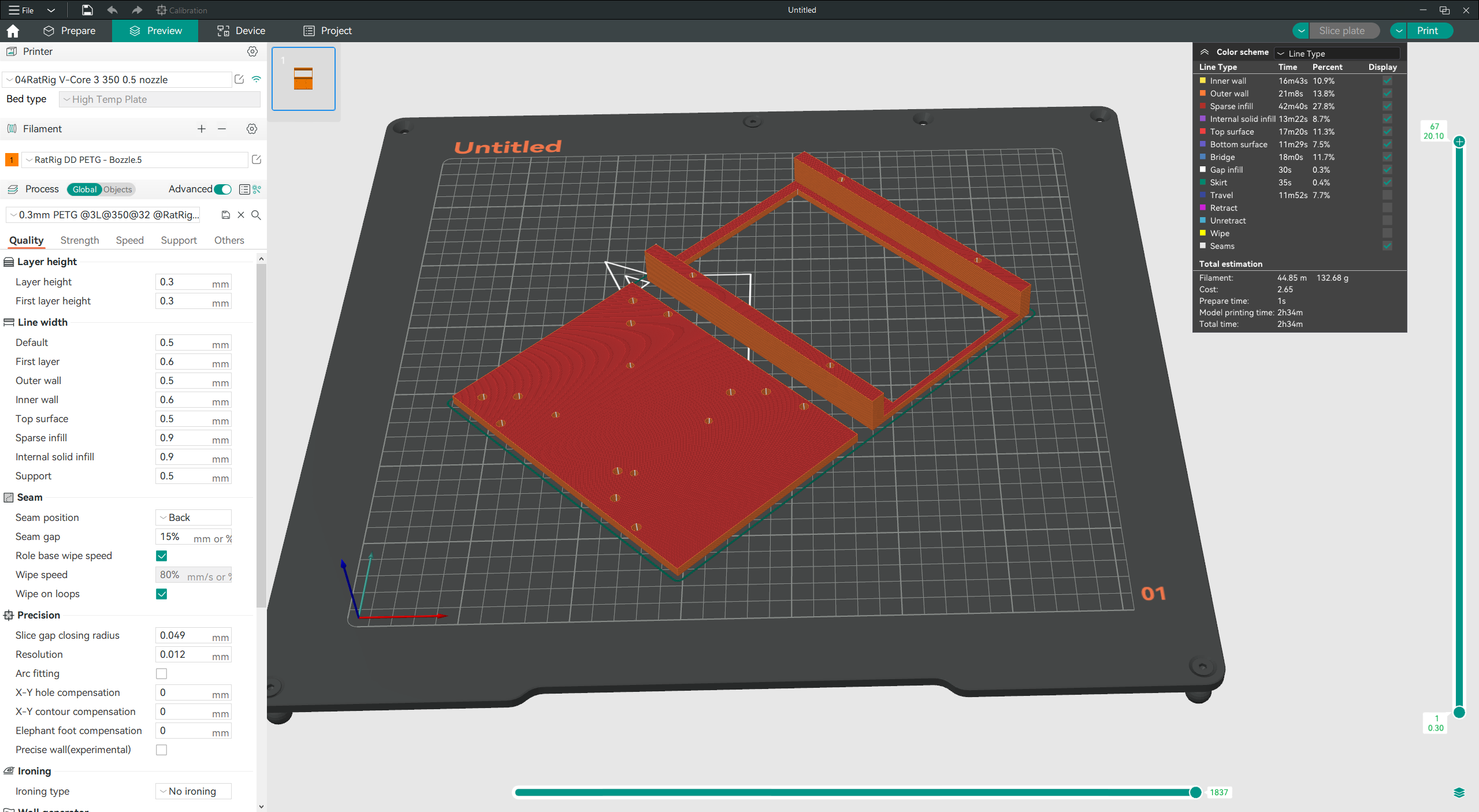
export to stl and 3D print 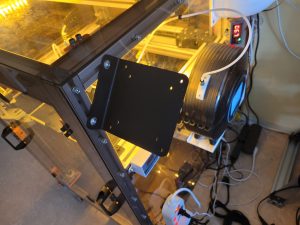
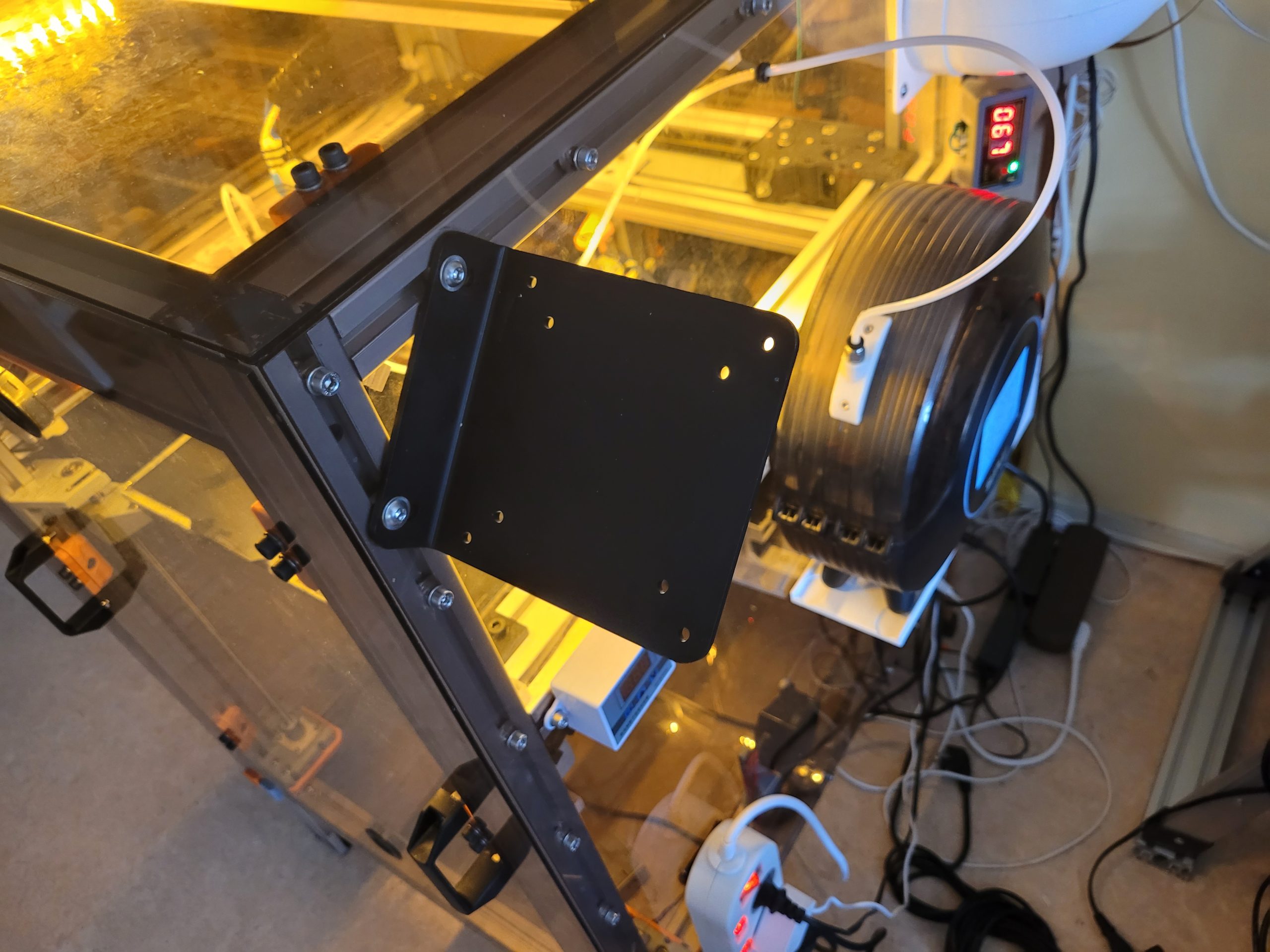
Motedis VESA bracket 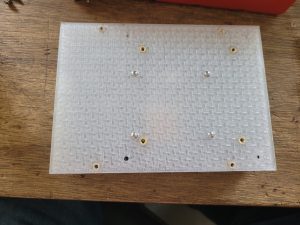
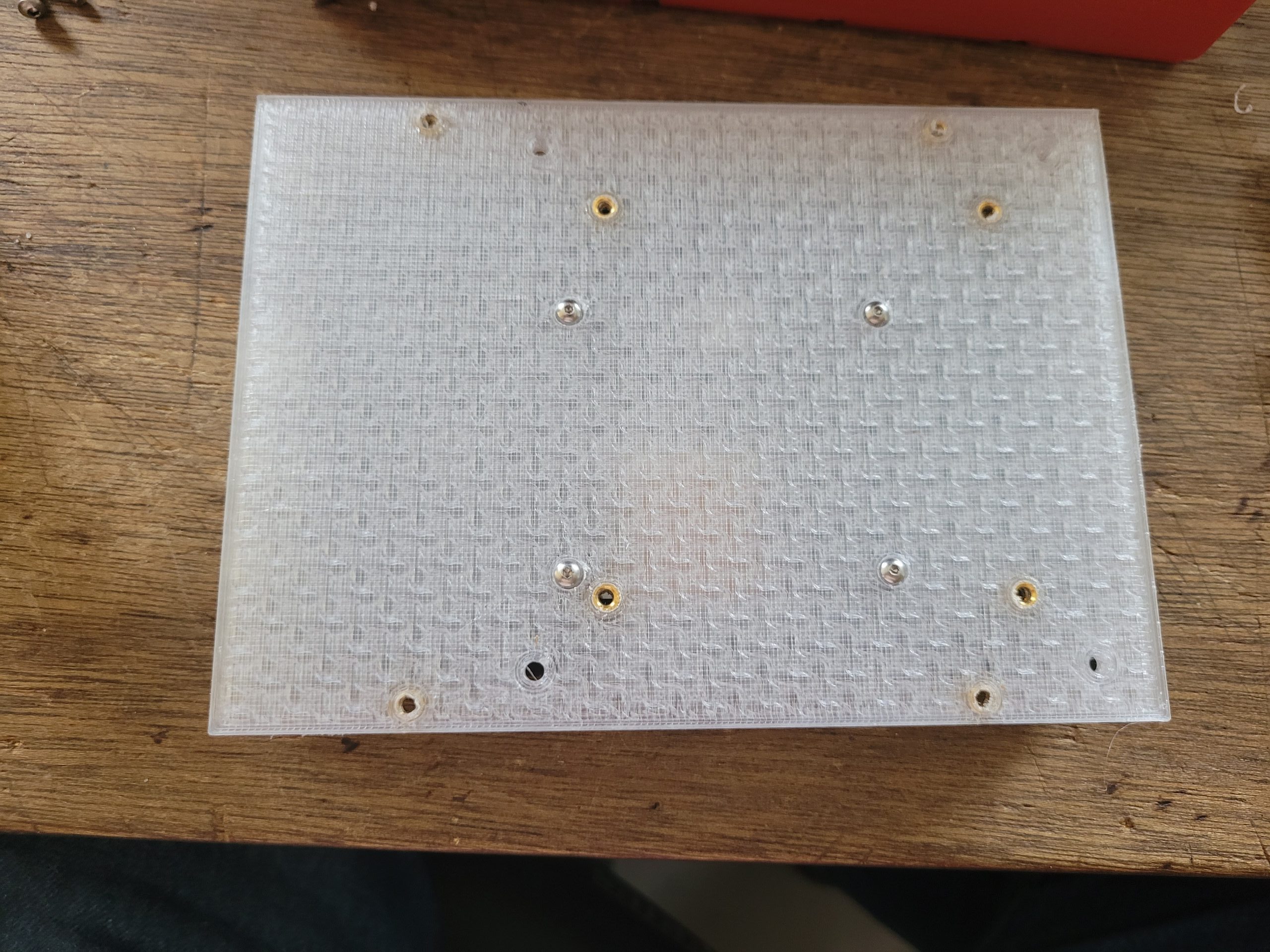
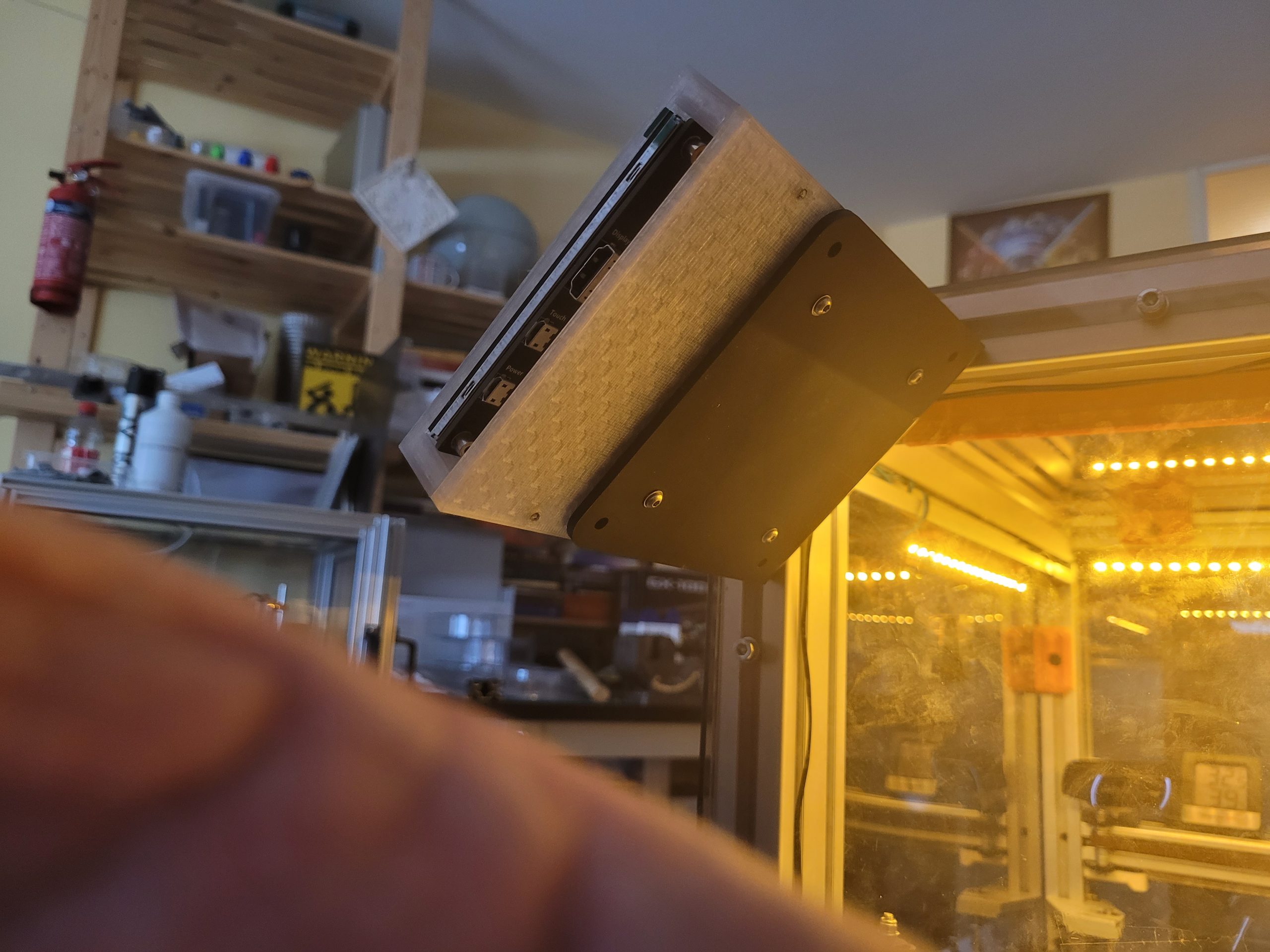
heat inserts into 3d printed bottom plate 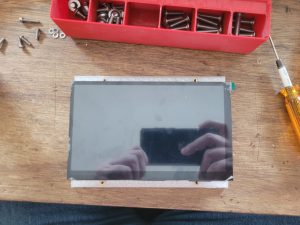
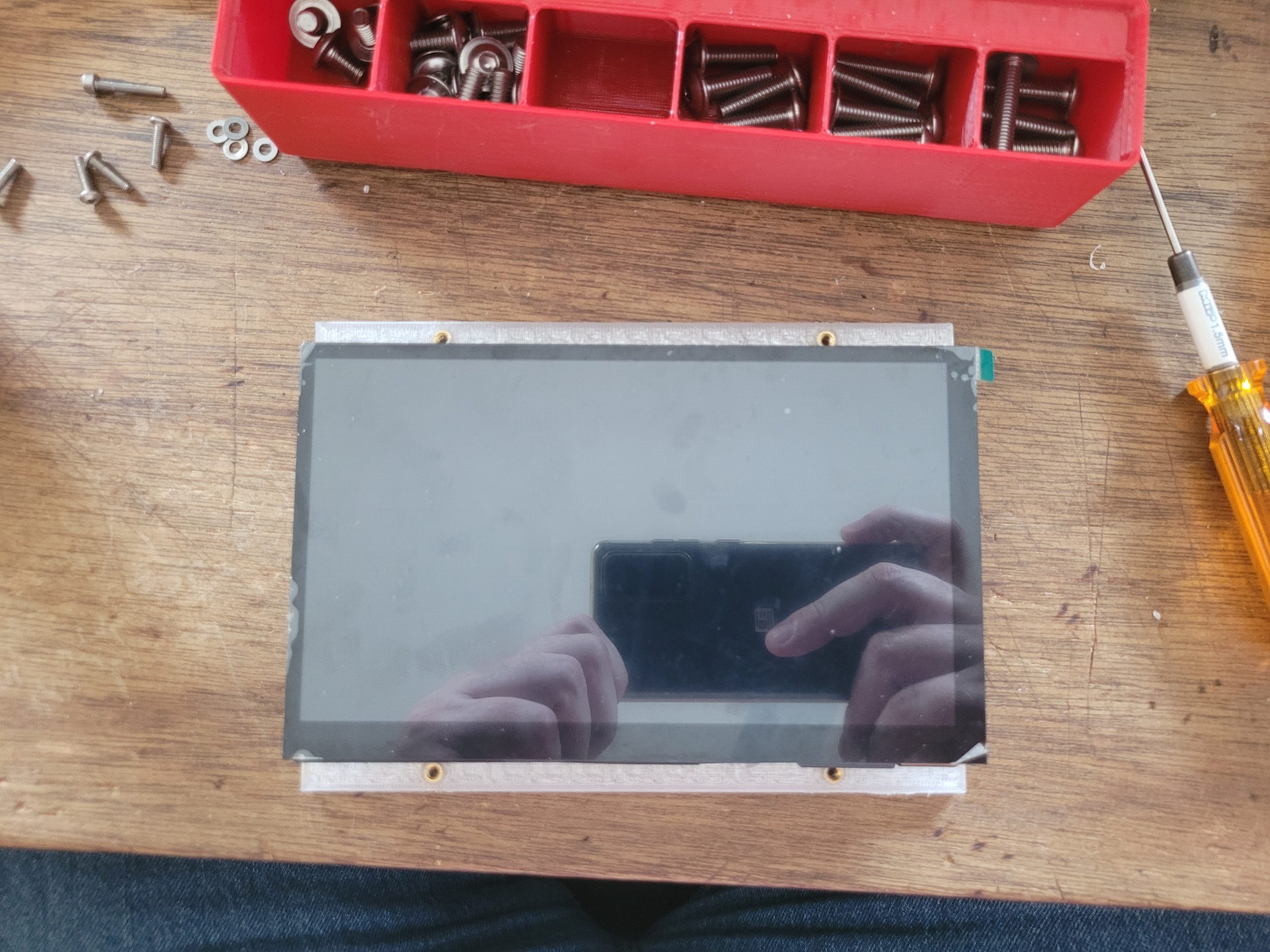
fitting 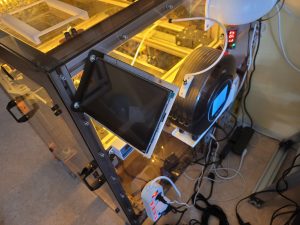
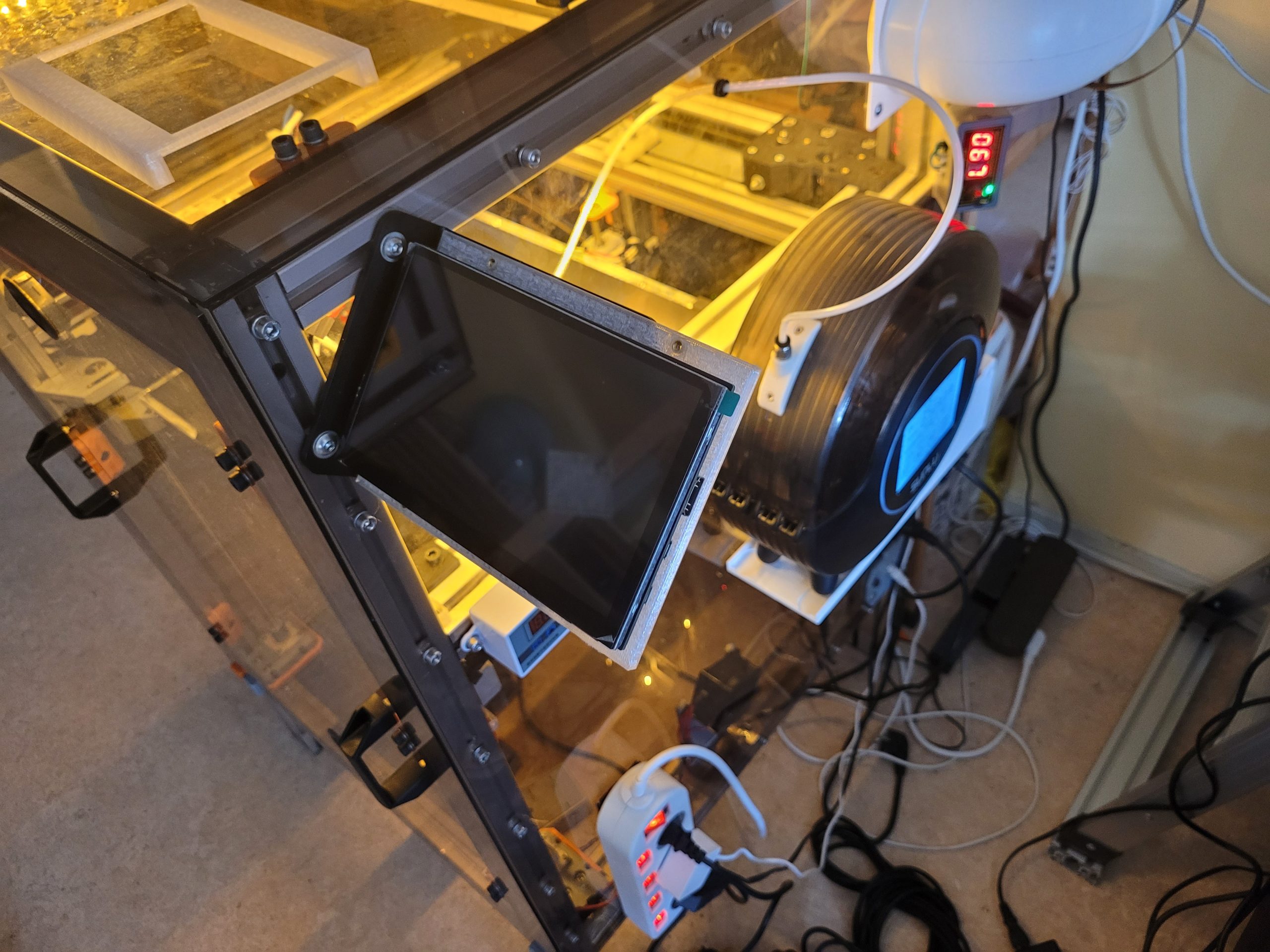
mounting 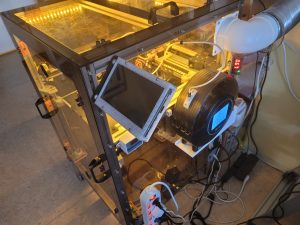
cover up/on 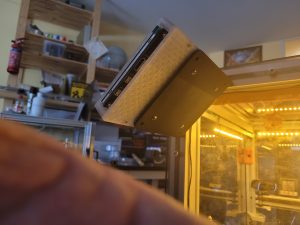
VESA 75 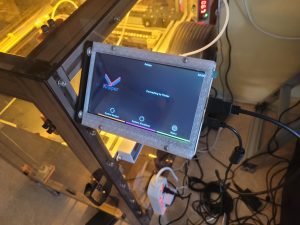
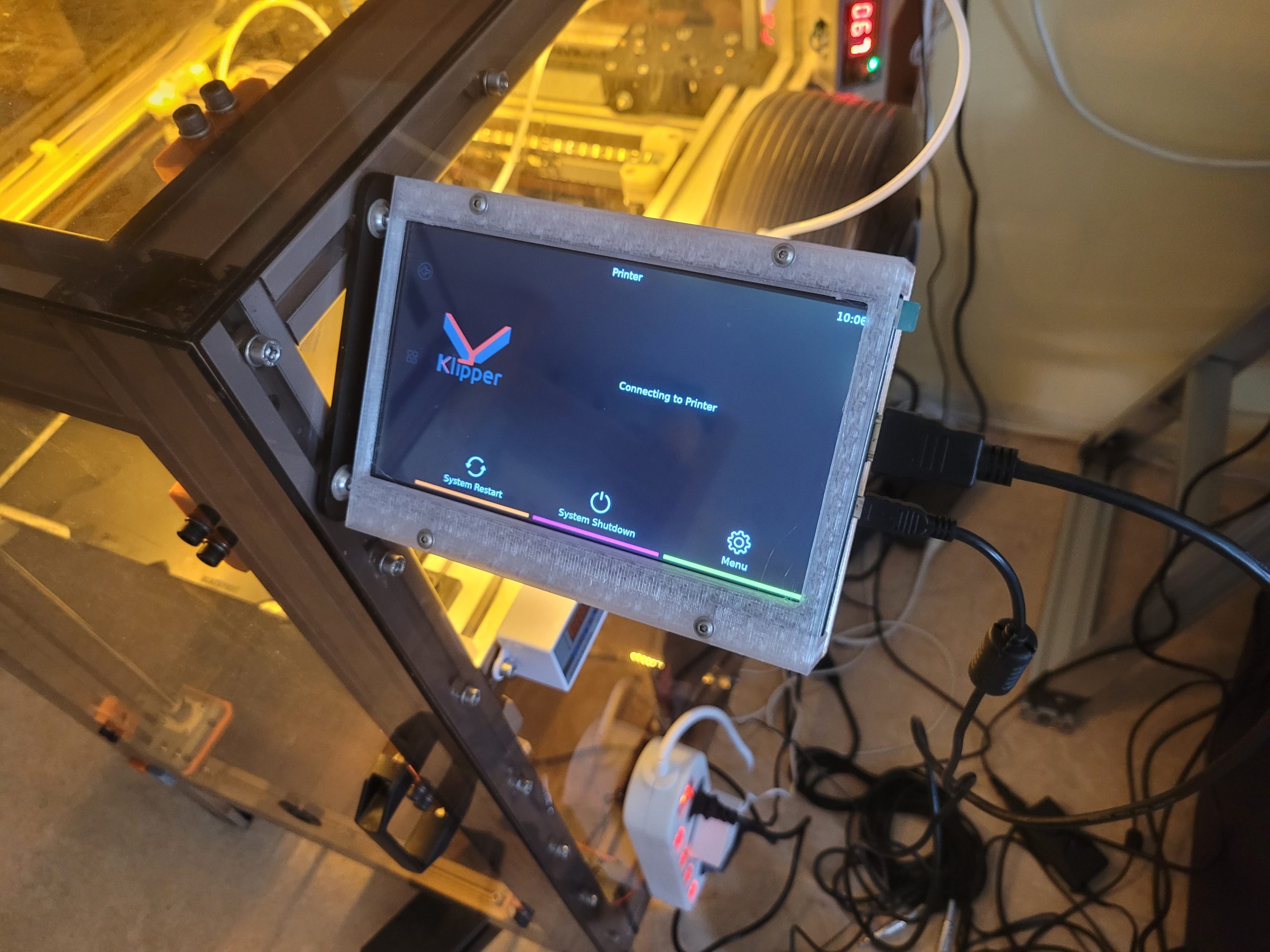
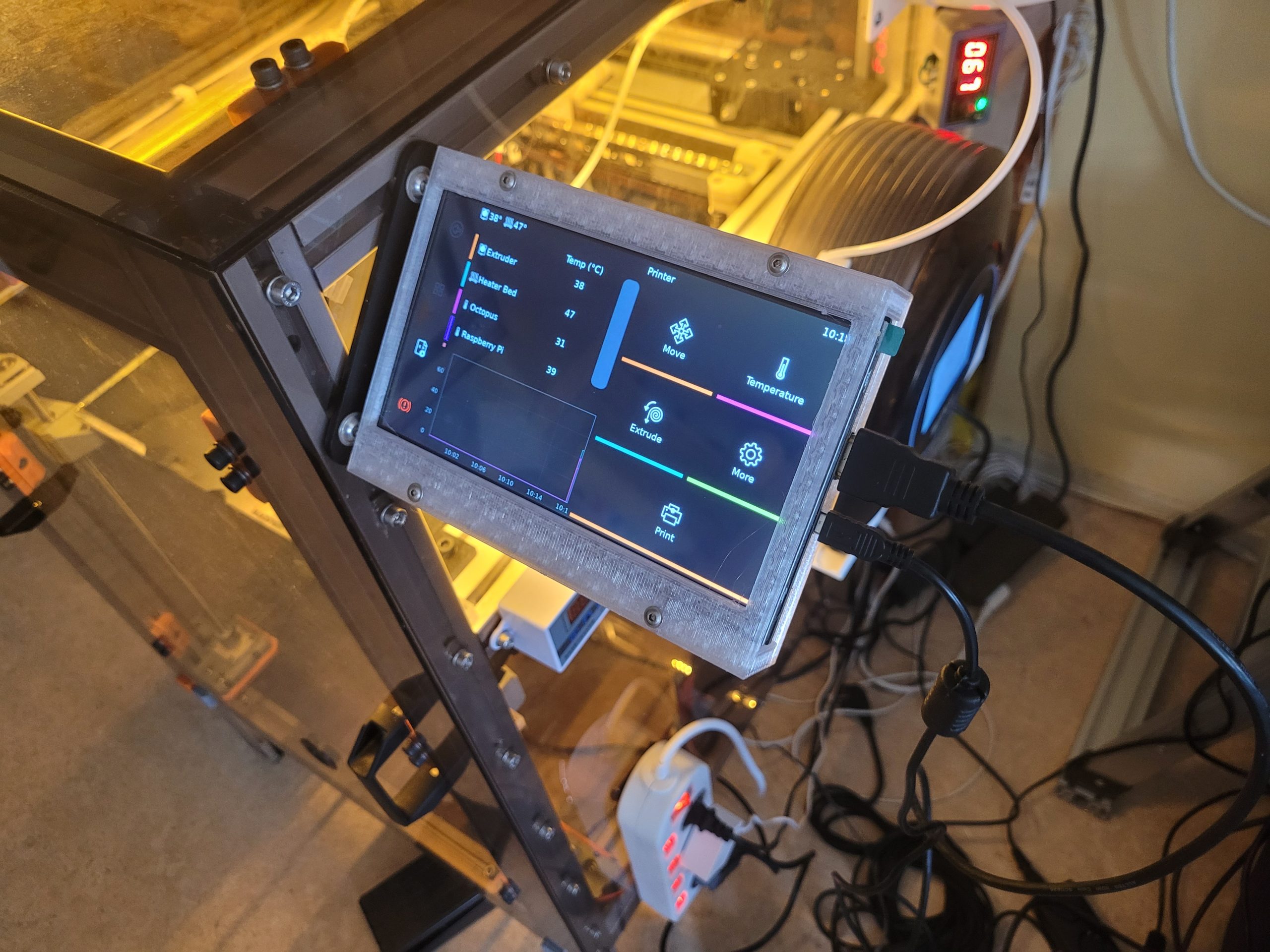
booting up 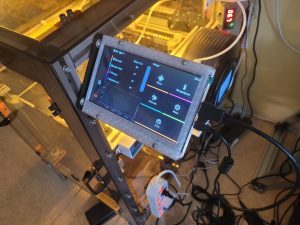
presto
KZ Acoustics : A Roundup of all KZ Earphones
20 Awesome Guitar Riffs through space, time, and genre, on the BOSS GX-100
I was hot, and now I’m cold as ice
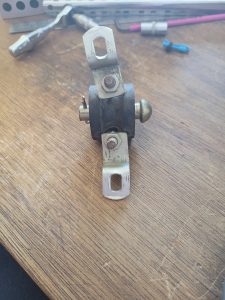
from this 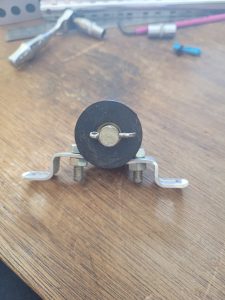
and this 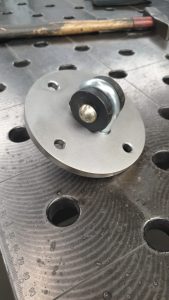
to this 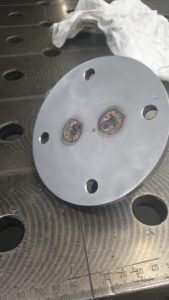
and this 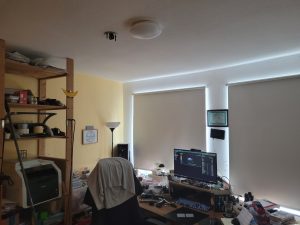
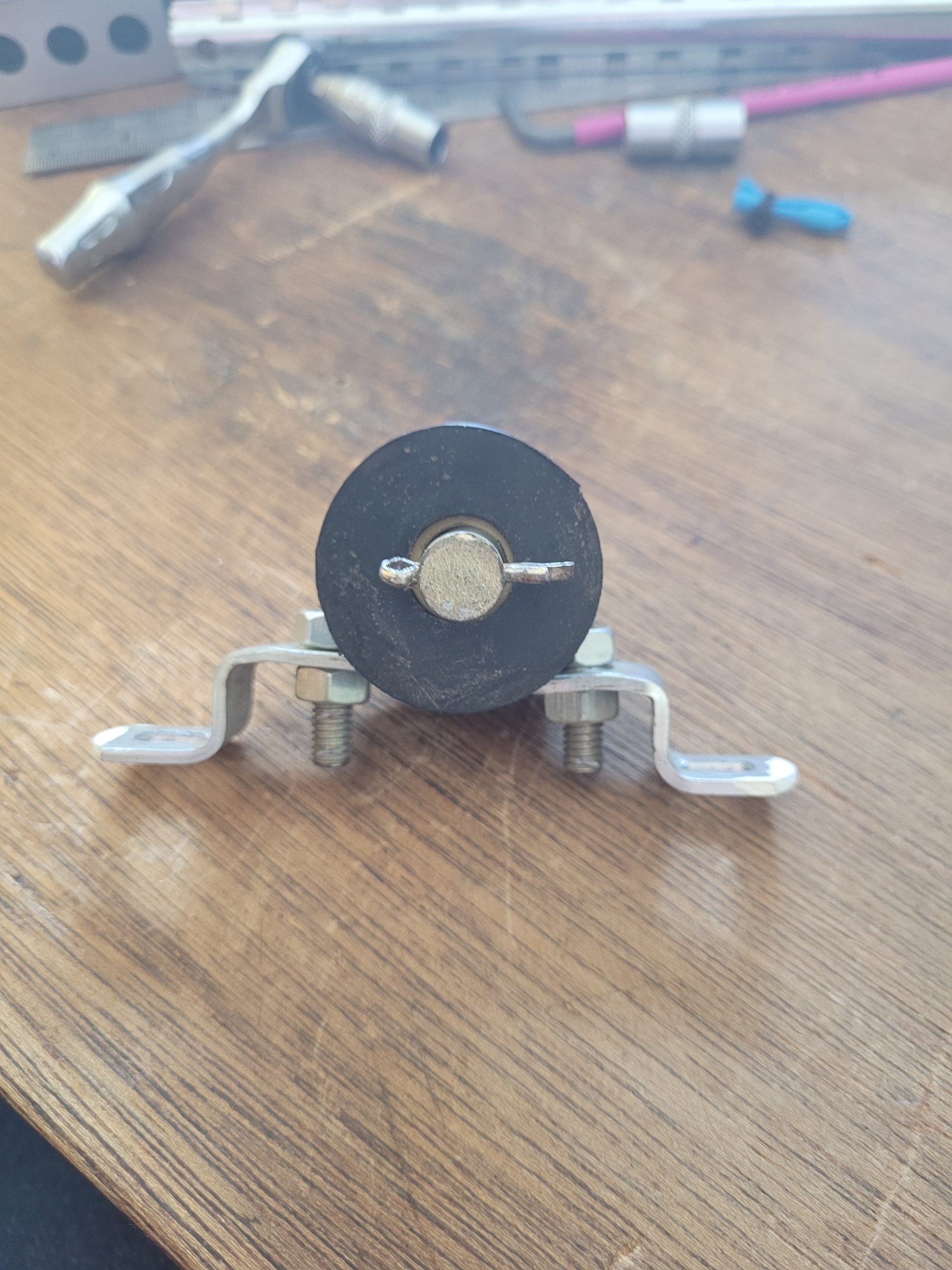
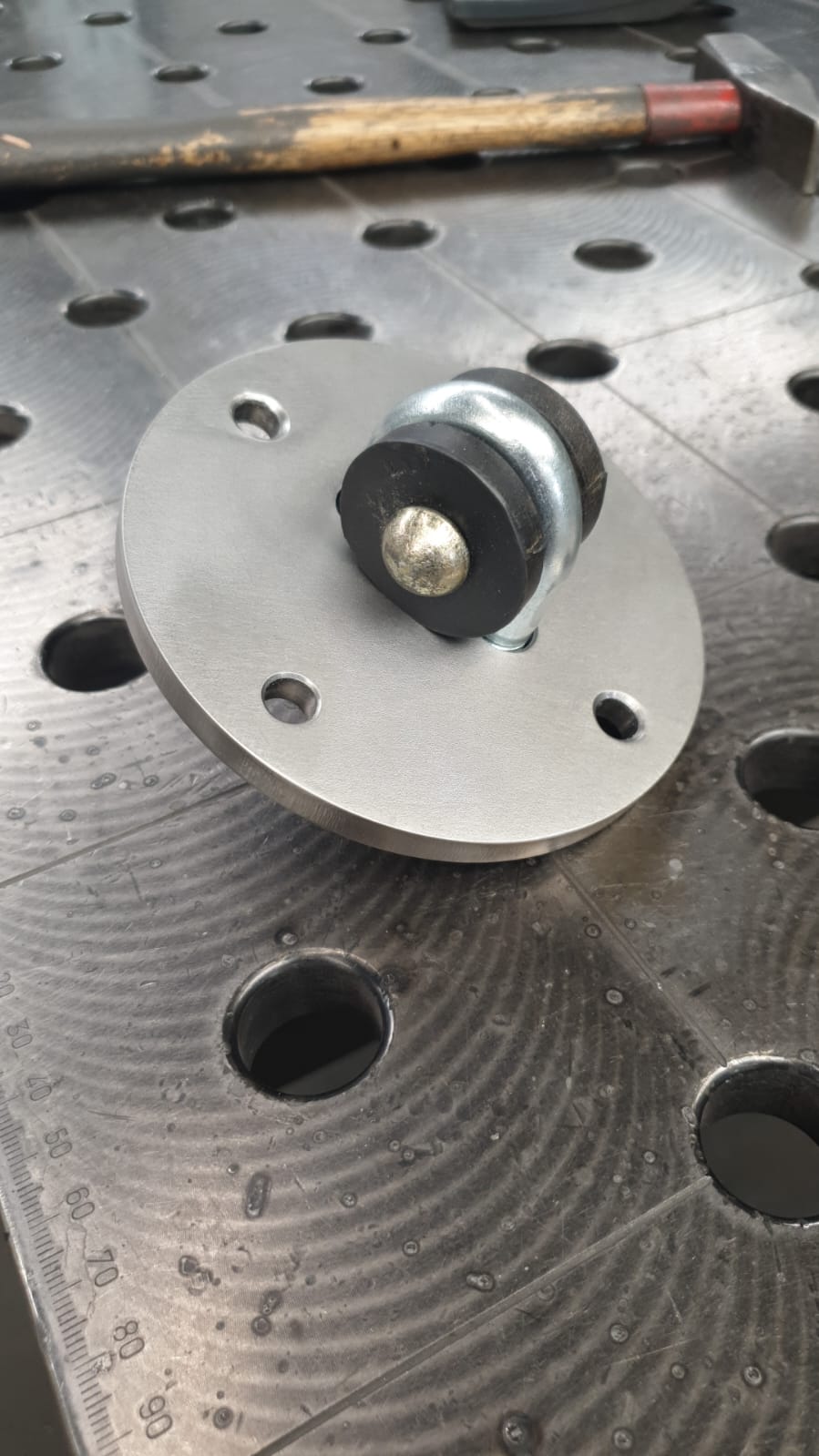
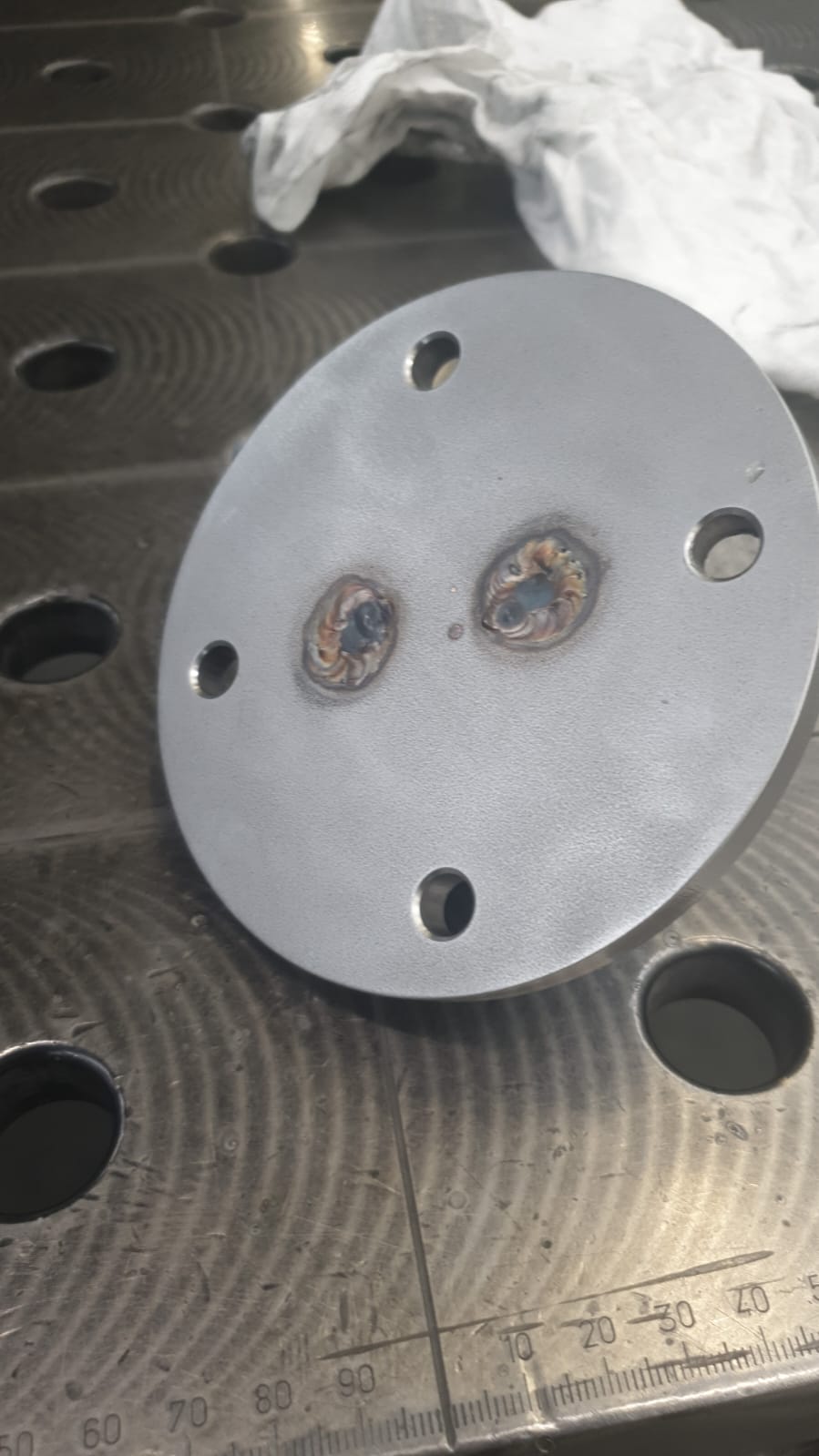
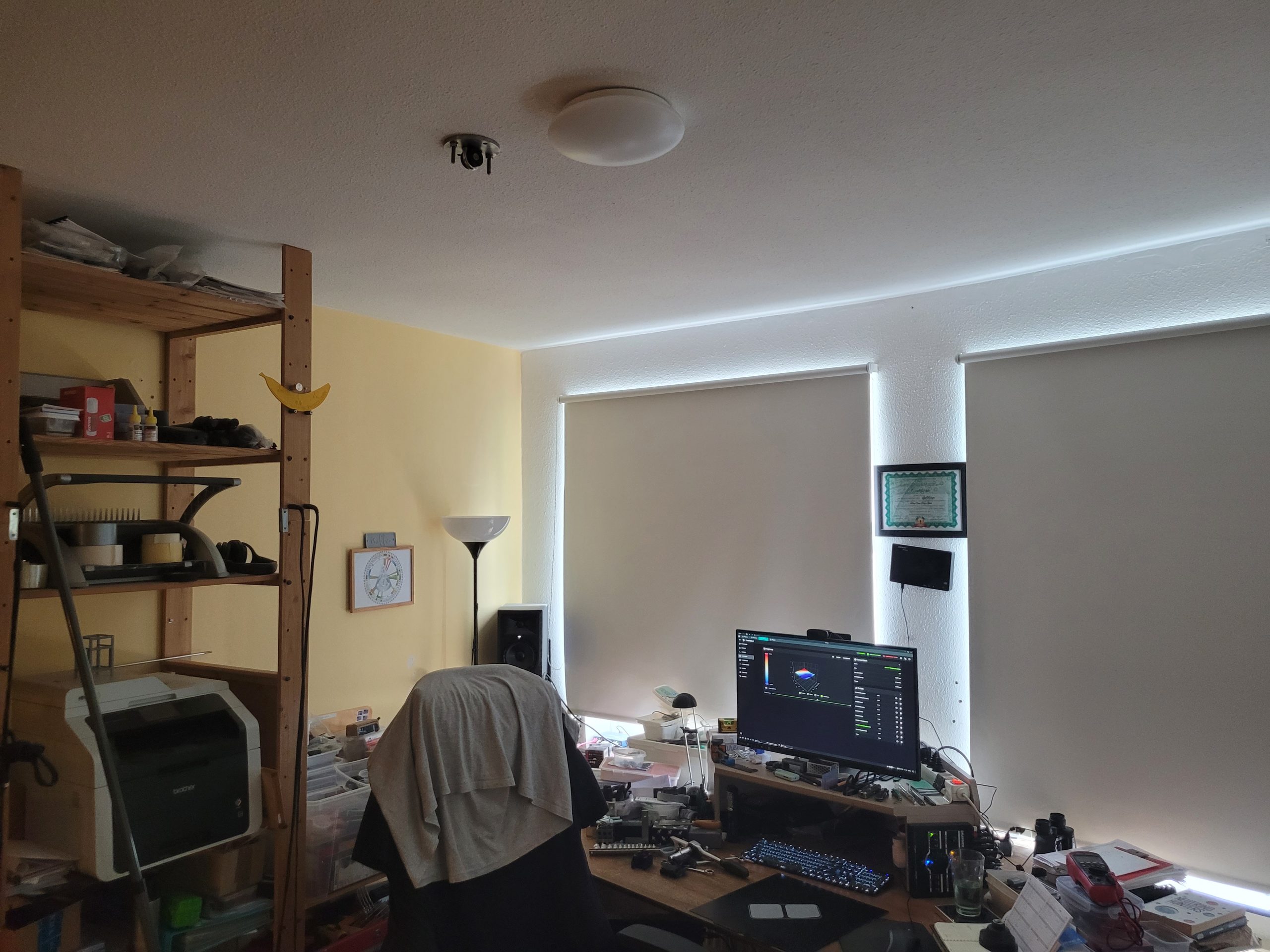
bolted on 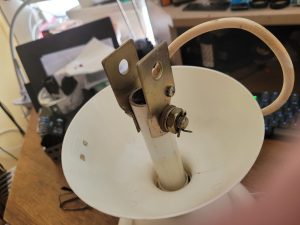
the connector 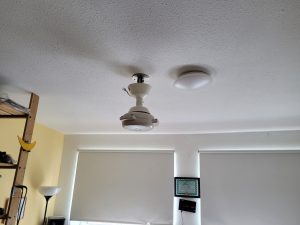
connected 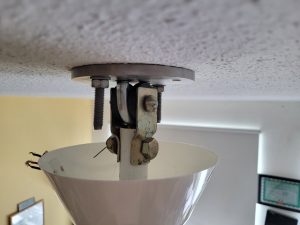
like this

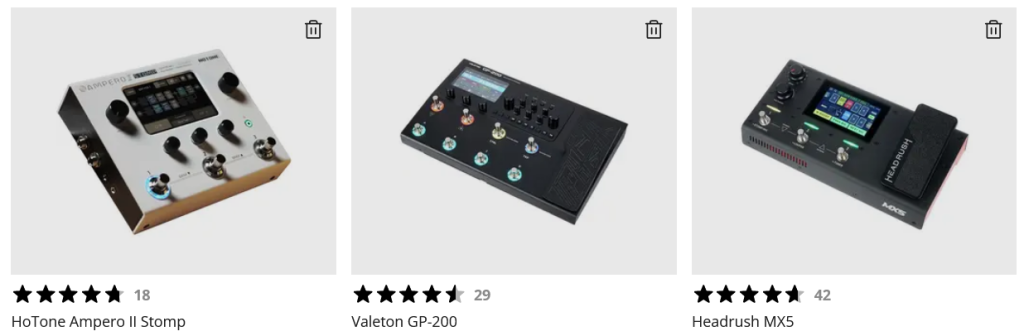
Multi FX Comparison
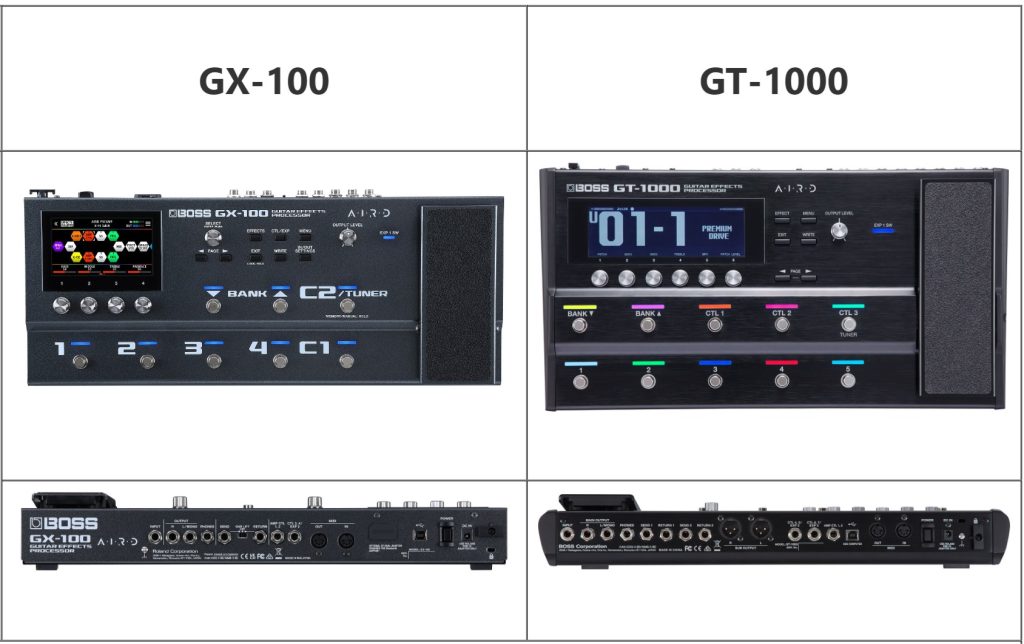
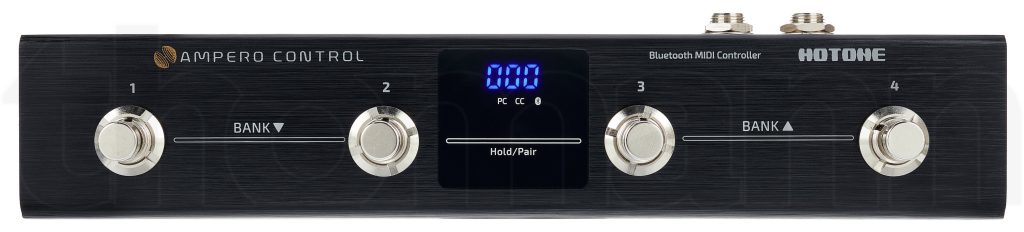
No one’s using the WoodRow
Line 6 M13 Stompbox Modeler
Line 6 kennen we ondertussen al jaren als een bedrijf dat steeds kwaliteit levert, en om de zoveel tijd een nieuw product lanceert dat de rest van de digitale wereld weer op achtervolgen zet. De nieuwe M13 Stompbox Modeler is niet echt een nieuw product, maar eerder een samenvatting van hun gekende prestaties. De immens populaire stompbox- reeks, bestaande uit de DM4, DL4, MM4 en FM4 (drive-, delay, modulation- en filtermodeling), wordt namelijk in deze enkele multi-fx gepropt. Benieuwd of men de kwaliteit en gebruiksvriendelijkheid van deze gekende units heeft kunnen behouden!
ALGEMEEN
Concept
Het concept achter de meeste Line 6-producten is ondertussen wel gekend: je neemt een aantal klassieke effecten of versterkers, en gaat deze zo dicht mogelijk benaderen via digitale technologie. Deze aanpak is ondertussen zo wijd verspreid, dat het bijna makkelijk wordt om te vergeten dat Line 6 een ware pionier is als het aankomt op deze digitale technologie. Voor de M13 biedt men dus een multi-fx pedaal die volledig werkt als een pedalboard met losse effecten. Je kan dus de effecten apart instellen en onafhankelijk van elkaar in- en uitschakelen. Daarnaast zijn er ook nog enkele extra functies, zoals de looper.
Vormgeving
Op dit vlak laat Line 6 zelden of nooit steken vallen, en ook ditmaal is de styling een schot in de roos. De combinatie van de zwarte behuizing en de gechromeerde knoppen en beschermranden geeft een zeer stoer uiterlijk. De verschillende units zijn duidelijk onderverdeeld, en aan de hand van een makkelijk te volgen kleurencodering (zie verder) kan je alles uit elkaar houden.
Handleiding
Ook hier is Line 6 een voorbeeld voor zowat alle ander merken. De handleiding is, zoals steeds, overzichtelijk en zeer informatief, maar weet tegelijk toch een humoristische ondertoon te houden. Je krijgt twee verschillende handleidingen: een voor de exacte werking van het toestel, en een tweede handleiding met alle info over de verschillende gemodeleerde effecten.
Read more
eva printhead
.
phaetus dragon uhf, orbiter 2, dyze horizon, fly sht-36, sunon 4020 fans, 60w heater, mellow/dyze thermistor, .5 bozzle nozzle
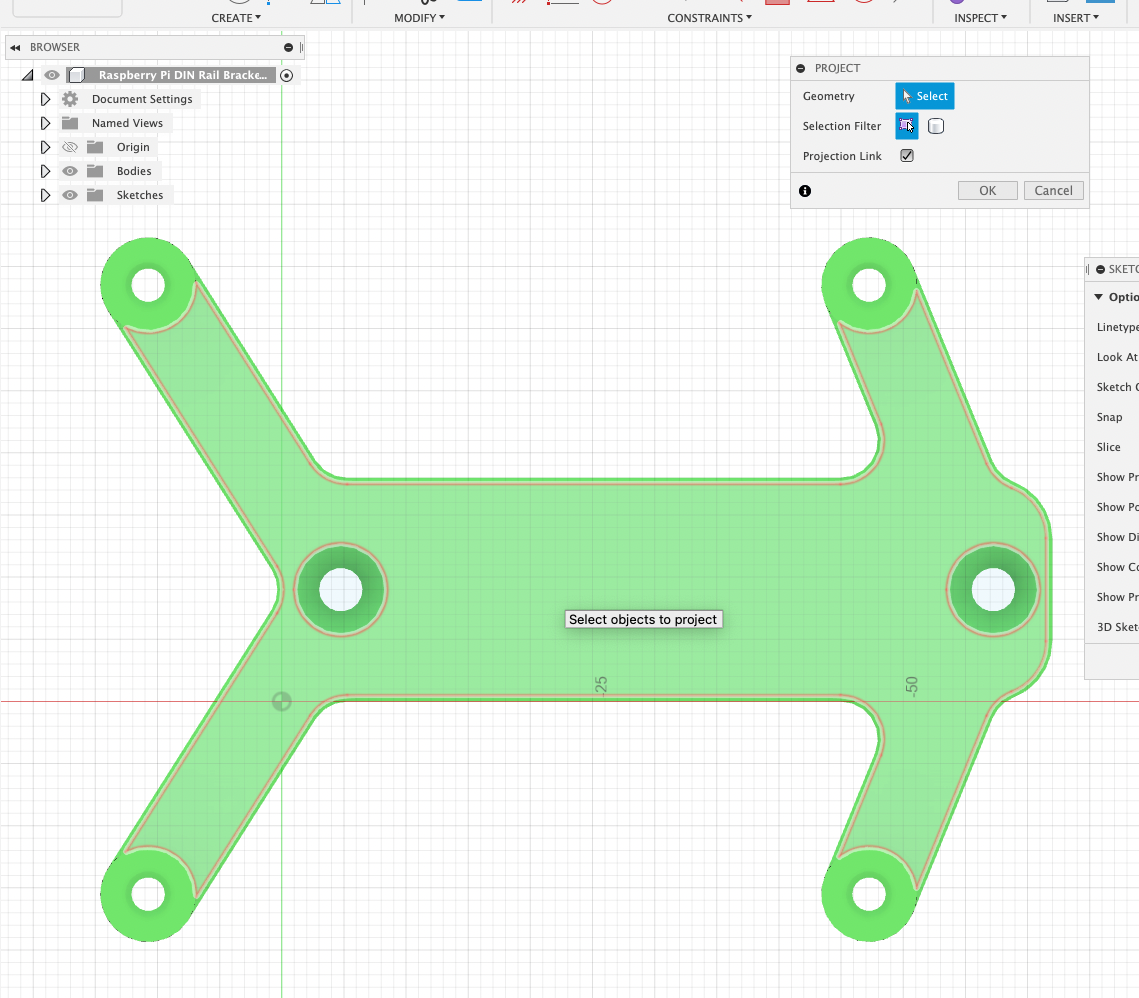
Step file edit with Fusion360
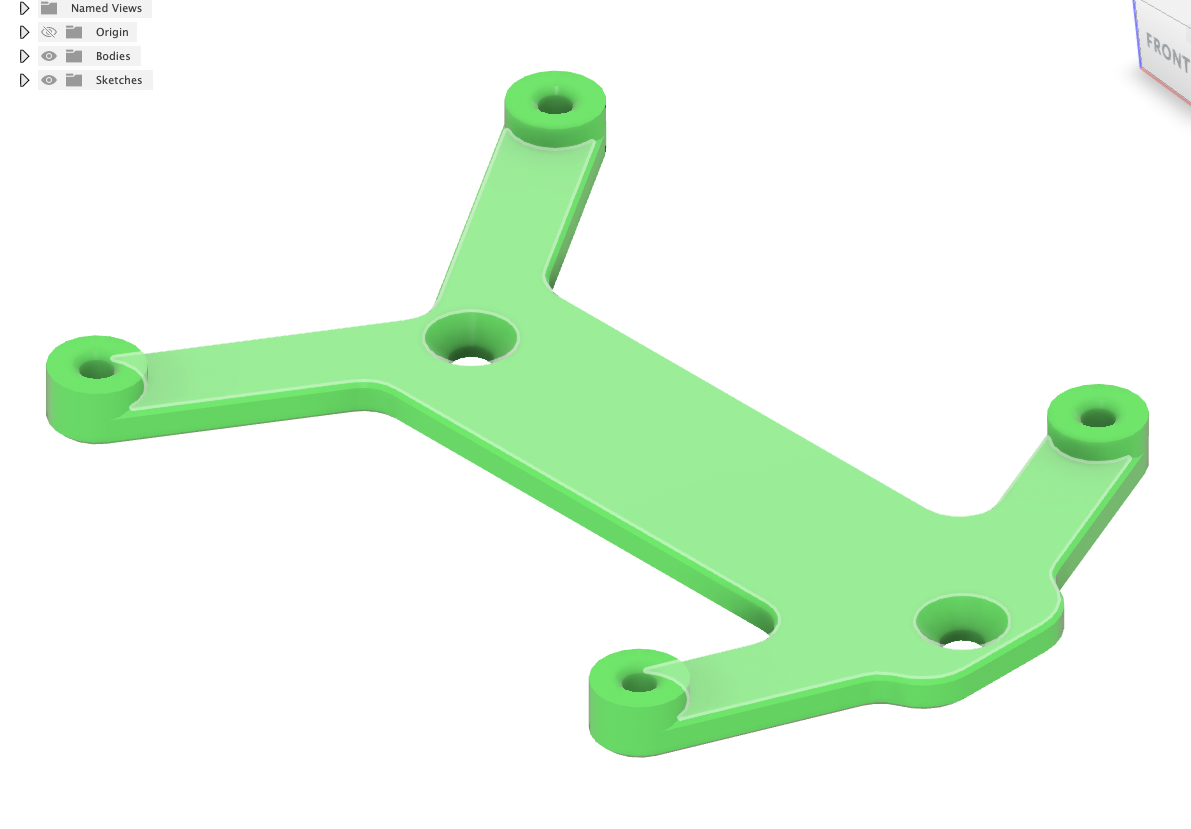
Get this file: https://www.printables.com/model/420062-raspberry-pi-mount-for-din-rail-bracket-fan-mount
Wanting to mount it however to this: https://aliexpress.com/item/1005002245769197.html
which has different mounting holes (47.5mm versus 52.5mm and, need to be for M4)
1.
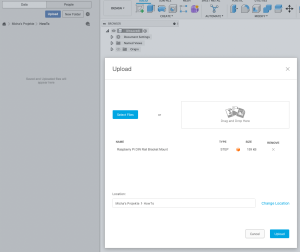
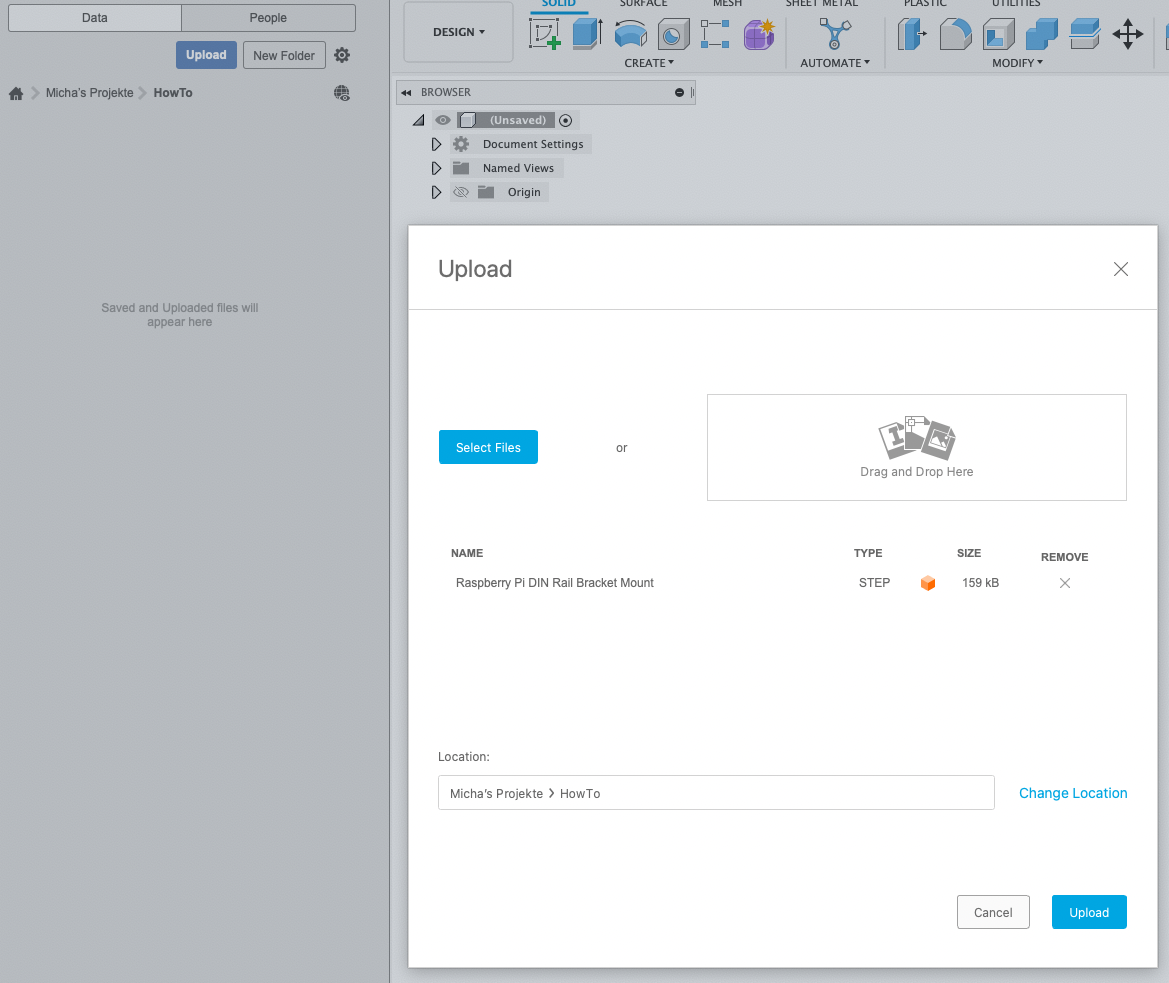
01 Upload STEP File 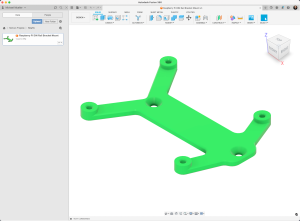
02 Open STEP File 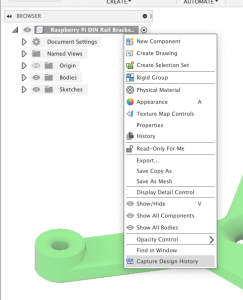
03 To be able to Redo / Undo better “Capture Design History 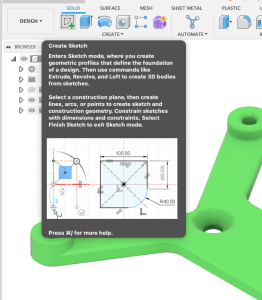
04 Create Sketch 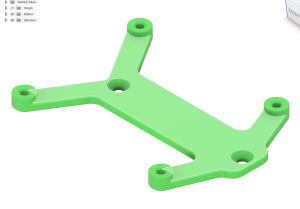
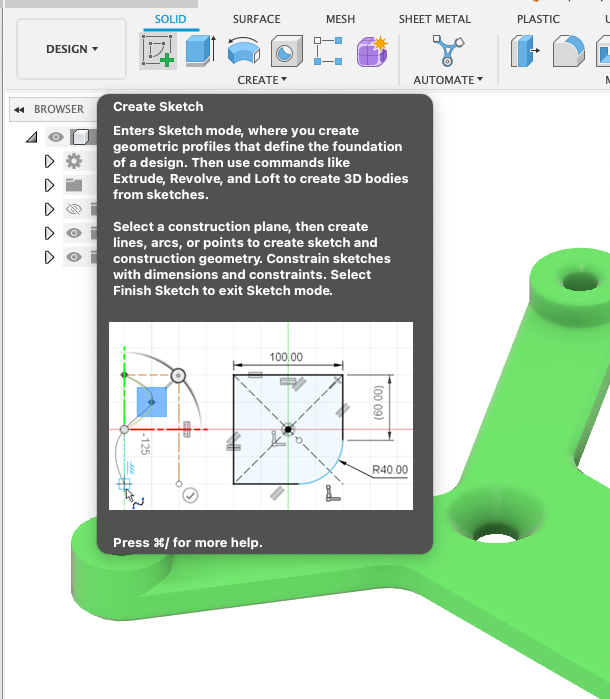
05 Choose the “Main Plane” 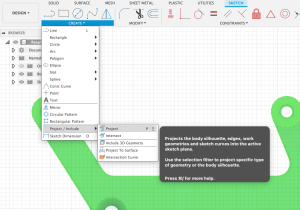
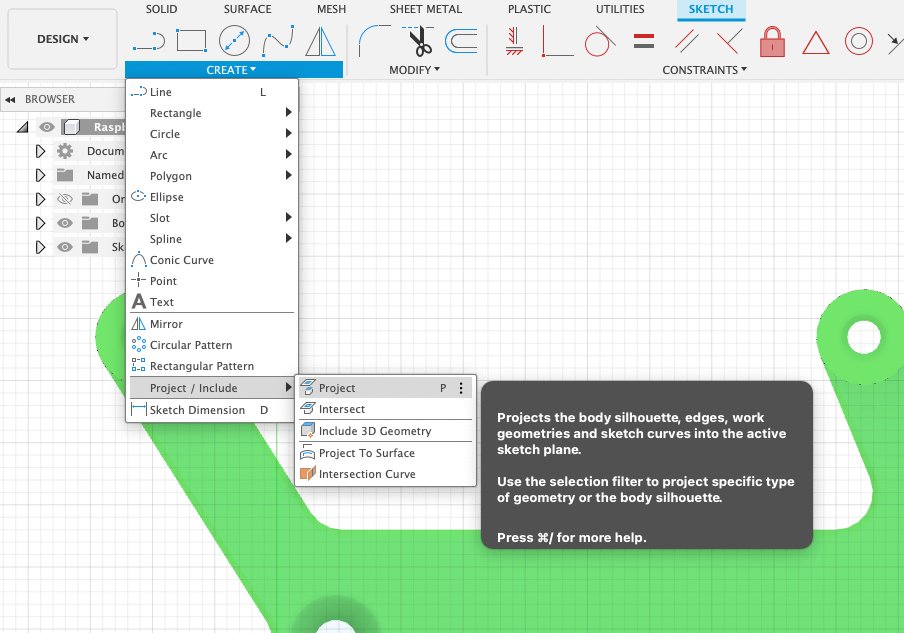
06 Create -> Project 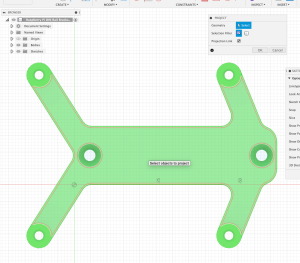
07 Select the same plane again 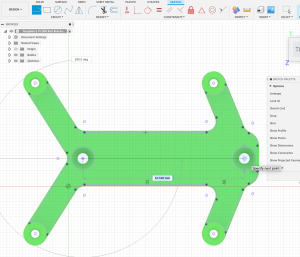
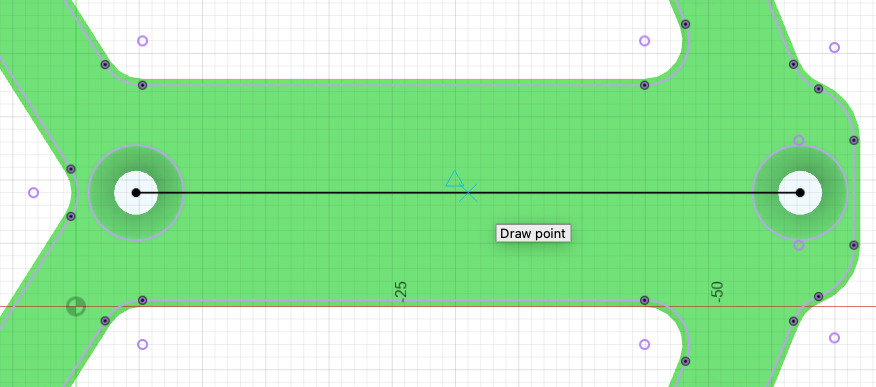
08 Select Line tool and draw a line between the 2 existing holes 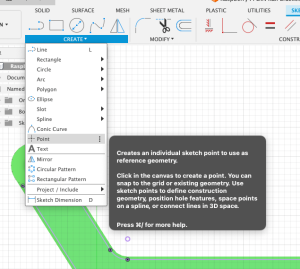
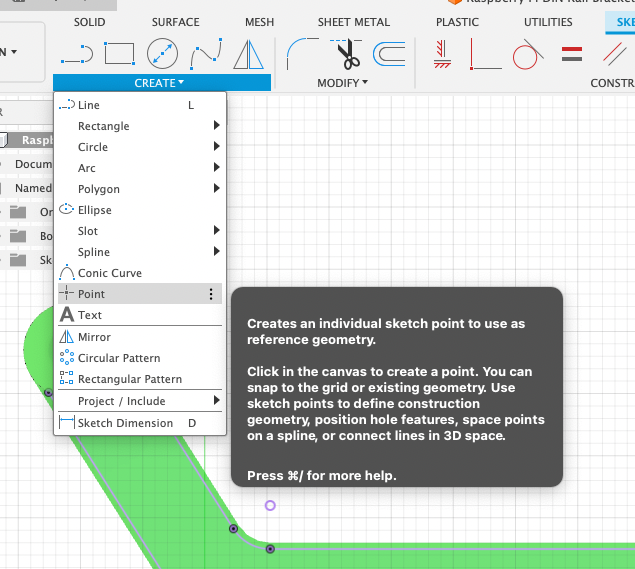
09 Create -> Point 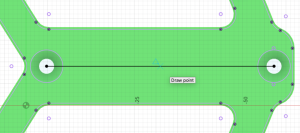
10 Move mouse on the line till a little blue triangle appears – this is the middle of the line. Click to draw a point.



Germanium Transistors
For the Aion FX Radian Germanium Boost diy kit
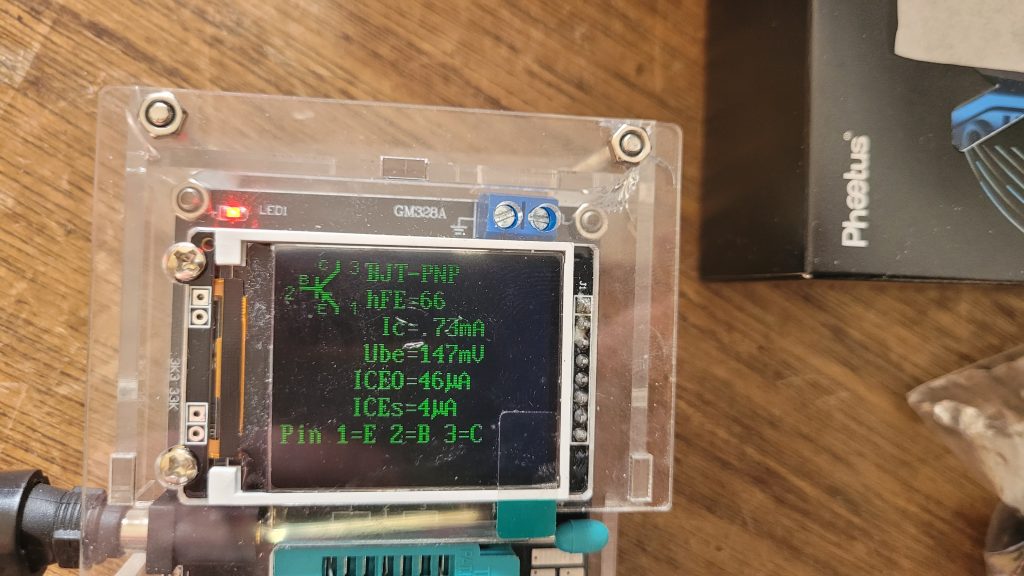
OC-44 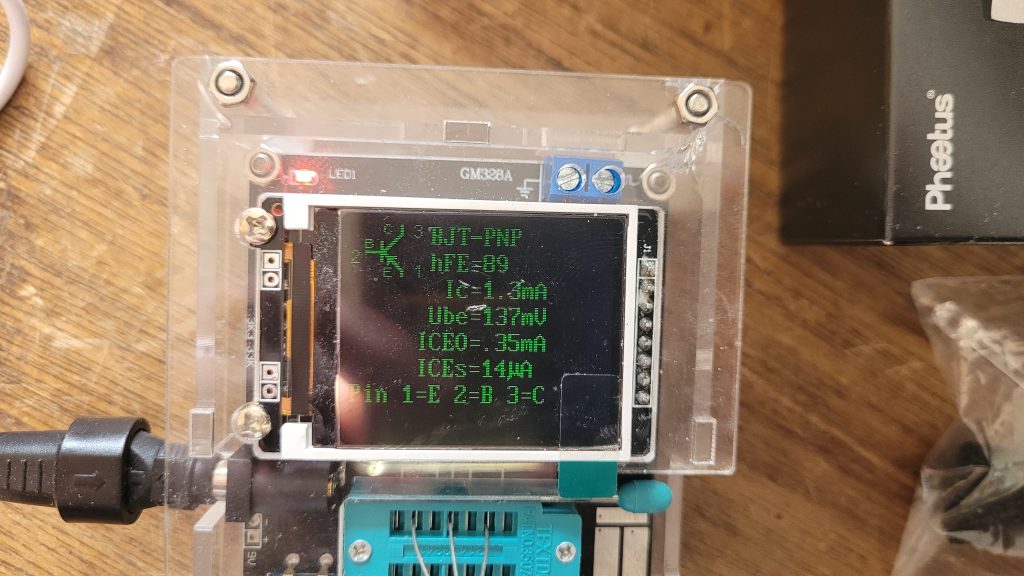
OC-125
-
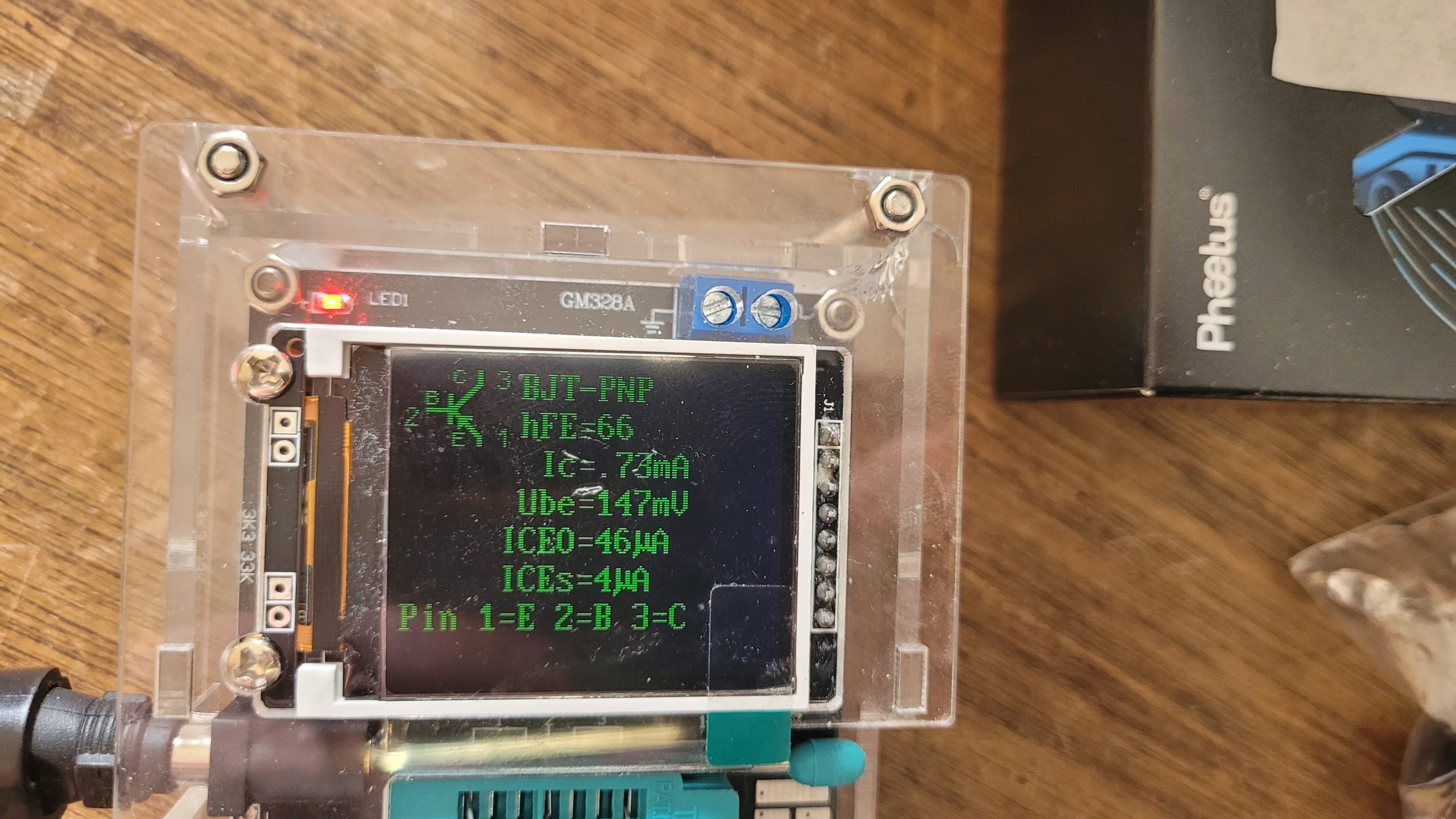
OC-44:
hFE=66
Ic=.73mA
Ube=147mV
ICEO=46uA
ICEs=4uA
-
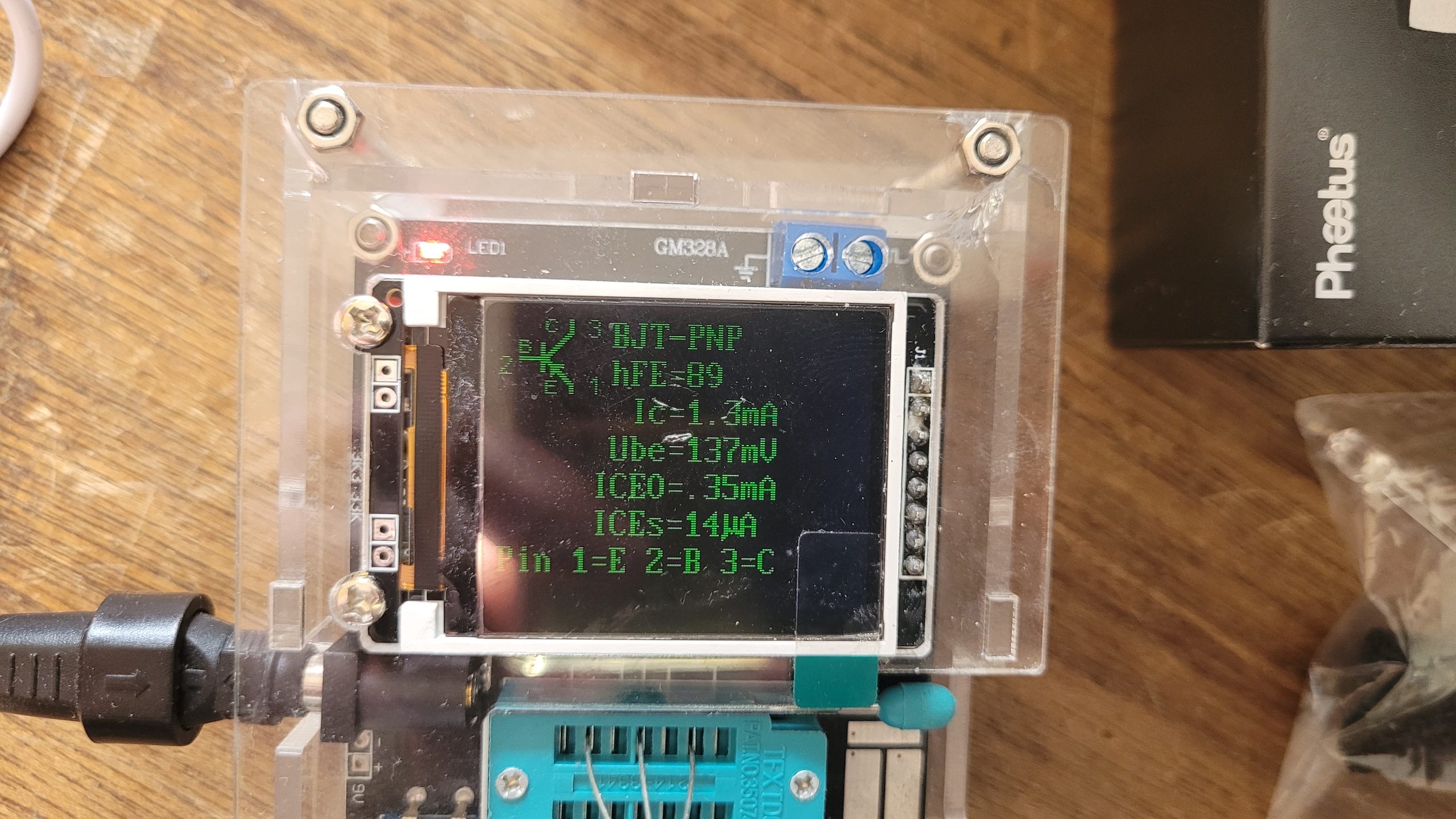
OC-125:
hFE=89
Ic=1.3mA
Ube=137mV
ICEO=.35mA
ICEs=14uA
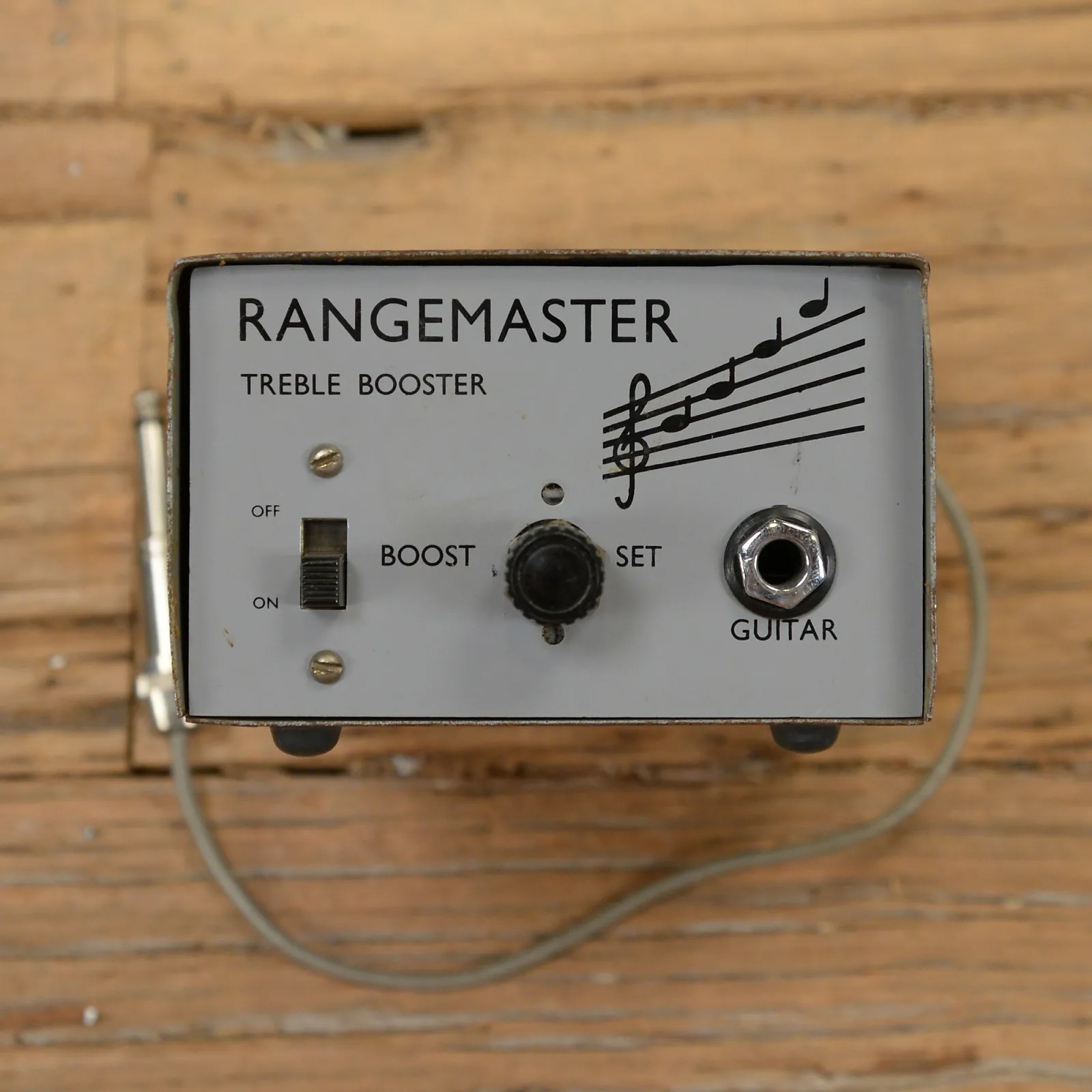
The Radian Germanium Boost is an adaptation of the Rangemaster Treble Booster produced by Dallas Musical Ltd. of London beginning in 1965. (Dallas would later merge with Arbiter Electronics to form Dallas-Arbiter, best known for the Fuzz Face.)
The Rangemaster was originally designed to add treble content to somewhat dark British amplifiers such as the Vox AC30, but it took on a life of its own in the hands of Brian May, Tony Iommi, Rory Gallagher, and several other highly-regarded guitarists of that era.
The original Rangemaster was not actually a pedal, but rather a freestanding unit that was intended to sit on top of the amplifier. Bypass was done via a slide switch on the front of the unit, so it wasn’t practical to turn it on and off while playing, and it was used as an always-on tone enhancer.
The Radian is a pedal conversion of the Rangemaster with one big enhancement: a voltage inverter has been added which allows it to be powered with a standard center-negative adapter while maintaining the positive-ground operation of the original. The PCB also includes a biasing trim pot so you can dial in a perfect bias without having to swap out resistors.
The other enhancement is a “Range” toggle switch that lets you choose between a treble boost, mid boost, or full-range boost. The treble-boost effect in this circuit is achieved by first cutting low frequencies, then boosting the whole signal so that the lows are restored to normal and the treble frequencies are emphasized. This toggle switch lowers the low-frequency cutoff point so that less of the signal is cut and more is boosted.
5 years, what a surprise
Waterslide Decal Paper
Boss RC-3 Loop Station
Boss RC-3 Loop Station just add Boss FS-7
N5X British Overdrive amplifier part 2
I found a second hand Wide Body Mesa Boogie Mark IV combo housing and ordered a corresponding
Aluminum Chassis Mesa Width Style and got some special delivered chassis straps for it and put the DIY Ampmaker NX5 inside
combined with a B-Stock 12 inch 16Ohm Celestion G12H anniversary speaker
for now running with a Mesa 12AX7 and a JJ EL844 ?
One of its greatest features, is the Power pot, a VCB/VVR voltage control kit going from 256 Volts at maximum to 21 Volts at minimum (actual measurements), making overdriving the tubes by diming both Gain and Master pots a breeze, for tasty rock sounds in the living room.
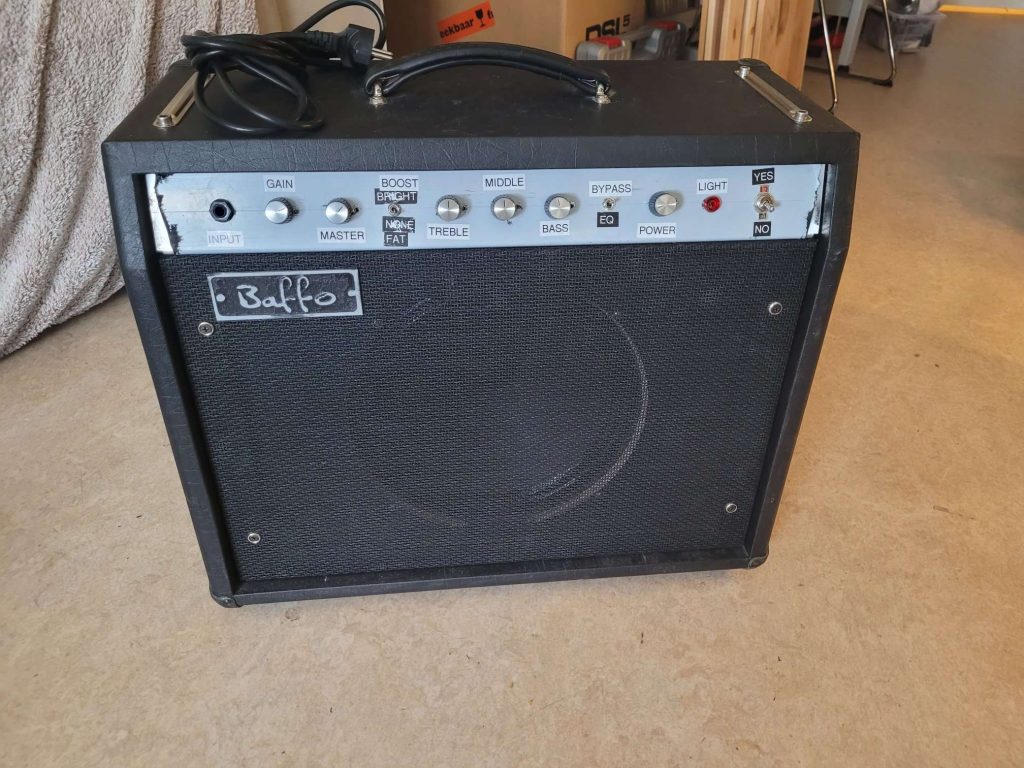
Mesa Baffo NX5 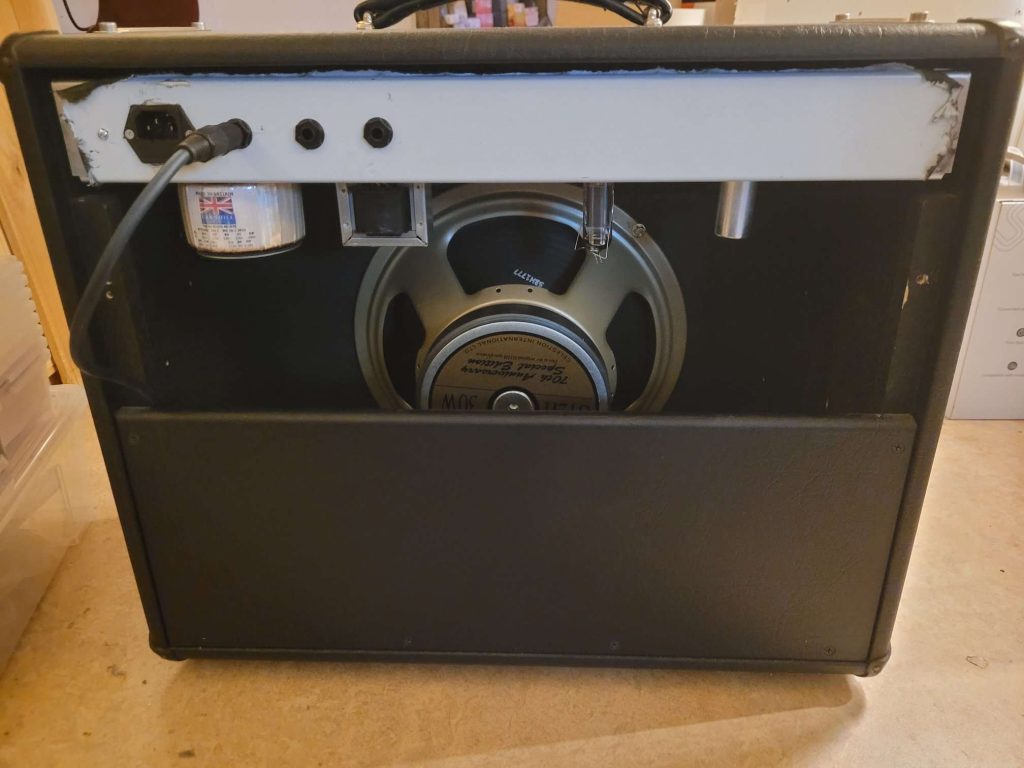

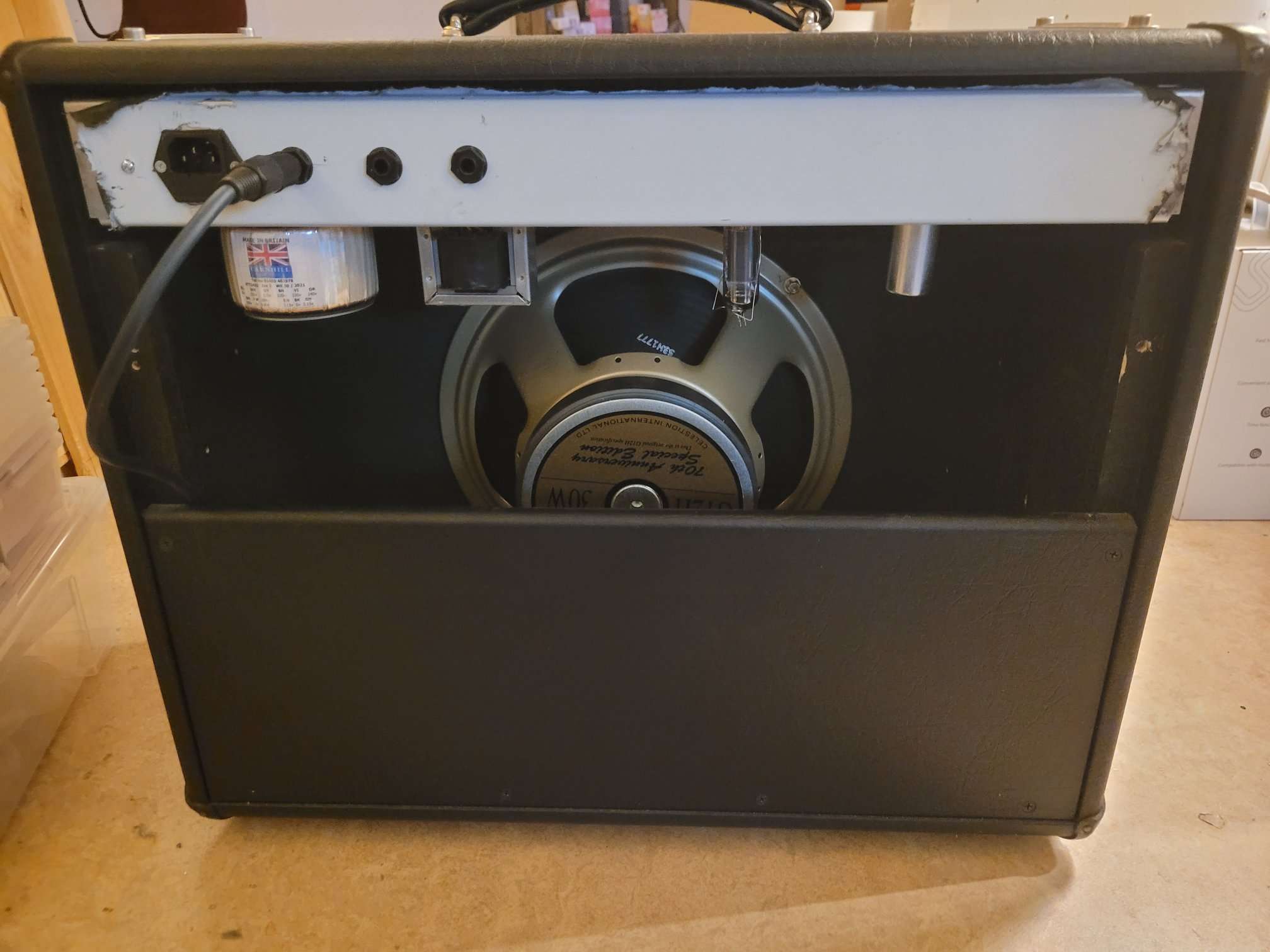
It will pair up with my Marshall DSL-5CR
This was a fun and educational (9 months!) build !
Read more
Keychron K5SE-D3
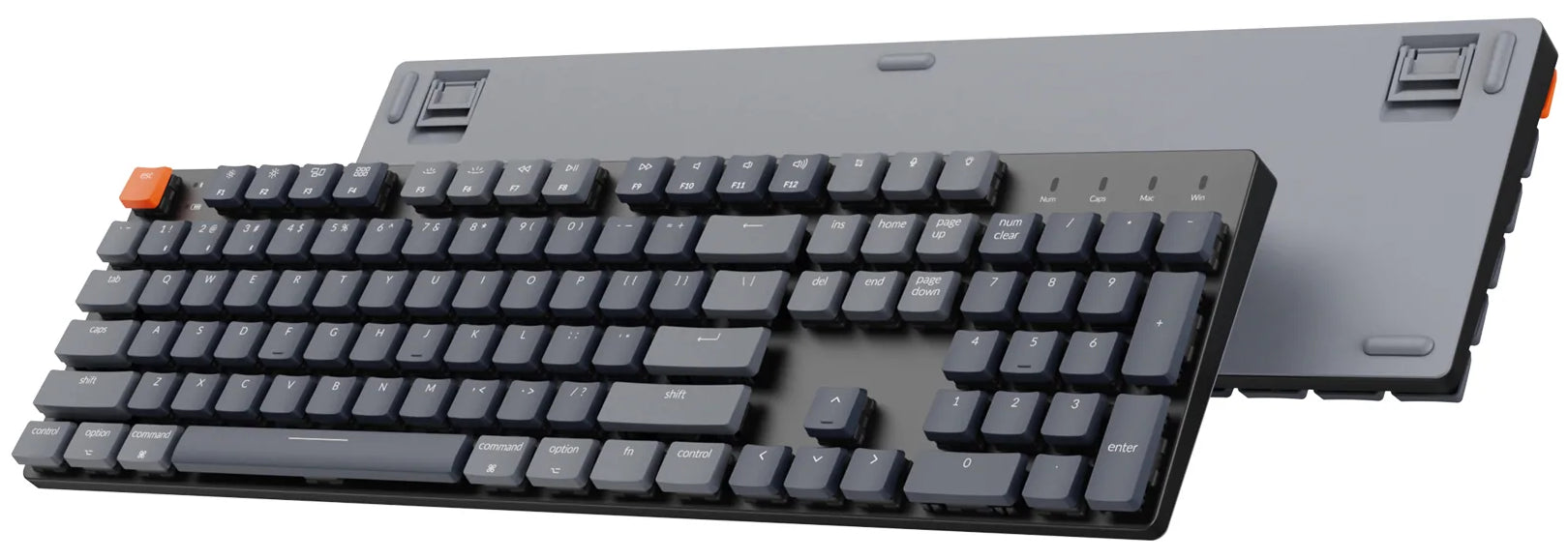
An ultra-slim full size wired/less mechanical keyboard
ULTRA-SLIM
K5 SE optimizes finger travel and provides satisfying typing experience with the redesigned low profile switch is 40% slimmer than conventional switches. Keychron K5 SE ultra-slim Hot-swappable wireless mechanical keyboard Mac Windows iOS Android Ultra-slim body. Constructed with the streamlined and reinforced aluminum frame, K5 SE is ready to bring an unmatched and dedicated typing comfortability.
COMPATIBLE WITH ALL DEVICES
With just a slide of a button on the side panel, you can multitask without missing a beat by connecting the K5 SE with up to 3 devices via Bluetooth 5.1 and switch between your laptop, tablet and phone seamlessly. You can also connect the K5 SE to your computer with a type-c cable.
ERGONOMIC ANGLE DESIGN
Two level adjustable rubber feet makes the K5 SE more comfortable to type on.
K5 SE LAYOUT
Compatible for both macOS and Windows. Keychron is one of only a few in the market that comes with a Mac multimedia keys layout for Mac enthusiasts.
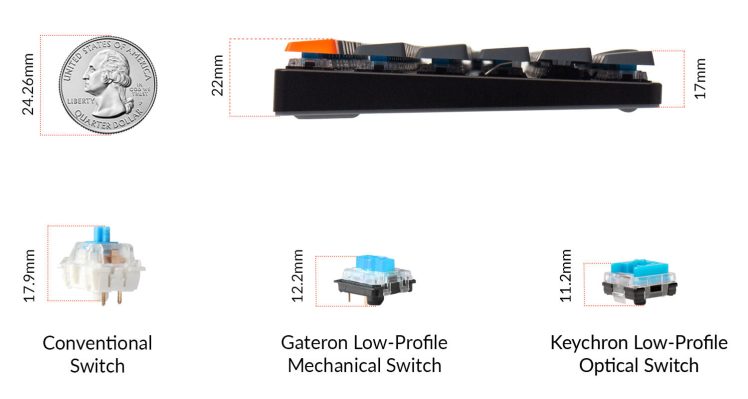
Another view (377)
MIDI Reimagined
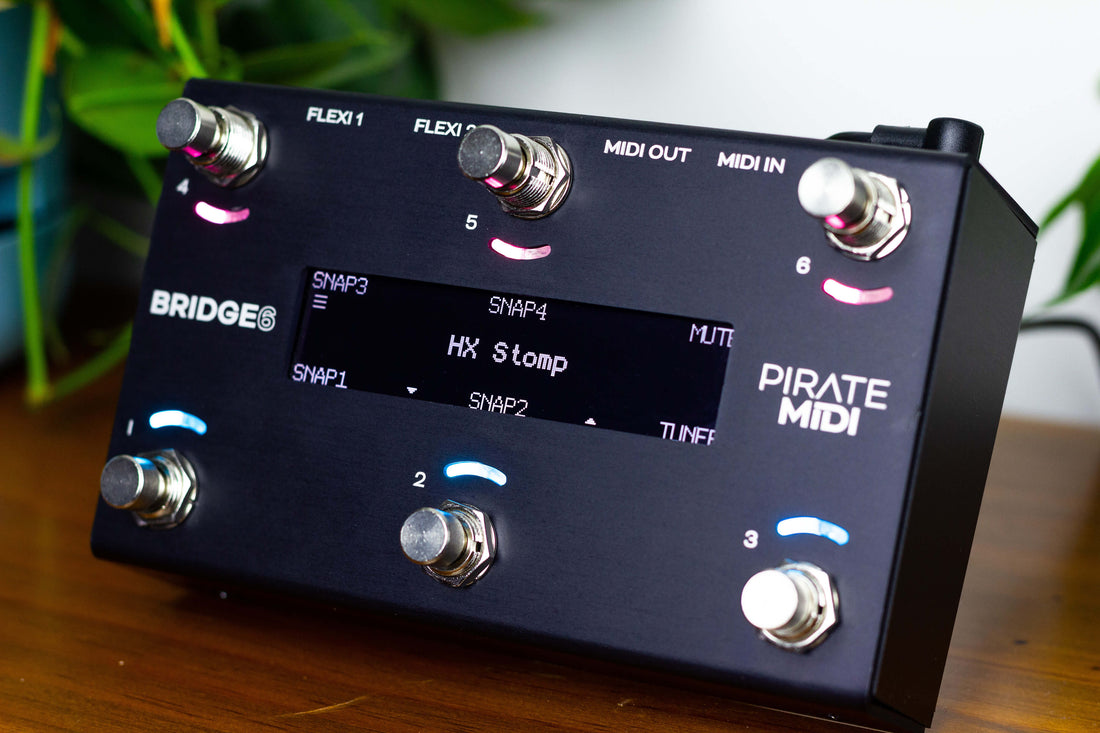
a next-gen MIDI controller
100 banks, more than 80 messages per switch, stackable messages, and flexible MIDI routing are just the beginning. The BRIDGE6 is a compact, next-gen MIDI foot controller with no compromises. A lightning fast ARM processor and plenty of storage means regular and ongoing firmware and feature updates.
Come out of the Dark Age
Connect everything – your gear, apps, and plugins – and control them exactly the way you want with RGB colour feedback and a high-contrast, easy-to-read display. White OLED graphical display and 12 RGB LEDs let you customise labels and text.
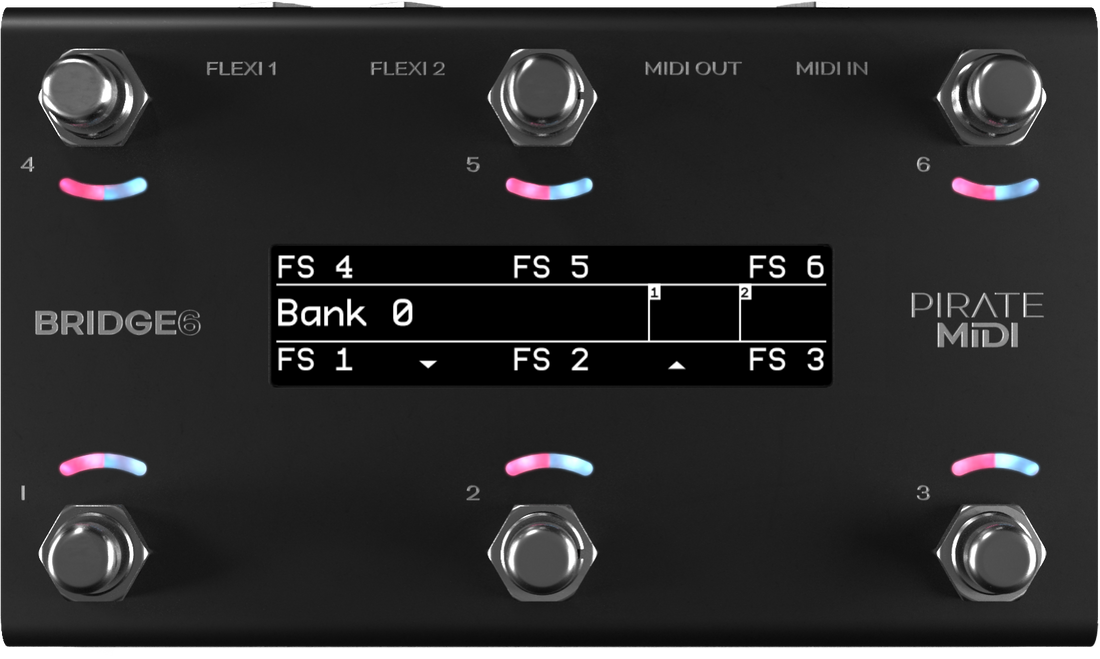
Control everything
Configure to your needs with our sleek, intuitive web editor. Export your layout, and use our huge device library to save you hours of setup time. Add wireless MIDI with CME WIDI devices.
Never lose track of time
With two independent MIDI clocks on board, LFOs sync’d to those clocks (or not), and the ability to turn the tempo into analog switch output, or pulse output, you really do have the best of all worlds.
Flexiport Magic
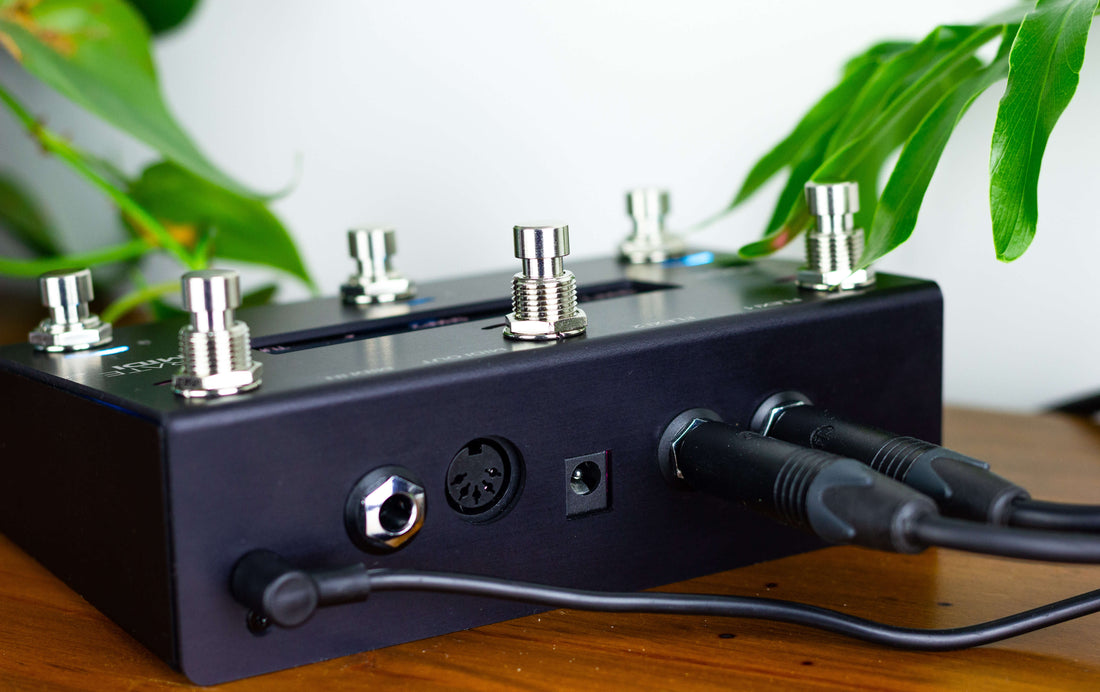
Two 1/4″ TRS jacks give you 12 options from MIDI Out (all TRS types) to Expression In, Aux Switch In, Sync Pulse Out, and our unique Device Link protocol for high-speed communication between PIRATE MIDI devices with Flexiports.
Community driven
Many of the awesome features we’ve implemented have been the result of lots of discussions with you – the one who actually uses the device! We continue to closely and personally interact and chat with anyone who wants to be a part of our community. You can suggest features, tweaks, report bugs, and give us ideas on how to improve your user experience.
Human Design global community

Otoro Deluxe Hold-Down Clamps
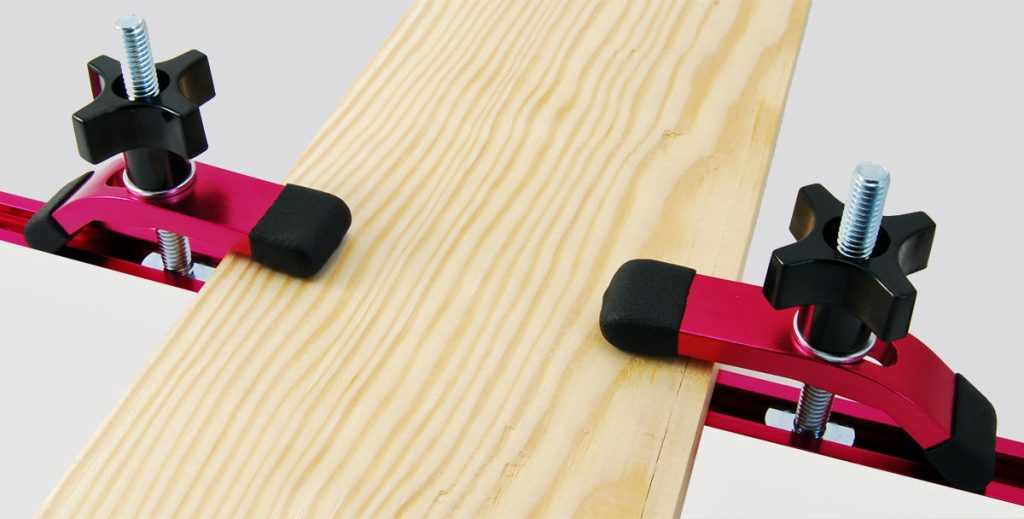
Clamping length 50 mm 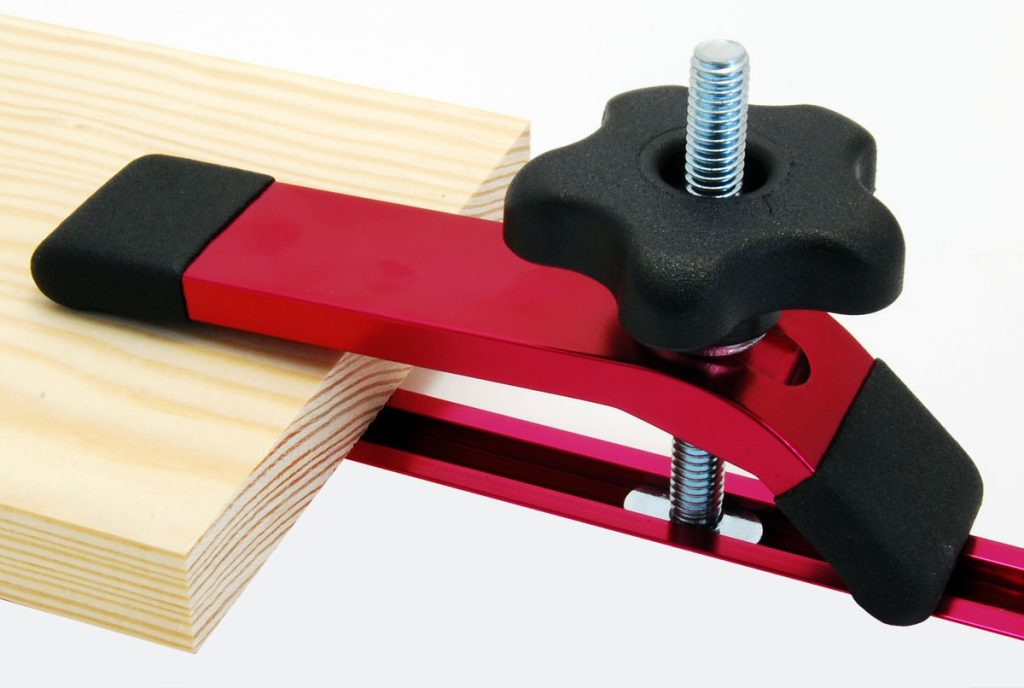
Clamping length 100 mm